My first computer was a clunky desktop tucked into a corner of my dad’s study, its green-screen monitor flickering like a dying firefly. That machine taught me more than just how to type—it showed me how technology could turn chaos into order, one command at a time. Now, I run this site to help others navigate the digital world with confidence, whether they're troubleshooting a stubborn PC or mastering a new software tool.
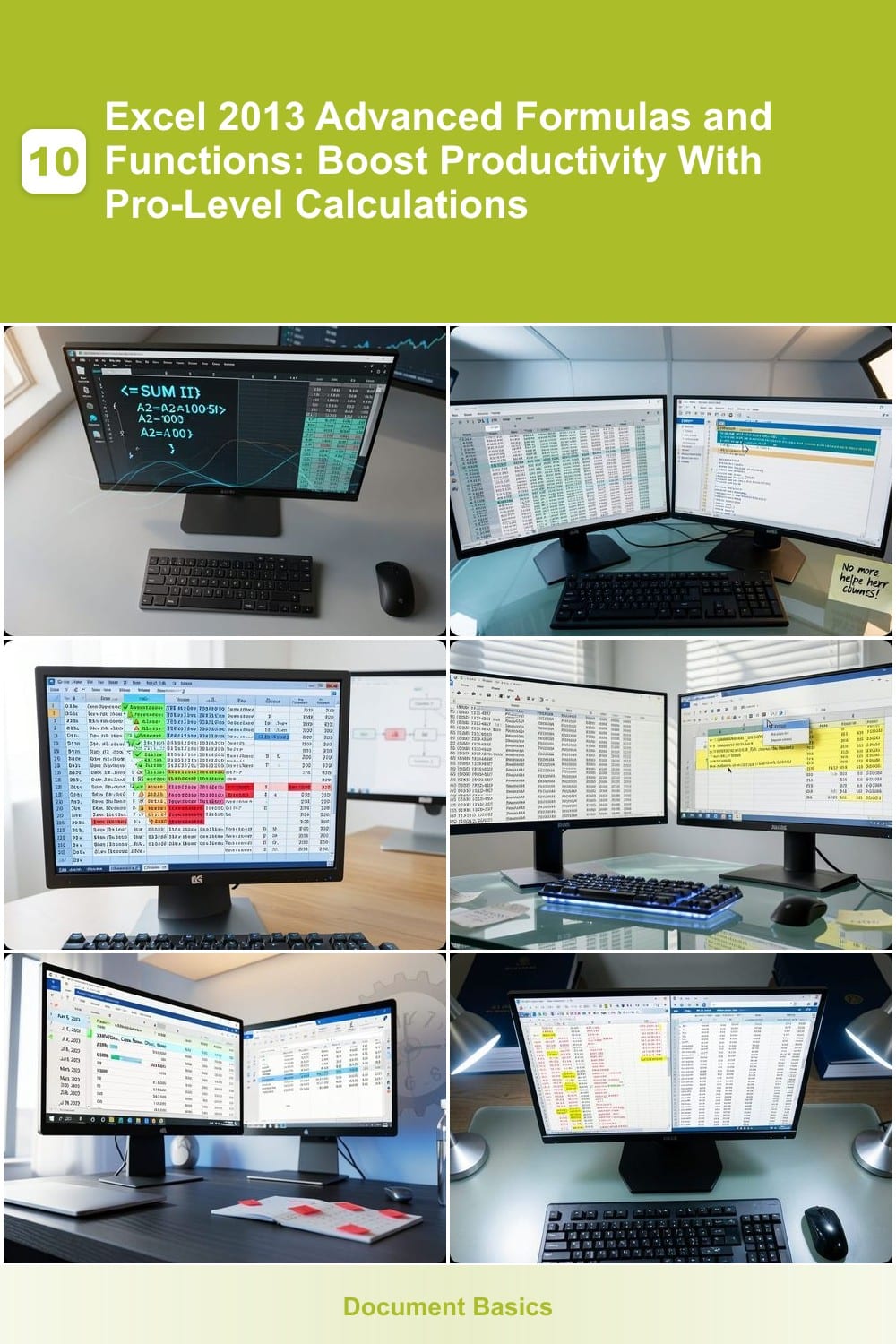
Mastering Excel 2013’s advanced formulas can transform raw data into actionable insights. These seven powerhouse functions and techniques will help you automate complex calculations, streamline workflows, and elevate…
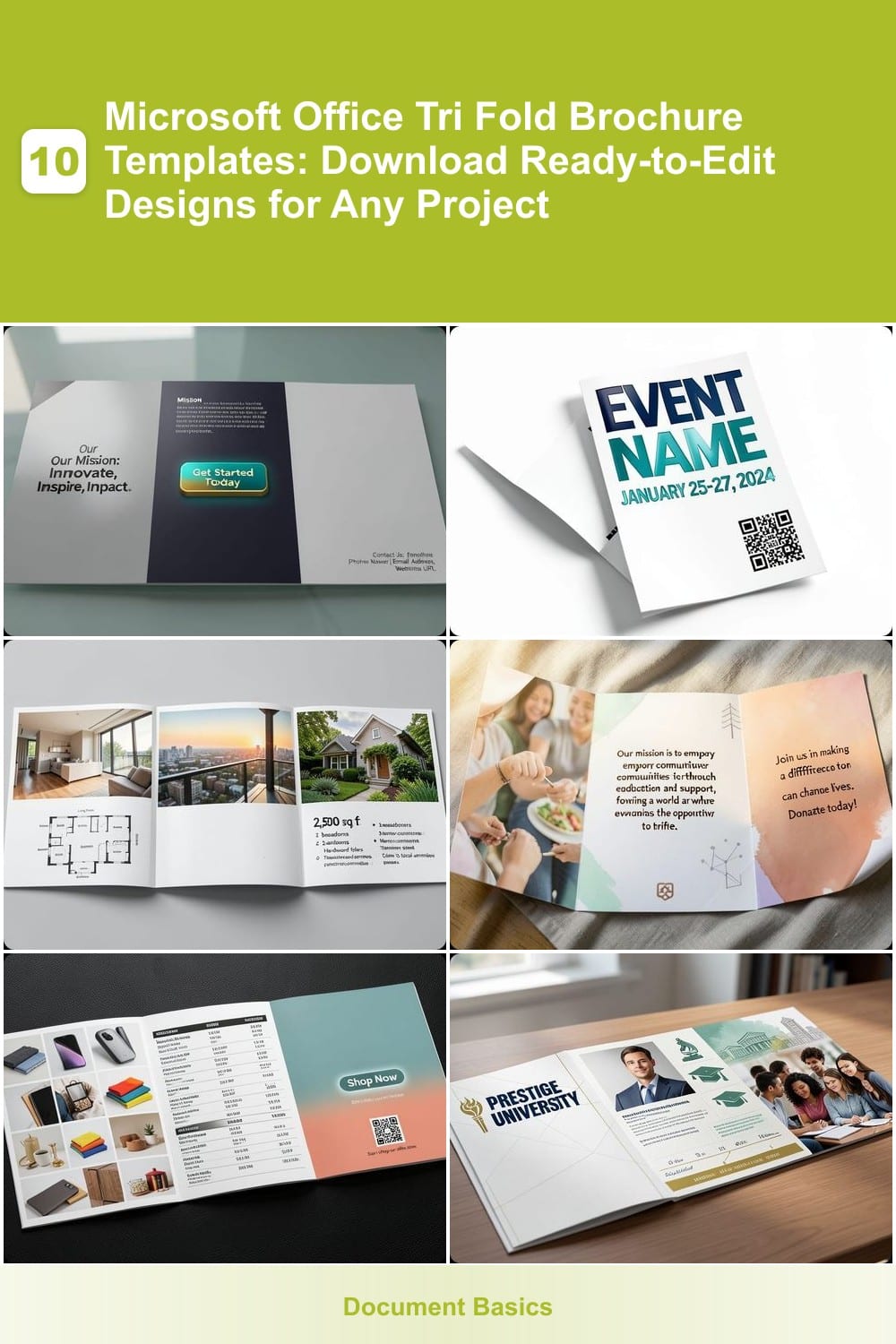
Need a professional tri-fold brochure for your next project but short on design time? These 10 Microsoft Office-compatible templates let you create stunning marketing materials in minutes—no graphic design skills…
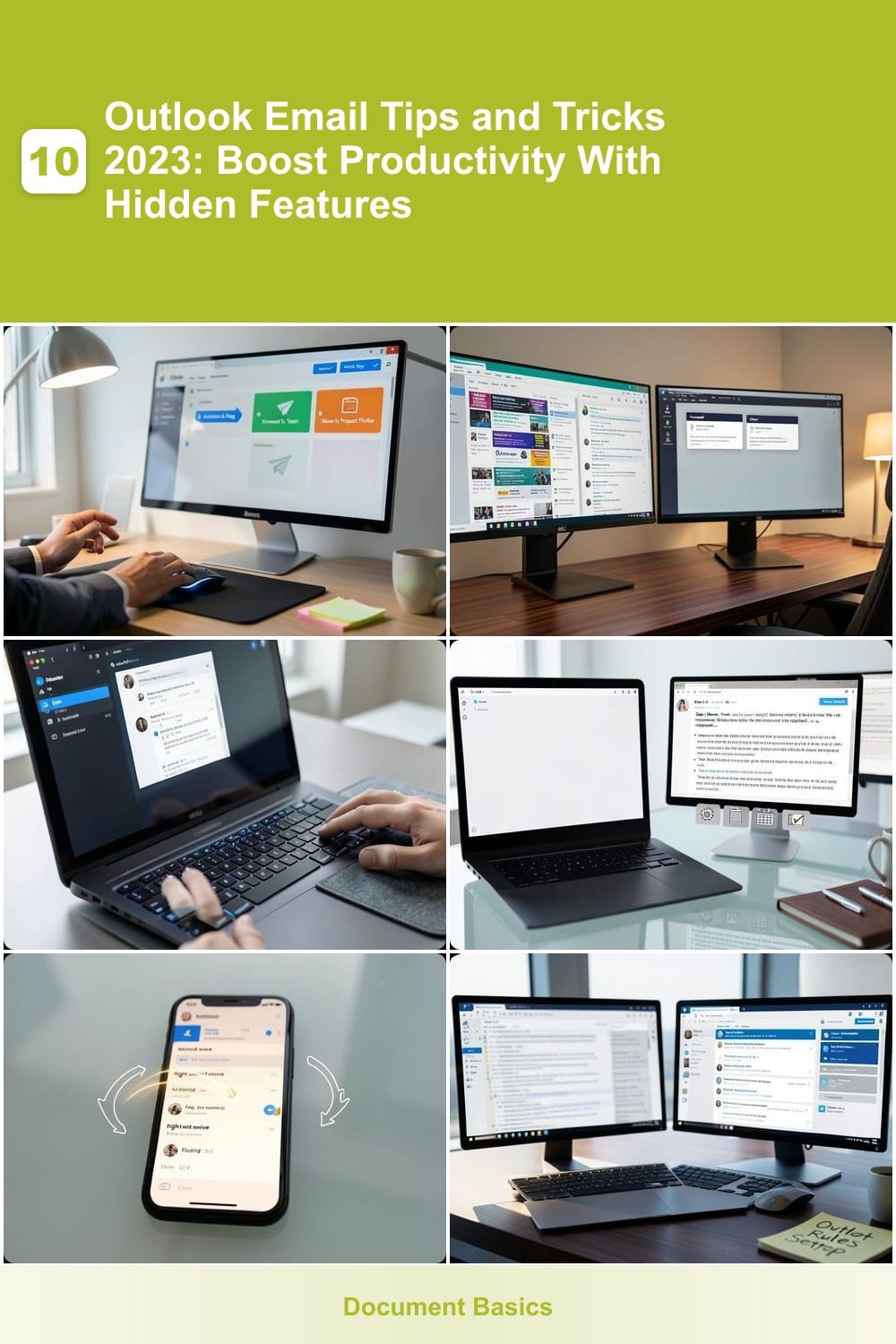
Microsoft Outlook remains one of the most powerful email tools—but most users only scratch the surface of its capabilities. These 10 Outlook email tips and tricks for 2023 will transform how you manage inbox overload…
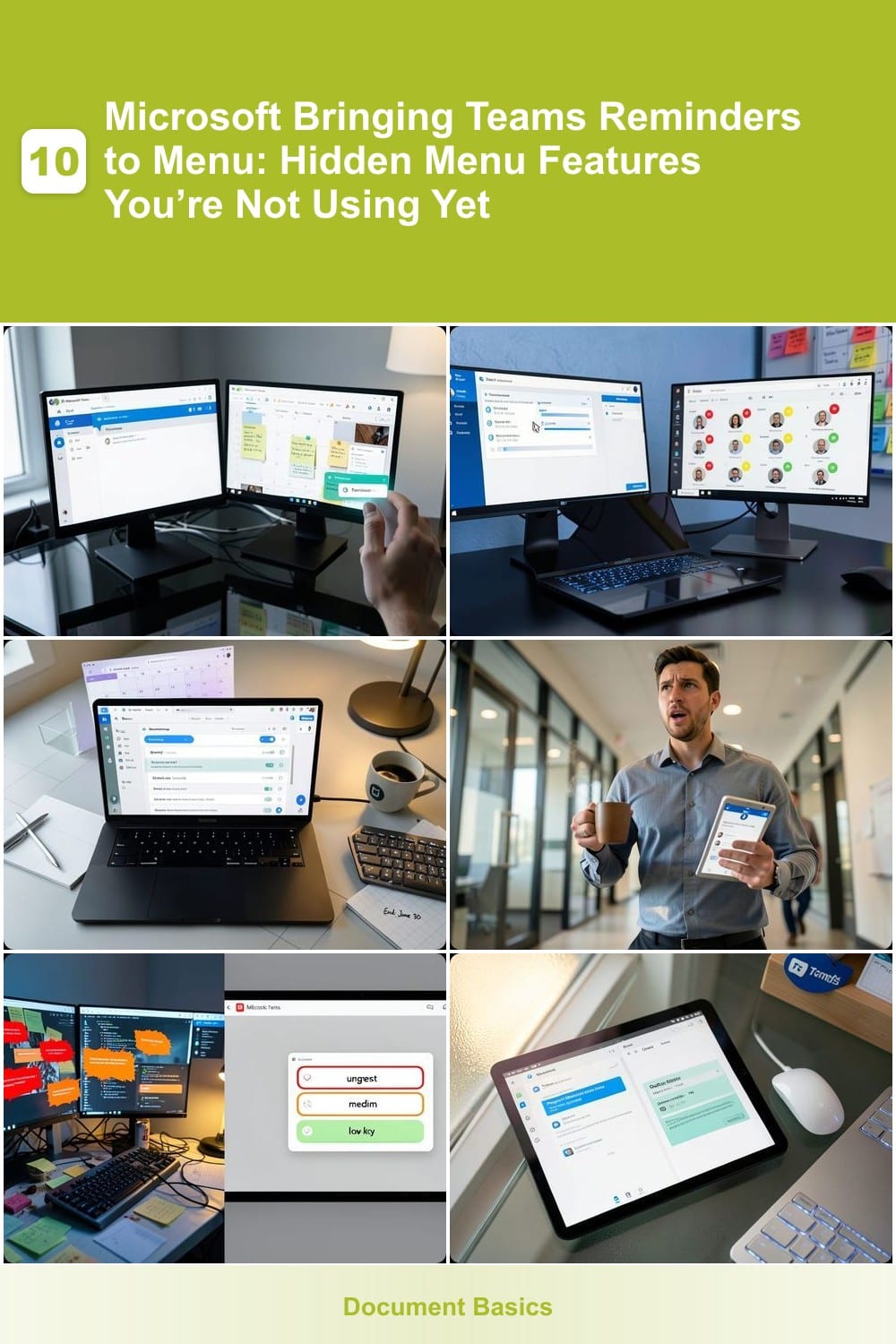
Microsoft is quietly transforming Microsoft Teams into a powerhouse productivity tool with hidden menu features—including reminders now accessible right from the main interface. Discover these underutilized tools to…
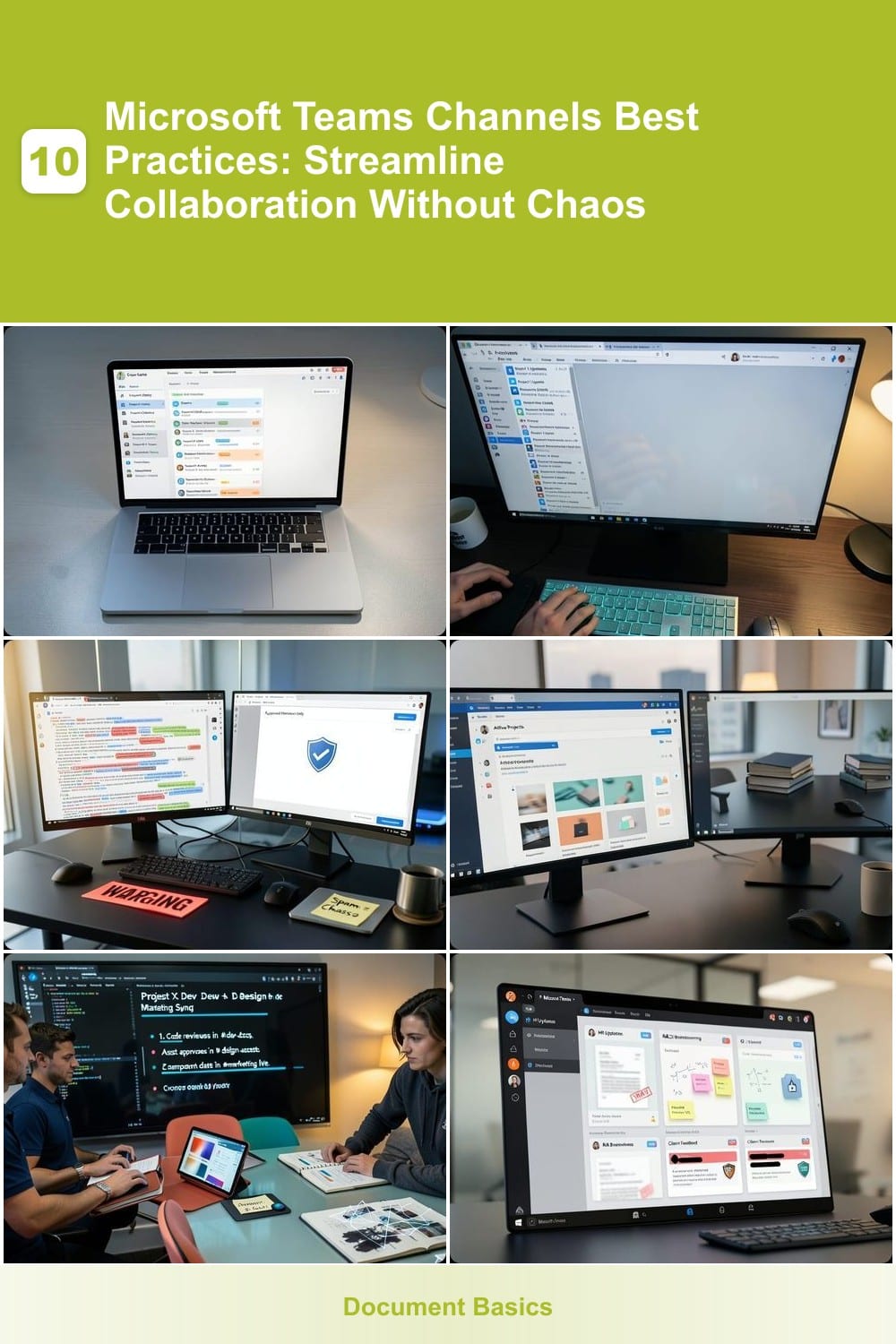
Microsoft Teams channels can transform teamwork—but only if used strategically. These 10 best practices help you organize communication, reduce clutter, and keep collaboration efficient without overwhelming your team. 1…
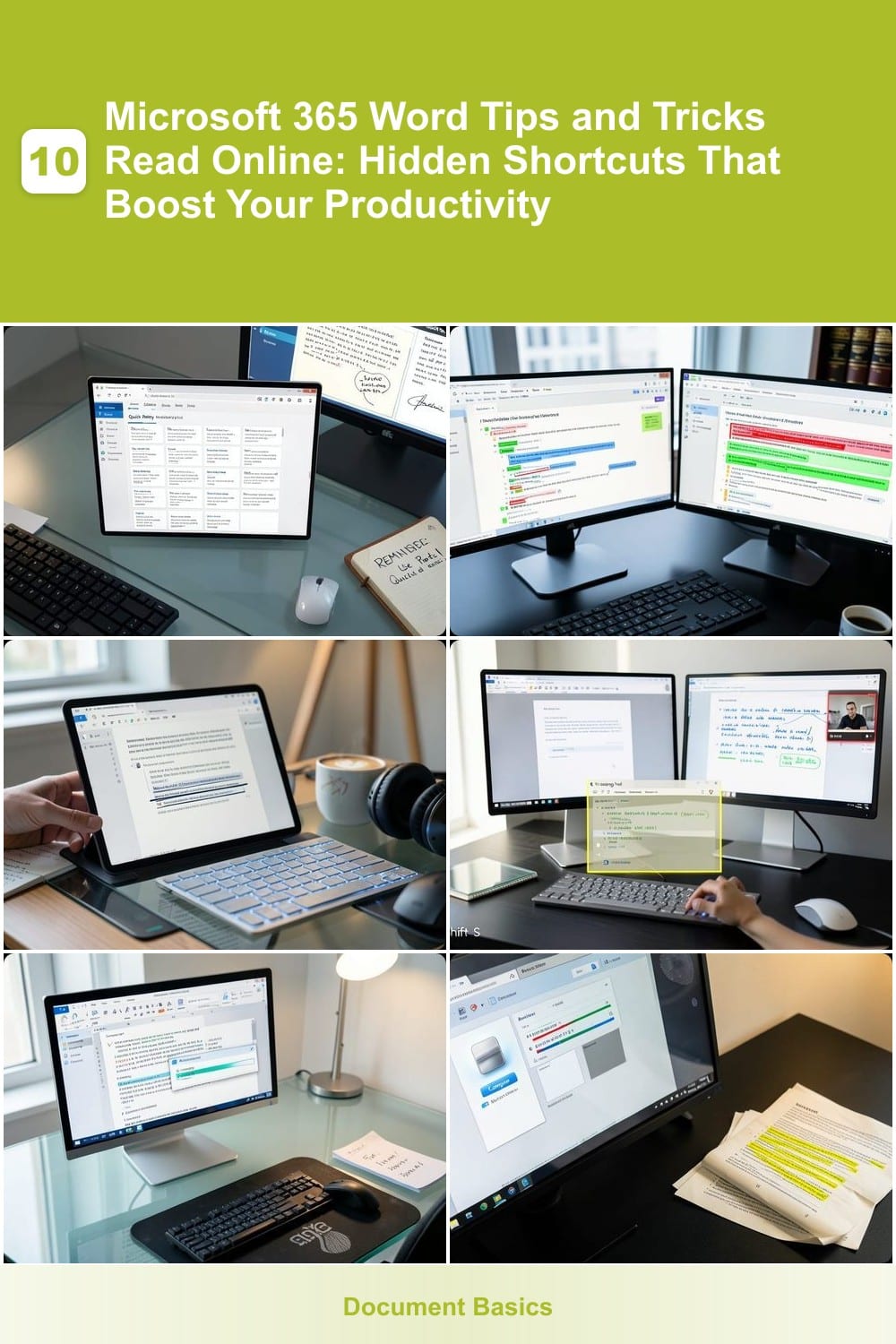
Microsoft Word is the go-to tool for millions, but most users only scratch the surface of its capabilities. These seven hidden Microsoft 365 Word tips and tricks will transform your workflow, save hours of manual work…
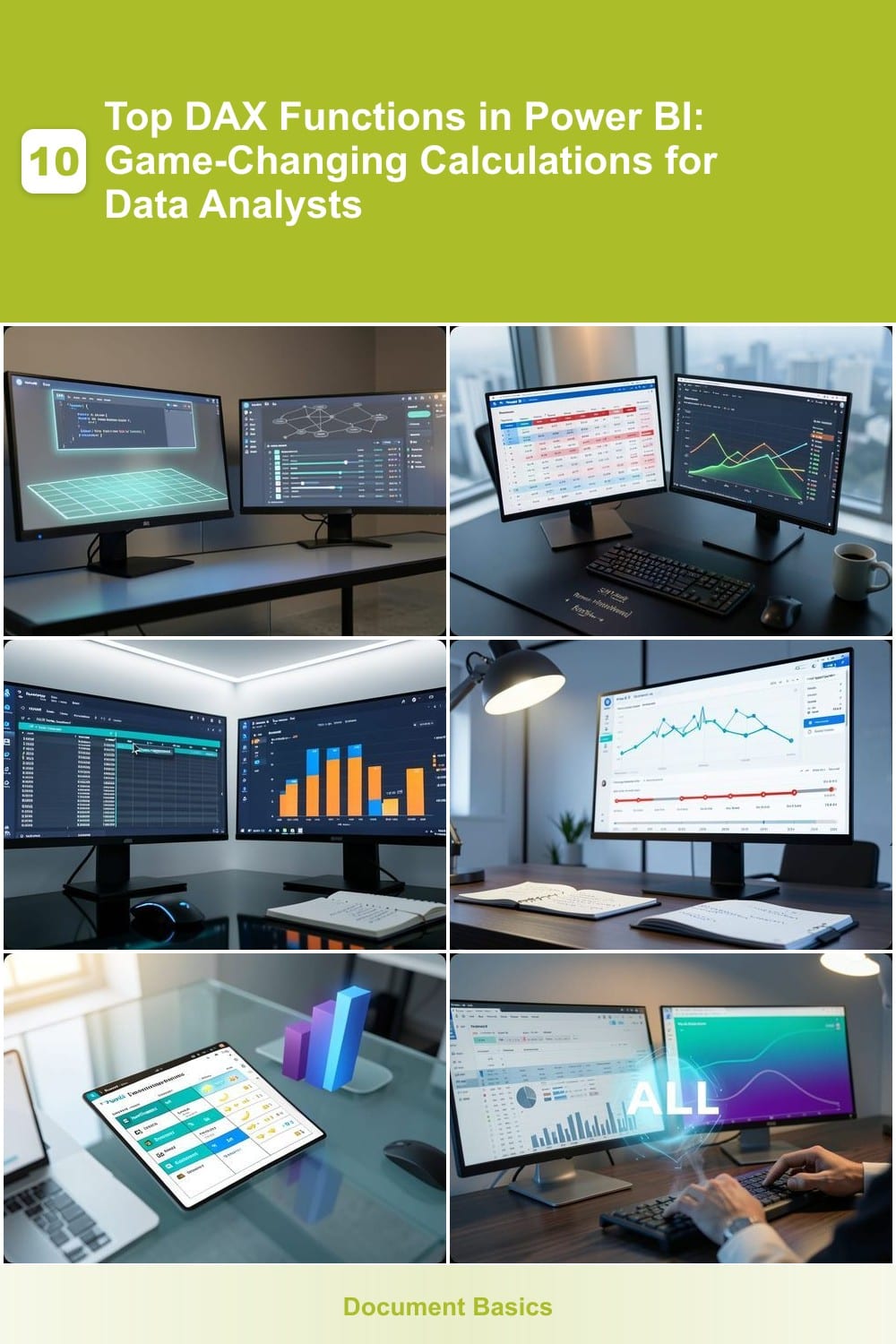
Mastering DAX functions in Power BI unlocks powerful data insights that transform raw numbers into actionable intelligence. These ten essential functions will revolutionize how you analyze and visualize data in your…
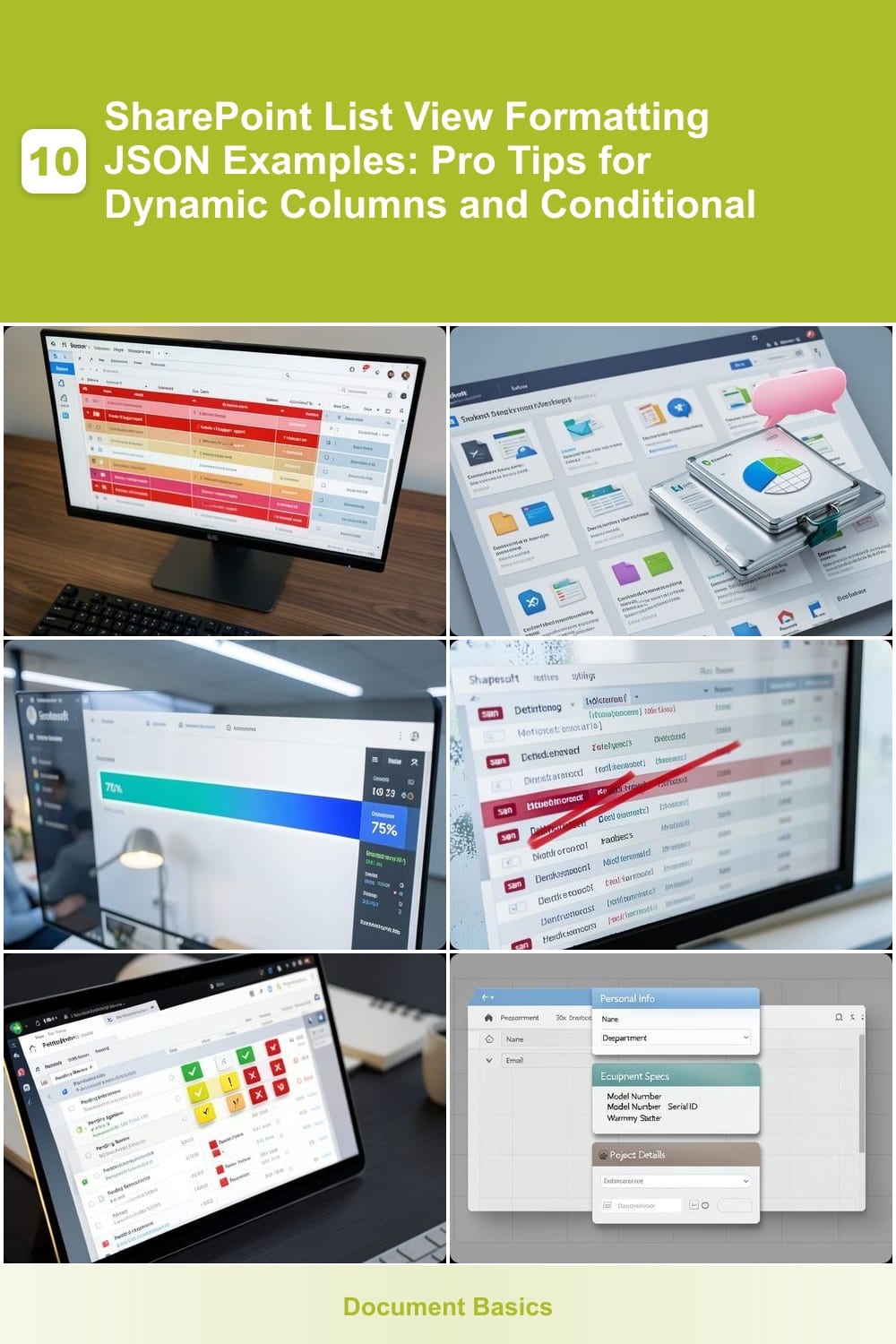
Transform your SharePoint lists with JSON formatting to create dynamic, visually appealing views that adapt to your data. These 10 expert examples show how to implement conditional styling, custom icons, and responsive…
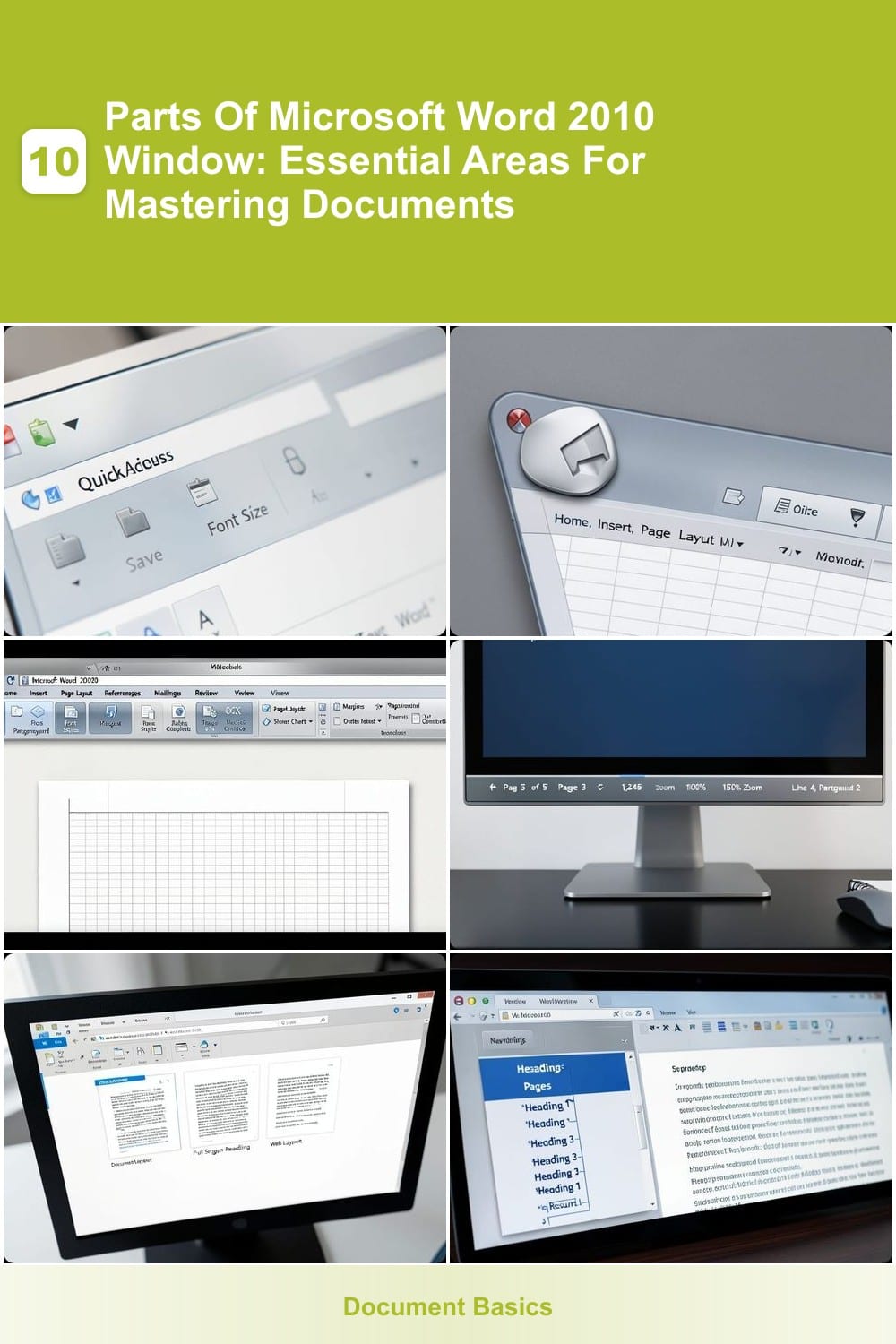
Mastering Microsoft Word 2010 starts with understanding its core components. This guide breaks down the essential parts of the Word 2010 window, helping you navigate menus, toolbars, and hidden features like a pro for…