Software
Microsoft is quietly transforming Microsoft Teams into a powerhouse productivity tool with hidden menu features—including reminders now accessible right from the main interface. Discover these underutilized tools to streamline your workflow and boost efficiency without switching apps.
Quick Access Reminders Directly in Teams
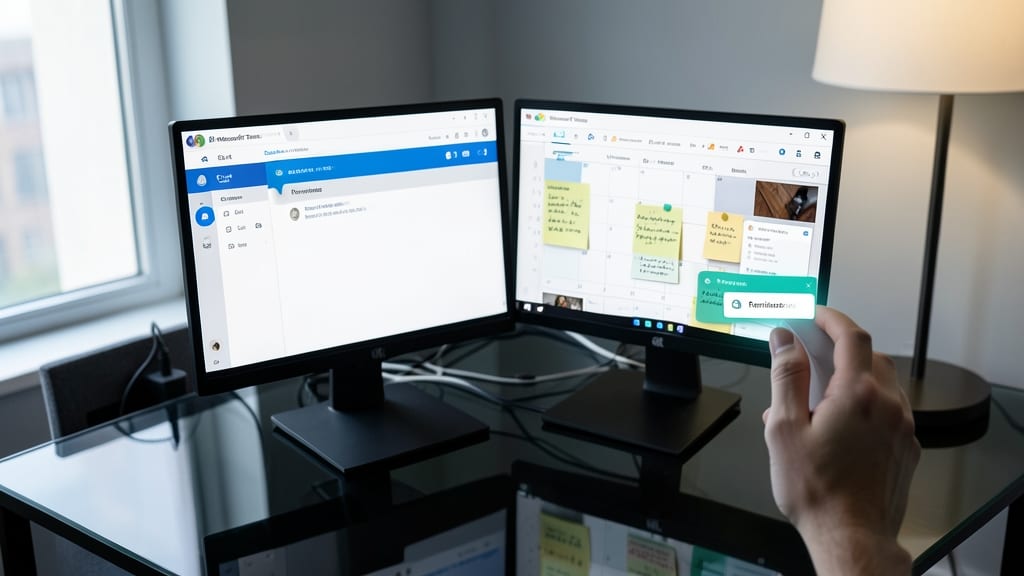
No more tab-switching chaos—Microsoft Teams now lets you set reminders directly from the app’s menu, eliminating the need to jump between Outlook, sticky notes, or third-party tools. This seamless integration keeps all your tasks, deadlines, and follow-ups in one place, right where you’re already working.
The feature supports one-click creation with customizable deadlines, recurring options, and priority tags—all synced with your Teams calendar and Outlook events. You can even attach reminders to specific channels or chats, ensuring team-wide visibility for shared deadlines. The intuitive interface lets you schedule tasks while collaborating, without disrupting your workflow.
Perfect for project managers, remote teams, or busy professionals, this hidden gem turns Teams into your all-in-one productivity hub. No more context-switching—just focus on what matters. ✨
Shared Task Reminders for Team Projects
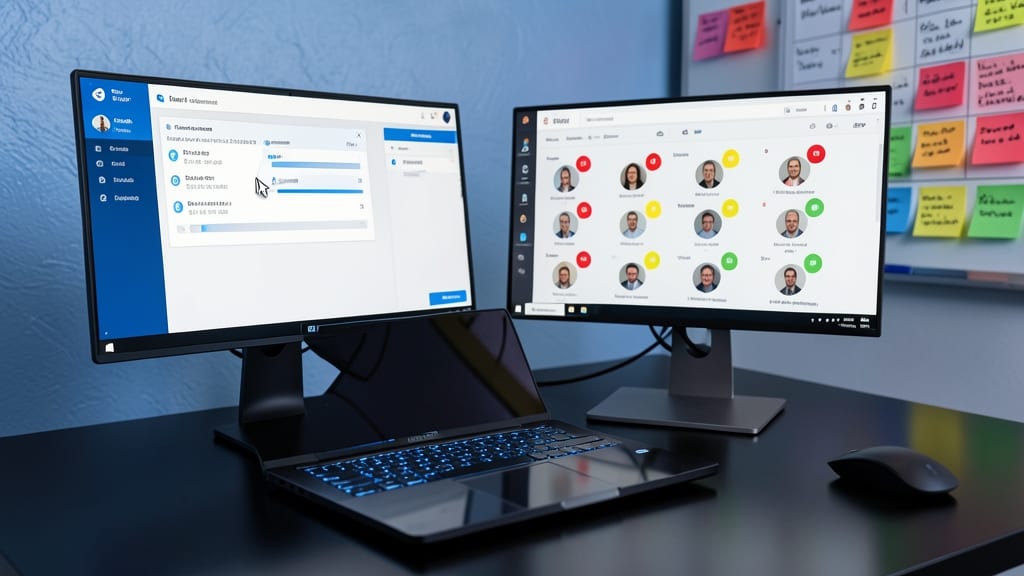
Struggling to keep distributed teams on track? Microsoft Teams now lets you assign shared task reminders directly to specific team members—complete with due dates, priority flags, and progress tracking—all within the same app where you collaborate.
When creating a reminder, simply select the @mention feature to tag a team member, then set a deadline and urgency level (high, medium, or low). Teams will notify them via chat or email, and you’ll see a real-time progress bar in the task list. This eliminates the need for external project tools—everything stays in one place, making it ideal for agile teams, remote managers, or cross-functional projects.
Perfect for project managers, scrum masters, or team leads coordinating work across time zones, this feature turns Teams into a collaborative task hub—no more chasing down updates or losing track of deadlines. 💪
Recurring Reminders with Custom Intervals
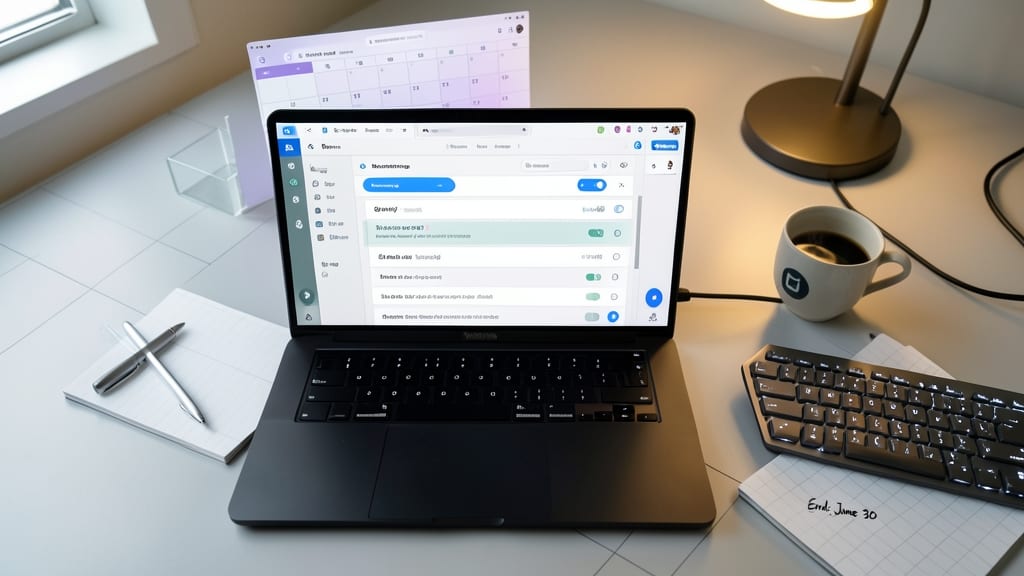
Tired of setting the same reminder over and over? Microsoft Teams now lets you create recurring reminders with customizable intervals—daily, weekly, or monthly—plus set a specific end date to avoid endless notifications.
This feature supports unlimited repeats until your chosen cutoff (e.g., a monthly team sync ending after six months) and syncs across all devices. No more manual rescheduling—just set it once and let Teams handle the rest. Perfect for habits, project check-ins, or recurring meetings.
Ideal for individuals tracking personal goals or team leads managing ongoing projects, this eliminates the hassle of repetitive setup. ⚡
Voice-Activated Reminders via Microsoft Teams

Forget typing when your hands are full—Microsoft Teams now lets you create reminders with voice commands using your device’s built-in microphone. Whether you're walking between meetings or working in a loud office, this hands-free feature cuts down on distractions and speeds up your workflow.
Simply say, "Hey Teams, remind me to follow up with Sarah at 3 PM tomorrow" and the system converts your speech to a time-stamped reminder with optional priority flags. It works seamlessly with Windows 10/11 and Mac, and integrates with your existing Teams calendar—no extra apps needed. The feature also supports natural language processing, so you can phrase reminders conversationally.
Perfect for field workers, developers in noisy labs, or executives juggling calls, this is the ultimate tool for professionals who value speed and multitasking. ⚡
Reminder Notifications with Priority Levels
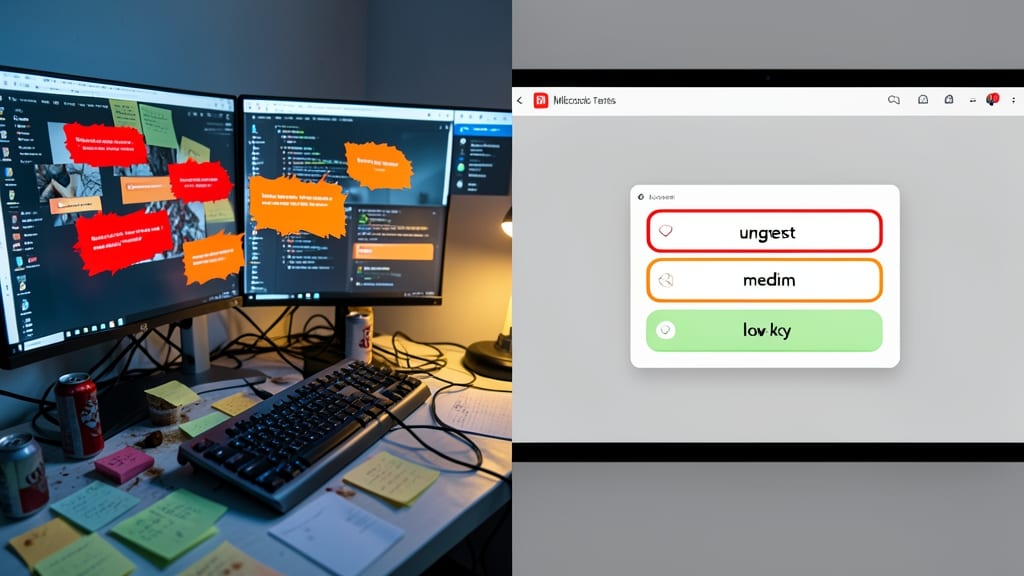
Drowning in notifications? Microsoft Teams now lets you tag reminders by urgency—high, medium, or low—so your brain doesn’t short-circuit when your inbox blows up.
When you create a reminder, simply select the priority level (red for urgent, orange for important, green for low-key). Teams then delivers alerts with matching visual cues: high-priority tasks flash boldly, while low-priority ones fade into the background. This works across desktop, mobile, and web, ensuring critical deadlines never get lost in the noise.
Perfect for managers juggling deadlines or creatives balancing multiple projects—now you can finally focus on what truly matters without the chaos. ✨
Integrated Reminders with Outlook Calendar
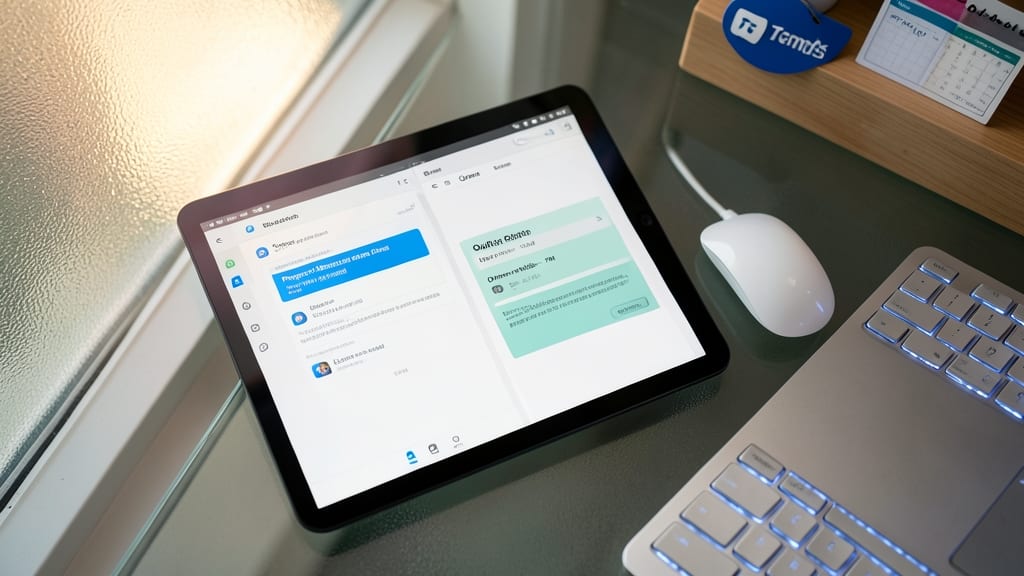
Tired of juggling separate reminders for work and personal life? Microsoft’s new integrated reminders bridge the gap between Teams and Outlook Calendar, ensuring your schedules stay aligned without manual syncing. This seamless connection prevents double-booking by automatically updating both platforms when you add or modify reminders.
The feature works by treating Teams reminders as Outlook Calendar events—complete with time slots, descriptions, and recurrence options. You’ll see reminders appear in both apps, eliminating the need to toggle between interfaces. For example, a team project deadline set in Teams will reflect in Outlook, while a personal doctor’s appointment added to Outlook will show up in Teams. The sync happens in real-time, so no more missed meetings or forgotten tasks.
This is a game-changer for professionals balancing personal and work commitments, like freelancers, managers, or students. With everything visible in one place, you’ll spend less time organizing and more time focusing on what matters. ⚡
Reminder Analytics for Productivity Tracking
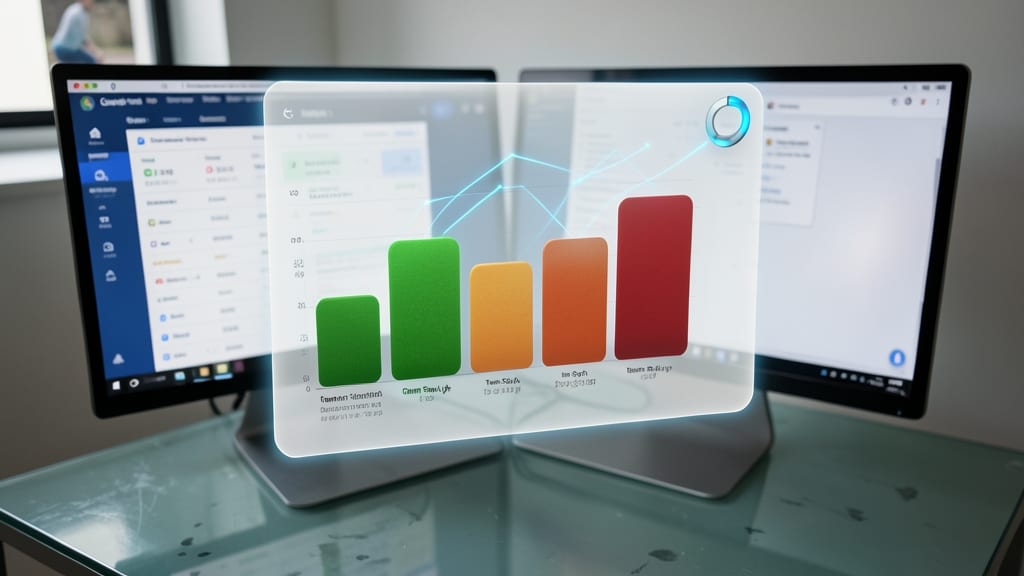
Ever wonder why some tasks slip through the cracks while others become habits? Microsoft Teams now offers a reminder analytics dashboard that tracks your completion rates, helping you spot patterns in your workflow.
This feature visualizes completed vs. missed reminders with color-coded graphs, letting you see which tasks consistently get done—and which ones don’t. Managers can use it to identify team-wide productivity trends, while individuals can refine their habits. The dashboard syncs automatically with your existing reminders, so no extra setup is needed. ⚡