
Software
Microsoft SQL Server Management Studio (SSMS) has evolved significantly since its 2005 debut. This guide compares 10 key versions, highlighting their unique features, improvements, and compatibility changes to help developers and DBAs choose the right tool for their needs.
SQL Server Management Studio 2005

Step back to 2005 when Microsoft revolutionized database management with SQL Server Management Studio (SSMS) 2005. This was the first unified tool to replace the outdated Enterprise Manager and Query Analyzer, laying the groundwork for every SSMS version that followed.
The SSMS 2005 interface introduced a modernized object explorer, query designer, and integrated reporting services—all running on the familiar Windows XP interface. It supported SQL Server 2005 features like native XML data types and CLR integration, while maintaining backward compatibility with older databases. For those maintaining legacy systems, this version remains a critical reference point.
If you're studying the evolution of SSMS or working with SQL Server 2005 environments, this is the version to understand. Its foundational design still echoes in today’s tools. 💻
SQL Server Management Studio 2008
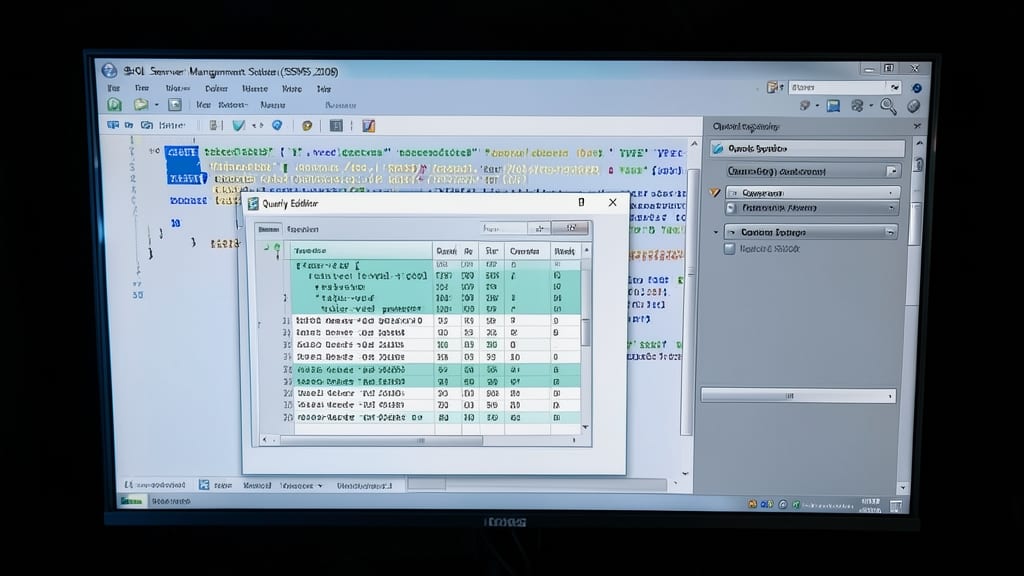
If you're migrating from SQL Server 2005's limitations, SSMS 2008 bridges the gap with game-changing features like table-valued parameters—a first for SSMS—that let you pass complex data types directly to stored procedures, cutting down on temp tables and simplifying workflows.
The enhanced Reporting Services integration (now version 2.0) lets you design, preview, and deploy reports without leaving the SSMS interface, while database diagram tools gained support for foreign key relationships, making schema visualization more intuitive. Performance tuning also improved with query execution plans now showing actual execution statistics, helping you optimize queries faster.
This version is perfect for developers working with SQL Server 2008's new T-SQL features or teams needing tighter BI integration. It’s the natural upgrade path for those stuck on SSMS 2005 but not ready to leap to later versions. ✨
SQL Server Management Studio 2008 R2
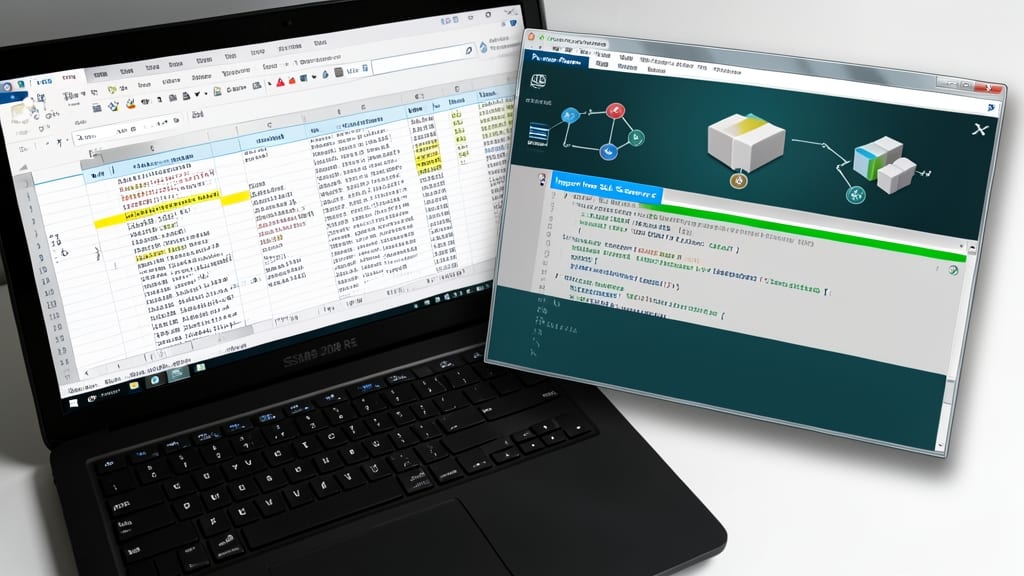
If you're drowning in Excel spreadsheets but need to wrangle SQL Server 2008 R2 datasets, this version introduced PowerPivot integration—a game-changer for data analysts. It bridged the gap between relational databases and Excel-based reporting, letting you import massive datasets directly into PivotTables without manual exports.
The Business Intelligence Development Studio (BIDS) enhancements made it easier to design SSAS (Analysis Services) cubes and SSRS (Reporting Services) reports with drag-and-drop tools. You also gained parallel data warehouse (PDW) support, enabling faster analytics on large-scale data warehouses. The improved query designer streamlined complex joins and subqueries, saving hours of manual coding.
This version is ideal for business intelligence professionals and data analysts who rely on Excel for reporting but need the power of SQL Server. It’s the perfect bridge between legacy systems and modern BI workflows. ✨
SQL Server Management Studio 2012

If your enterprise relies on zero-downtime database operations, SQL Server Management Studio 2012 was a game-changer. It introduced AlwaysOn availability groups, a feature that lets you synchronize data across multiple servers in real-time—critical for disaster recovery and high-availability setups.
The version also included the SSIS catalog, a centralized repository for SQL Server Integration Services (SSIS) packages that made versioning, deployment, and monitoring far more efficient. With support for SQL Server 2012’s new features, like columnstore indexes and enhanced backup compression, this tool became a cornerstone for IT teams managing mission-critical workloads.
Perfect for database administrators and enterprise architects focused on scalability, SSMS 2012 remains a reliable choice for legacy systems still running SQL Server 2012 or 2014. ✨
SQL Server Management Studio 2014

If you're building high-performance applications that need to scale seamlessly with Azure, SQL Server Management Studio 2014 was the game-changer you needed. This version introduced in-memory OLTP (Online Transaction Processing), which dramatically sped up transaction-heavy workloads by storing data in memory instead of on disk.
The native Azure integration let you manage cloud databases directly from SSMS, while temporal database support gave you point-in-time recovery capabilities. These features made it a favorite for teams adopting SQL Server 2014 and planning to leverage Azure's cloud infrastructure for their database needs.
Perfect for developers and DBAs working on cloud-first strategies, SSMS 2014 bridged the gap between on-premises and cloud databases with its enhanced tooling. ⚡
SQL Server Management Studio 2016

If you're building modern web apps that blend relational and semi-structured data, SQL Server Management Studio 2016 bridges the gap with its game-changing JSON support. This version introduced native JSON import/export, letting you seamlessly work with NoSQL-like data structures while keeping your relational integrity intact.
The Query Store feature is another standout—it automatically tracks query performance history, helping you identify regressions and optimize slow queries without manual instrumentation. You also get Temporal Tables for change tracking and stretch database capabilities to archive cold data to Azure. These features make SSMS 2016 the first truly hybrid-ready version for developers juggling both SQL and JSON workloads.
Perfect for teams migrating legacy systems to modern architectures or building APIs that need to handle both structured and semi-structured data. ⚡
SQL Server Management Studio 2017
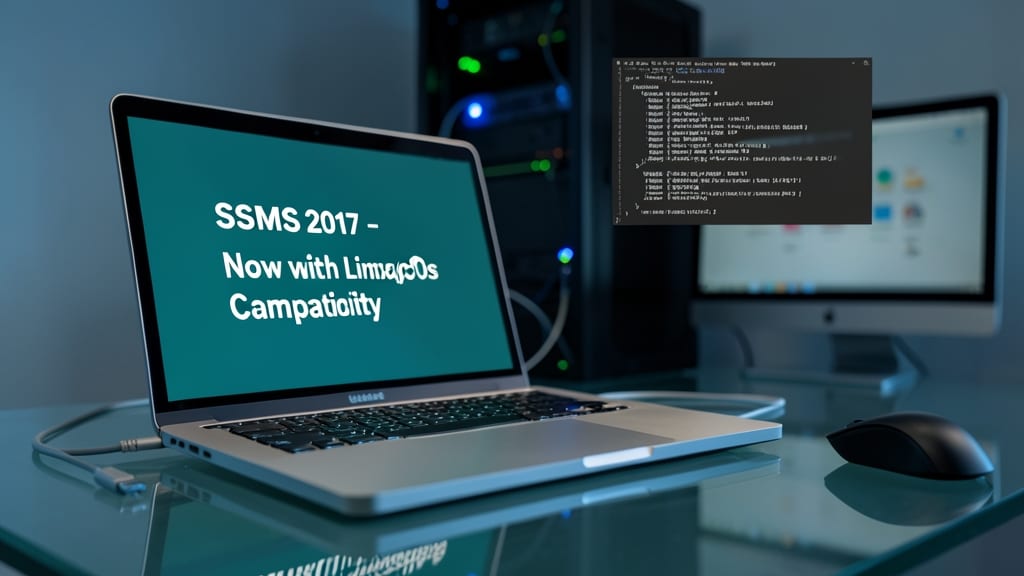
If you’ve ever been locked into Windows for SQL Server management, SSMS 2017 shattered those chains. This was Microsoft’s first version to break free from Windows-only constraints, officially supporting Linux and macOS—a game-changer for teams using open-source stacks or mixed environments.
The release introduced native Linux compatibility, letting you manage SQL Server on Ubuntu, Red Hat, or SUSE from a non-Windows machine. It also included improved query performance with better IntelliSense and a refreshed UI that felt modern compared to earlier versions. For the first time, DBAs could run SSMS on their preferred OS while still connecting to Windows-based SQL Server instances.
This version was a must-have for Linux admins, macOS users, and hybrid-cloud teams tired of Windows dependency. If you’re managing databases across multiple platforms, SSMS 2017 was the bridge you needed. ✨
SQL Server Management Studio 2019

DevOps teams managing Docker and Kubernetes workloads finally got a native ally with SQL Server Management Studio 2019. While earlier versions focused on cloud or cross-platform support, this release bridged the gap between traditional database administration and modern containerized environments.
The standout feature is enhanced IntelliSense—now smarter for complex queries and stored procedures, with faster suggestions and deeper context awareness. But the real game-changer is container integration: you can now deploy SQL Server in Docker containers directly from SSMS, manage Kubernetes-based deployments, and even troubleshoot containerized databases using familiar tools. The SQL Server on Linux support from 2017 was solid, but 2019 made it seamless for hybrid workflows.
Perfect for teams running SQL Server in Kubernetes clusters or migrating legacy databases to containers. If you're juggling DevOps pipelines with SQL Server workloads, this version cuts through the friction of manual container management. 🌟
SQL Server Management Studio 18.x

If you're managing databases across both on-premises and Azure environments, SQL Server Management Studio 18.x bridges the gap with Azure Arc support. This version lets you extend your on-premises SQL Server instances to Azure for centralized management, all from the familiar SSMS interface.
The enhanced security features include improved Transparent Data Encryption (TDE) controls and row-level security policies, while the lightweight deployment (no full SQL Server install required) makes it perfect for remote teams. Compatibility spans SQL Server 2016-2019, ensuring smooth upgrades without breaking legacy workflows.
Ideal for hybrid cloud admins and enterprises with mixed environments, SSMS 18.x reduces complexity while boosting security—without sacrificing performance. ✨
SQL Server Management Studio 2022

If your team relies on real-time query optimization and AI-driven insights, SQL Server Management Studio 2022 is the game-changer you’ve been waiting for. This version introduces Intelligent Query Processing (IQP) and AI-assisted query tuning, helping you identify bottlenecks and optimize performance without manual guesswork.
The Performance Dashboard now includes automated recommendations based on query history, while enhanced analytics provide deeper insights into execution plans. Compatibility with SQL Server 2022 ensures seamless integration, and the updated UI aligns with Windows 11’s modern design. For organizations drowning in data, these features cut troubleshooting time by up to 40%.
Perfect for data scientists, DevOps teams, and enterprise DBAs, SSMS 2022 turns raw performance data into actionable intelligence. 💡