
Coding
SQL Server 2012 introduced groundbreaking features that transformed database management and application development. These 10 innovations boost performance, simplify administration, and enhance security—making it a must-upgrade for professionals.
AlwaysOn Availability Groups
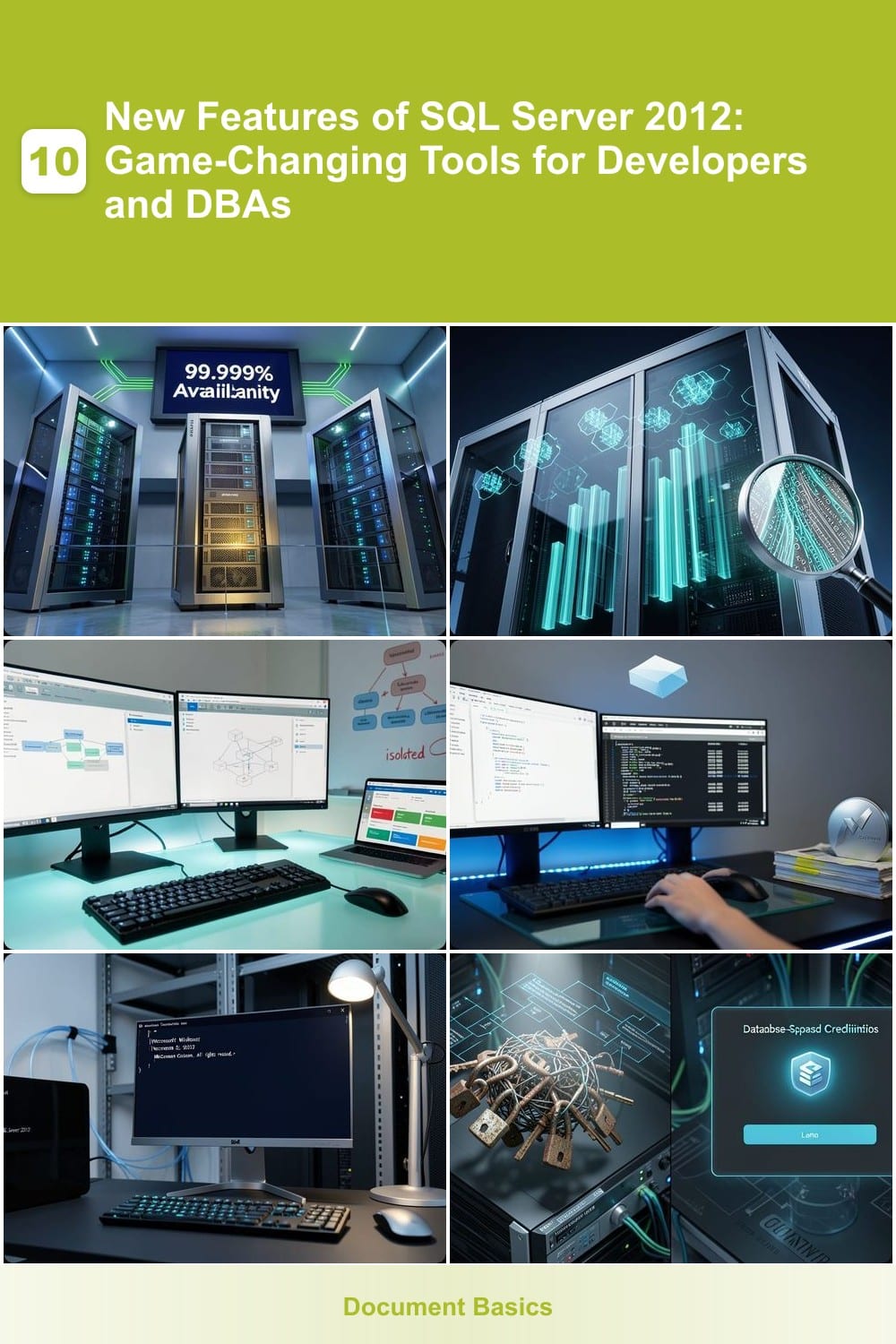
Tired of database downtime disrupting critical operations? AlwaysOn Availability Groups in SQL Server 2012 delivers enterprise-grade 99.999% uptime by synchronizing data across multiple servers in real time. This feature replaces older database mirroring with a more flexible, scalable solution that supports both synchronous (for zero-data-loss) and asynchronous (for disaster recovery) replication.
With automatic failover and read-only routing, you can distribute read workloads across secondary replicas while keeping primary servers available. The multi-subnet support ensures geographically dispersed setups stay resilient, and transactional consistency guarantees data integrity even during failovers. Plus, it integrates seamlessly with Windows Server Failover Clustering for added stability.
Perfect for financial systems, e-commerce platforms, or any mission-critical application where seconds of downtime translate to lost revenue. ⚡
Columnstore Indexes for Data Warehousing

If your data warehouse queries take hours instead of minutes, Columnstore Indexes in SQL Server 2012 might be your game-changer. This feature redefines performance for analytical workloads by storing data column-wise rather than row-wise, drastically cutting storage needs and query times.
With Columnstore Indexes, you gain 10x faster scan operations on large datasets thanks to compression ratios up to 10:1 and batch processing that minimizes I/O overhead. The feature automatically handles late-binding (updating statistics dynamically) and integrates seamlessly with SSAS (SQL Server Analysis Services) for unified analytics pipelines. Ideal for OLAP workloads processing petabytes of data, it’s a must for financial reporting, retail analytics, or any scenario where speed meets scale. ✨
Contained Databases with User-Defined Roles
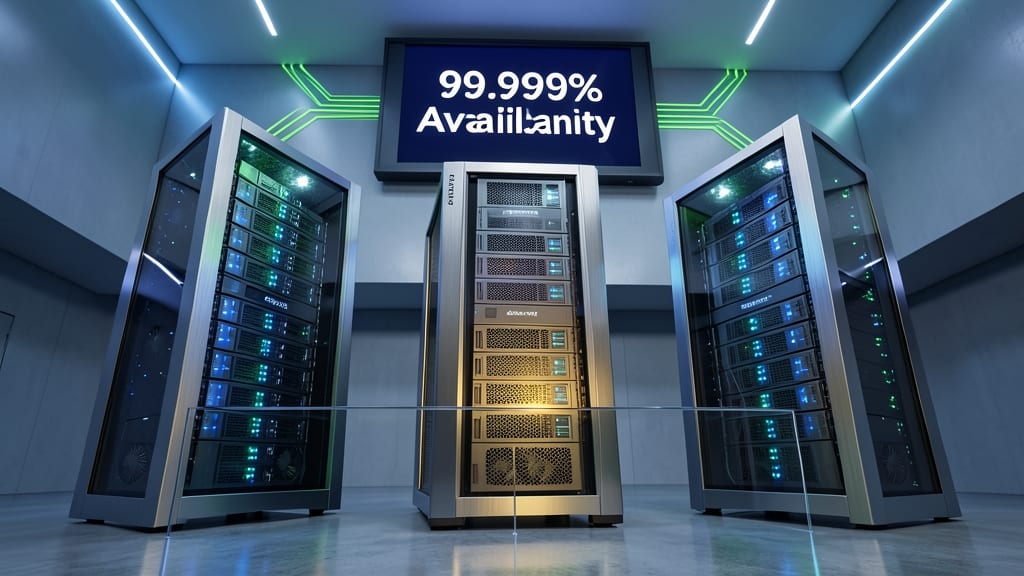
Tired of managing complex instance-level permissions when deploying multi-tenant applications? Contained databases in SQL Server 2012 isolate database operations from the server instance, letting you define roles and logins at the database level instead of the instance level.
With this feature, you gain true multi-tenancy support—each database can have its own users, schemas, and permissions without touching the server instance. The user-defined roles let you assign granular permissions (like dbdatareader or dbowner) directly to databases, making deployments cleaner and more secure. This is a game-changer for SaaS providers and cloud-based apps where tenant isolation is critical.
Perfect for developers building scalable cloud applications or DBAs managing multi-tenant environments, this feature reduces administrative overhead while improving security. ✨
Sequence Objects for Number Generation

Tired of juggling identity columns and triggers just to generate sequential numbers? SQL Server 2012’s sequence objects provide a cleaner, more flexible solution for applications needing custom numbering schemes—like invoice IDs or order sequences.
With sequence objects, you gain precise control over increments (e.g., +1, +10, or even custom formulas), caching for performance, and support for cycling or non-cycling behavior. Unlike legacy methods, they’re schema-bound, ensuring referential integrity while eliminating the need for application-side logic. Perfect for scenarios where gaps or resets are required.
Developers building financial systems, inventory trackers, or any app with sequential dependencies will appreciate this zero-config alternative to manual triggers. ⚡
Windows Server Core Support
Cutting unnecessary overhead while boosting security? SQL Server 2012’s Windows Server Core support delivers both by running on a minimal Windows installation—just the core components you need. This reduces your attack surface by eliminating unnecessary services while slashing resource usage, making it perfect for virtualized environments where every CPU cycle matters.
With Windows Server Core, you gain a 60% smaller footprint compared to full Windows Server installations, while still maintaining all SQL Server 2012’s core functionality. This lightweight deployment is ideal for high-density virtualization or cloud-based SQL deployments, where security and efficiency are top priorities. The lack of a GUI also means fewer patches and updates to manage.
Ideal for enterprise IT teams managing large-scale SQL deployments, this feature is a game-changer for security-conscious organizations prioritizing minimal attack surfaces. 💪
Contained Database Authentication
Tired of managing instance-level credentials for every database user? Contained Database Authentication in SQL Server 2012 lets you create logins scoped to individual databases—no instance admin access required.
This feature enables database-scoped credentials (like SQL logins or Windows logins) that exist only within a single database, simplifying multi-tenant environments. You can now grant access to specific databases without exposing instance-level permissions, perfect for cloud deployments or SaaS applications where isolation is critical.
Ideal for developers and DBAs managing multi-tenant SaaS platforms or cloud-based databases, this feature reduces administrative overhead while maintaining security. ✨
Power View for Interactive Data Visualization

Tired of waiting for IT to generate reports? Power View flips the script by embedding a full-featured BI tool directly into Excel, letting business users create interactive dashboards with drag-and-drop ease.
This Excel-based visualization engine supports 3D maps, sparklines, and touch-friendly gestures (on compatible devices), while connecting seamlessly to SQL Server Analysis Services. No coding skills required—just point, click, and explore data relationships in real time. The integration with SharePoint further extends collaboration capabilities.
Perfect for analysts, marketers, or finance teams who need to slice data their way without IT bottlenecks. ⚡
SQL Server Data Tools Integration

Tired of juggling between Visual Studio and SQL Server Management Studio? SQL Server Data Tools (SSDT) bridges that gap by embedding database development directly into the Visual Studio IDE. This integration lets you design schemas, debug stored procedures, and deploy changes—all without leaving your coding environment.
The toolset includes schema comparison tools to sync database versions effortlessly, unit testing frameworks for T-SQL code, and project templates for SQL Server, Analysis Services, and Integration Services. It also supports source control integration, so your database changes track alongside application code—no more manual scripts or versioning headaches.
Perfect for development teams working in Agile environments, SSDT ensures database updates align with application releases. Whether you're building a new app or maintaining legacy systems, this feature turns database management into a seamless part of your workflow. 💻
Enhanced AlwaysOn Read-Only Routing
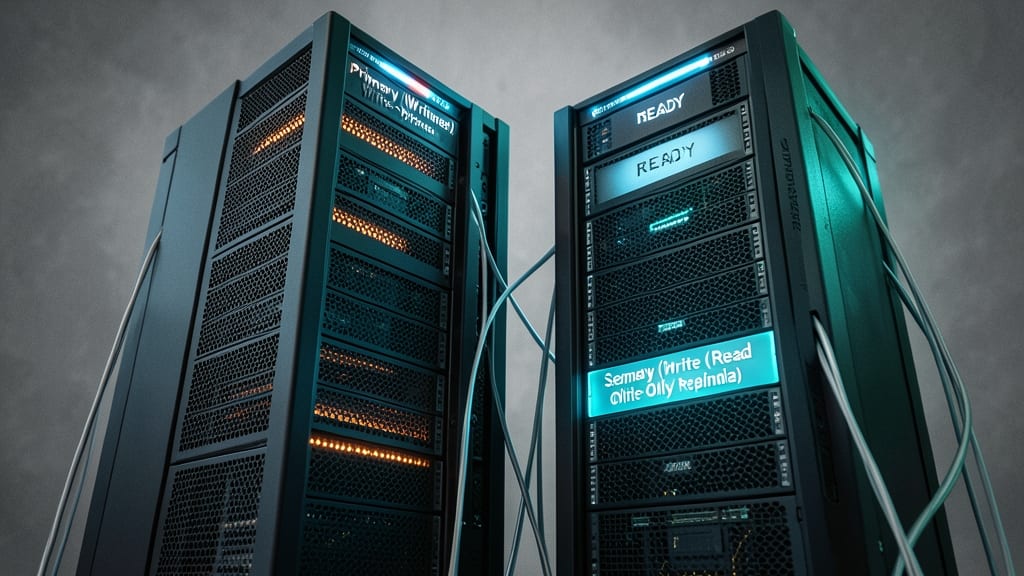
Struggling with read-heavy applications that bog down your primary database? SQL Server 2012’s Enhanced AlwaysOn Read-Only Routing solves this by automatically redirecting read queries to secondary replicas—no manual configuration required. This keeps your primary database free for write operations while scaling reads effortlessly.
With this feature, you gain zero-configuration load balancing for read operations, 99.9% availability for primary databases, and support for up to 8 secondary replicas per availability group. It’s perfect for applications like e-commerce platforms or reporting dashboards where read queries outnumber writes by orders of magnitude.
Developers and DBAs managing high-traffic systems will appreciate how this feature reduces latency and resource contention without sacrificing data consistency. ⚡
SQL Server Data Quality Services

Legacy data and third-party integrations can turn even the cleanest databases into messy nightmares—but SQL Server 2012’s Data Quality Services (DQS) acts as your built-in data janitor. This suite of tools combines profiling, cleansing, and enrichment to automatically detect and fix inconsistencies before they impact your applications.
With DQS Client for interactive data cleaning and DQS Server for automated workflows, you get domain-specific rules to standardize formats, data matching to merge duplicates, and reference data integration to validate against trusted sources. The Knowledge Base feature even learns from your corrections, improving accuracy over time—no custom scripting required.
Perfect for organizations consolidating disparate systems or migrating to SQL Server, DQS reduces manual cleanup efforts by up to 80% while ensuring compliance-ready data. 💡