
Software
Mastering Microsoft Access opens doors to powerful database management—without the steep learning curve. These ten completely free online courses cover everything from beginner basics to advanced queries, designed for students, professionals, and small business owners who need practical skills.
Microsoft Access Beginner Tutorial for Absolute Beginners
If you’ve never opened Microsoft Access but need to organize data—whether for a school project, small business, or personal tracking—this official Microsoft tutorial is your perfect starting point. Created by Microsoft’s own team, it’s designed for true beginners with no prior database experience, breaking down intimidating concepts into simple, actionable steps.
The under-2-hour video course covers the core building blocks: creating tables, designing forms, and running basic queries—all while avoiding jargon. You’ll learn how to structure data efficiently, input records, and even generate simple reports, all within Access’s intuitive interface. The tutorial’s screen-by-screen guidance ensures you follow along without frustration, and you can pause, rewind, or bookmark sections as needed.
This is the ideal resource for students, freelancers, or hobbyists who want to dive into databases without overwhelming theory. No prior tech skills required—just curiosity and 90 minutes to transform raw data into organized insights. 💡
LinkedIn Learning Free Access Course: Database Fundamentals
Tired of spreadsheet chaos but intimidated by database jargon? LinkedIn Learning’s 1.5-hour "Database Fundamentals" course bridges that gap with surgical precision. Unlike generic tutorials, this structured lesson translates spreadsheet logic into Access’s relational model—showing you how to replace VLOOKUPs with proper table relationships and pivot tables with dynamic queries.
The course demystifies core concepts like primary/foreign keys, normalization rules, and basic SQL through real-world examples (think project tracking or client databases). You’ll learn to design tables that actually work together, not just dump data randomly. The hands-on exercises ensure you apply what you learn immediately, with no fluff.
Perfect for project managers, analysts, or small business owners who need to move beyond Excel but don’t have time for academic courses. The LinkedIn platform’s clean interface makes it easy to pause, revisit, and track progress—ideal for busy professionals. 💡
GCFGlobal’s Microsoft Access Training for Small Businesses
If you run a small business but dread the thought of complex database training, GCFGlobal’s Microsoft Access course is your secret weapon. Unlike theoretical tutorials, this free, text-based program teaches you exactly what matters—like building an inventory tracking system or organizing customer records—without overwhelming jargon.
The course breaks down real-world scenarios into digestible steps, starting with simple tables and escalating to forms and reports. You’ll learn how to automate repetitive tasks (like generating invoices) and connect Access to Excel spreadsheets you already use. Best of all, the zero-cost format means you can start today—no subscriptions or hidden fees.
Perfect for solopreneurs, freelancers, or team leads who need to manage data but lack IT support, this course turns Access from a daunting tool into a time-saving ally. ⚡
Udemy Free Access Course: SQL and Queries in Microsoft Access
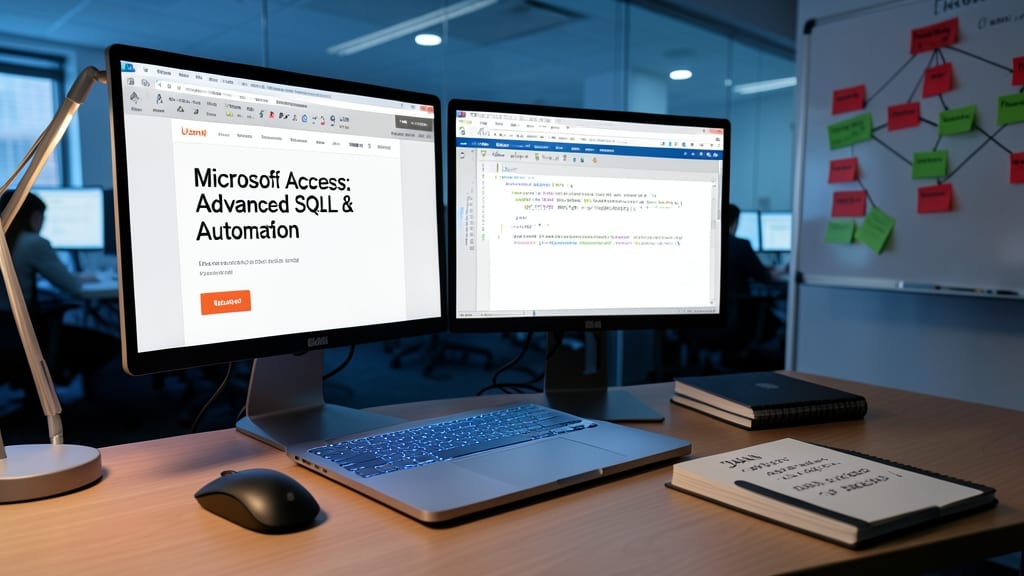
Ready to unlock the full power of Microsoft Access? This Udemy course bridges the gap between basic queries and advanced SQL integration, letting you automate reports and extract insights from complex datasets like a pro.
You’ll master SQL query writing directly within Access, including JOIN operations, subqueries, and aggregate functions—tools that transform raw data into actionable business intelligence. The course also covers query optimization and parameterized queries, ensuring your databases run efficiently even with massive datasets.
Perfect for data analysts, business intelligence professionals, or anyone tired of manual report generation. Dive into SQL without leaving Access—your productivity will skyrocket. ✨
Coursera’s Database Management Specialization (Free Audit Option)

Want university-level database training without the tuition price tag? Coursera’s Database Management Specialization includes dedicated Microsoft Access modules, blending theory with hands-on projects—ideal for students or career changers who need academic credibility.
This five-course series covers relational database design, SQL fundamentals, and Access-specific tools like forms and reports. The free audit option lets you complete peer-reviewed assignments without paying for certification, making it perfect for building a portfolio. University-backed rigor ensures you’ll learn best practices for real-world database challenges.
Best for aspiring data professionals or self-taught learners who want structured curriculum with practical applications. 💡
YouTube Crash Course: Microsoft Access in 1 Hour
If you’ve ever stared at Microsoft Access’s ribbon menu feeling overwhelmed, this fast-paced YouTube series is your lifeline. Packed into 60 minutes, it skips fluff and jumps straight to the tools busy professionals actually use—like automating tasks with macros and turning raw data into insights with pivot tables.
The course uses real-world examples (no textbook jargon) to show how to build forms, create queries, and even set up basic reports—all while keeping the pace engaging enough to hold your attention. Unlike text-heavy tutorials, the visual walkthroughs make it easy to follow along, whether you’re managing inventory, tracking clients, or organizing projects. Perfect for those who learn by watching rather than reading.
Ideal for marketing teams, small business owners, or anyone juggling multiple tools, this crash course gives you just enough confidence to tackle Access projects immediately. No prior experience needed—just one hour and a willingness to try. ✨
Microsoft Virtual Academy: Access 2016 Jump Start
If you're upgrading from Access 2010 or earlier, Microsoft Virtual Academy’s Access 2016 Jump Start is your bridge to modern database tools. This official Microsoft course (free with a Microsoft account) dives deep into the latest features, including Power Apps integration—critical for businesses transitioning to cloud-connected workflows.
The three-hour video series covers Access 2016’s ribbon interface, new data types, and Power Apps integration to extend databases into mobile apps. You’ll also learn performance optimization for large datasets and security best practices—skills that directly address pain points in legacy systems. The course’s structured labs ensure hands-on practice with real-world scenarios.
Perfect for IT admins, small business owners, or developers migrating from older Access versions, this training ensures you leverage 2016’s full potential without costly trial-and-error. 💻
Khan Academy’s Intro to Databases with Access

If you’ve ever struggled to keep students or classroom learners engaged while teaching database fundamentals, Khan Academy’s Intro to Databases with Access flips the script with a gamified approach. Instead of dry theory, learners build real Access projects while earning badges—making database logic feel like leveling up in a game.
The course starts with interactive lessons on tables, relationships, and queries, then transitions to hands-on Access projects like managing a library or school database. Progress tracking and achievement badges (e.g., "Query Master") turn practice into a rewarding challenge. Educators can even monitor class-wide progress through Khan Academy’s dashboard.
Perfect for teachers, homeschoolers, or self-motivated students, this free resource turns database training into an active, visual experience—no textbooks required. ✨
Access World Forum Free Webinars: Advanced Techniques

Stuck troubleshooting a stubborn data migration or securing your Access database? The Access World Forum’s free webinars deliver expert-led deep dives into niche challenges like database encryption, multi-user conflicts, and legacy system integration—topics rarely covered in beginner courses.
Each session features real-world case studies and Q&A with Microsoft MVPs, focusing on troubleshooting without starting from scratch. You’ll learn how to audit permissions, optimize queries for large datasets, and implement zero-configuration security protocols—all without costly certifications.
This is your go-to for intermediate users who need to fix specific pain points, like IT admins managing shared databases or freelancers migrating legacy systems. 💻
OpenClassrooms Free Access Project-Based Course
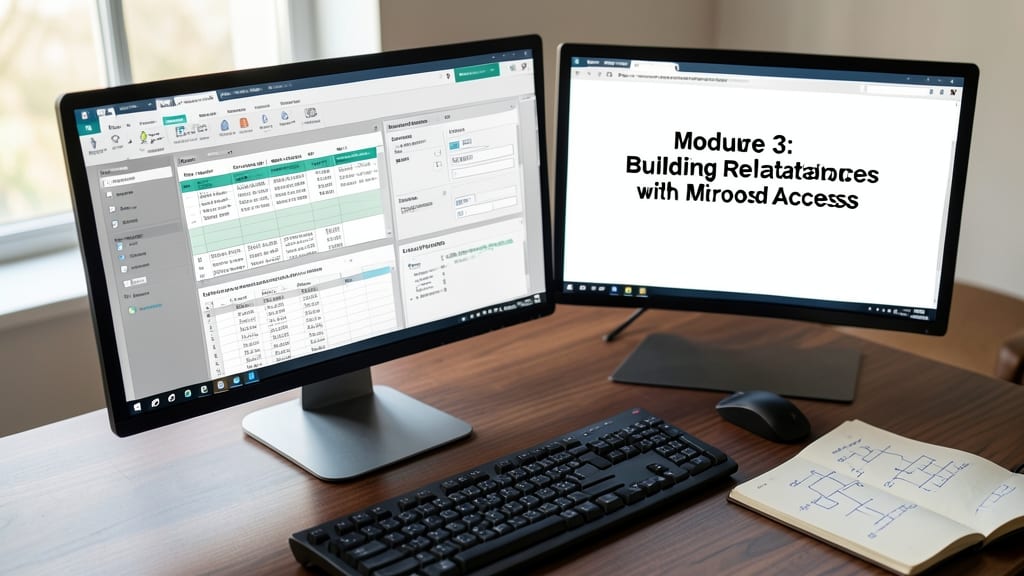
Tired of watching tutorials that never let you do anything? OpenClassrooms’ free project-based course flips the script by having you build a functional library database from scratch—complete with tables, forms, and reports—while learning Access fundamentals.
You’ll design a fully relational database (books, members, loans) with step-by-step guidance, then customize it to fit real-world needs. The course emphasizes hands-on problem-solving over passive lectures, making it perfect for visual learners who grasp concepts by applying them immediately. All materials are free with registration, and you keep your project to showcase in portfolios.
This is the ideal pick for creative learners, freelancers, or students who want to build confidence by creating something tangible—not just memorizing theory. 💻