
Software
Struggling to create professional newsletters in Microsoft Word? These 10 free, ready-to-edit templates will transform your communication with subscribers—no design skills required. Each template is optimized for readability, branding, and engagement across industries.
Minimalist Corporate Newsletter Template
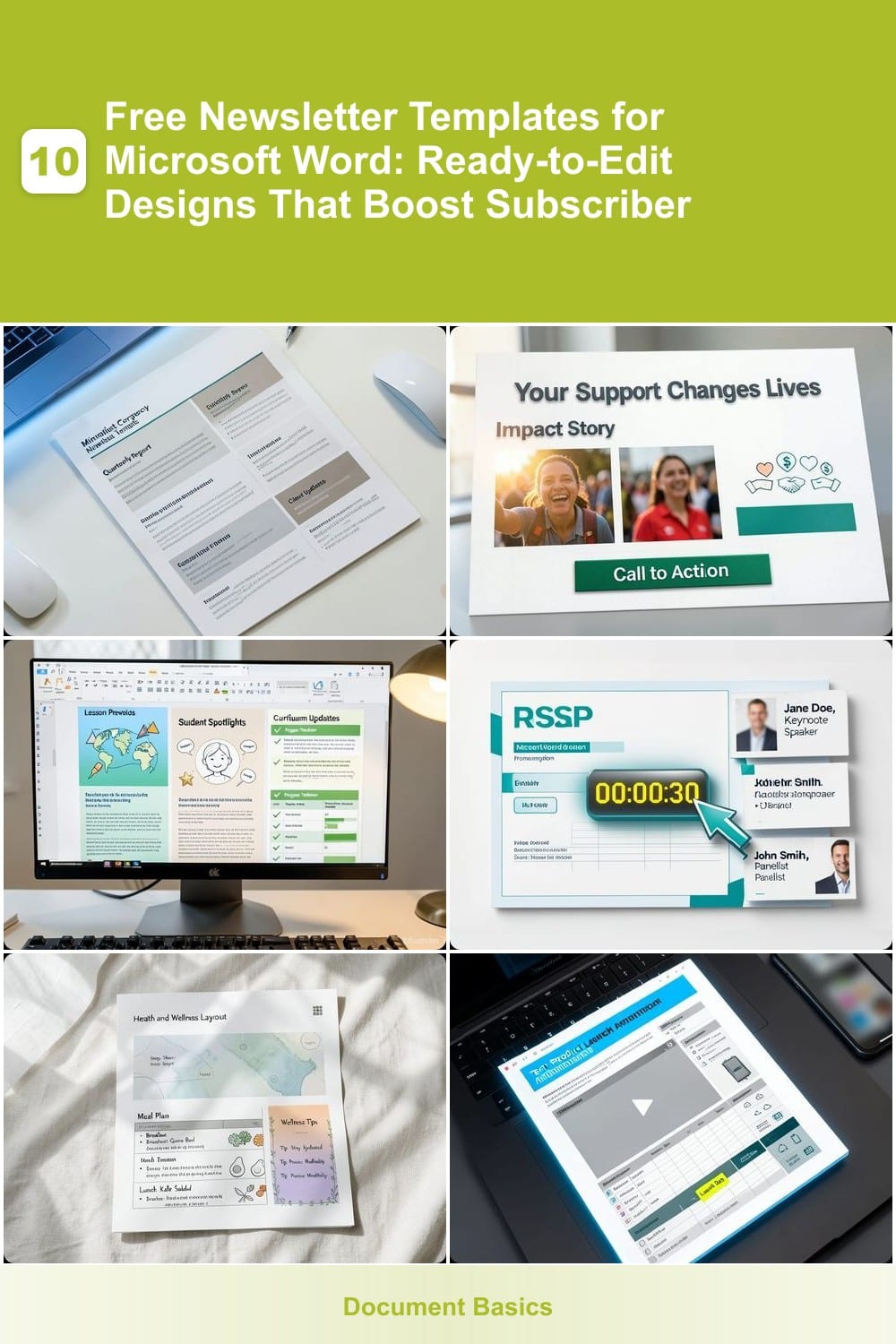
Need a newsletter that screams "professional" without the clutter? This Minimalist Corporate Newsletter Template delivers a clean, distraction-free design built for businesses that value clarity over flash. The structured content blocks keep your quarterly reports or client updates organized, while the subtle blue-gray color palette ensures readability without overwhelming your audience.
With pre-formatted sections for executive summaries, key metrics, and actionable next steps, this template eliminates the guesswork. The centered logo placeholder and geometric accents add subtle branding cues, while the responsive layout adapts seamlessly to both desktop and mobile previews. Simply replace the placeholder text with your content—no design skills required.
Perfect for corporate communications teams, consultants, or small businesses aiming to project confidence. This template turns routine updates into polished, subscriber-friendly content that builds trust. ⚡
Nonprofit Donation Appeal Template
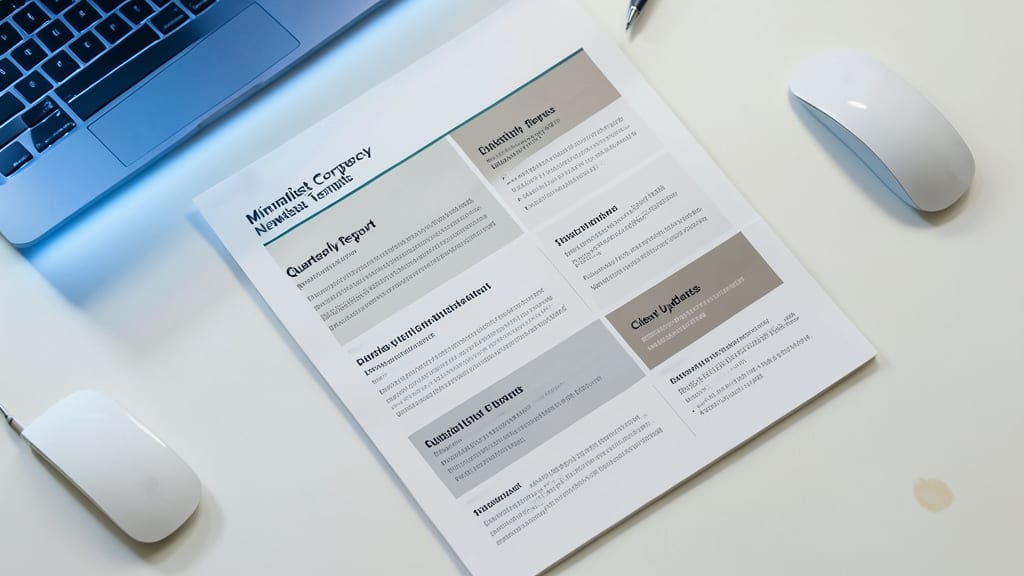
Struggling to turn goodwill into donations? This Nonprofit Donation Appeal Template transforms Microsoft Word into a fundraising powerhouse with built-in emotional triggers that move subscribers to act. The design prioritizes impact storytelling—featuring dedicated sections for volunteer photos, success metrics, and heartfelt mission statements—while strategically placing donation CTA buttons where they’ll get noticed.
The template includes pre-formatted testimonial blocks (complete with placeholder quotes) to build social proof, and a progress tracker for ongoing campaigns. Warm yellow-green color schemes create urgency without feeling pushy, while the hero image placeholder lets you showcase real volunteers in action. Best of all, it’s fully editable in Word—swap logos, adjust fonts, and add your organization’s branding in minutes.
Perfect for small nonprofits, advocacy groups, or volunteer coordinators who need to maximize every dollar raised. This template turns passive readers into engaged donors—just add your story and watch contributions grow. ✨
Educational Newsletter for Teachers
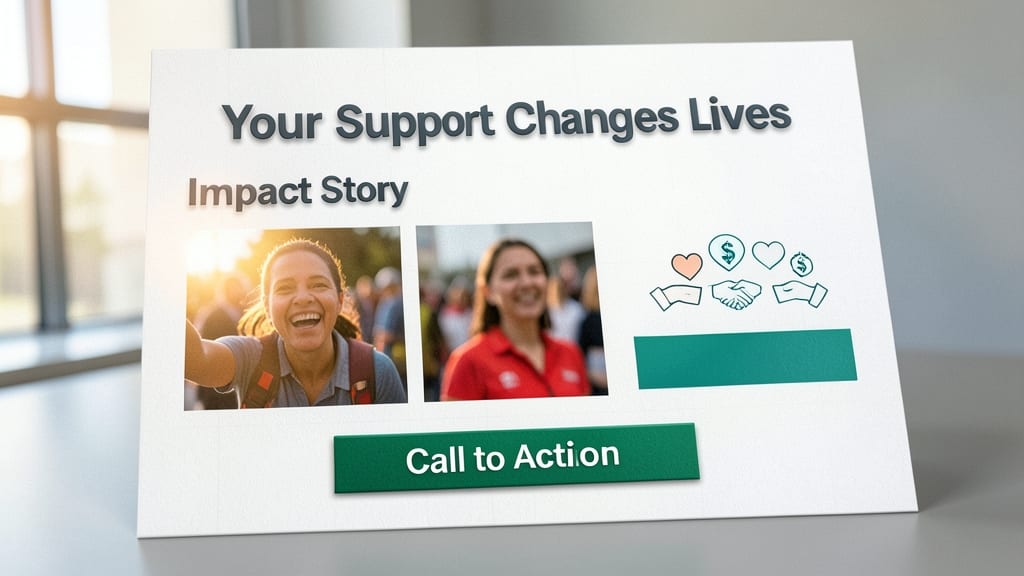
Tired of spending hours crafting school newsletters from scratch? This educational template for Microsoft Word is designed to save you time while keeping parents and students engaged. With pre-built sections for lesson previews, student spotlights, and curriculum updates, it’s the perfect tool for busy educators.
The template includes customizable placeholders for student artwork, achievement highlights, and resource links—all aligned with a playful yet professional design. You can easily swap in your school’s logo, adjust color schemes, and add interactive elements like clickable links to digital resources. The chalkboard-style border adds a fun, classroom-friendly touch without compromising readability.
Ideal for teachers, principals, and PTA coordinators, this template turns routine updates into vibrant communications that parents will actually read. Just plug in your content, and you’re ready to hit send—no design skills required! ✨
Event Promotion Newsletter Template
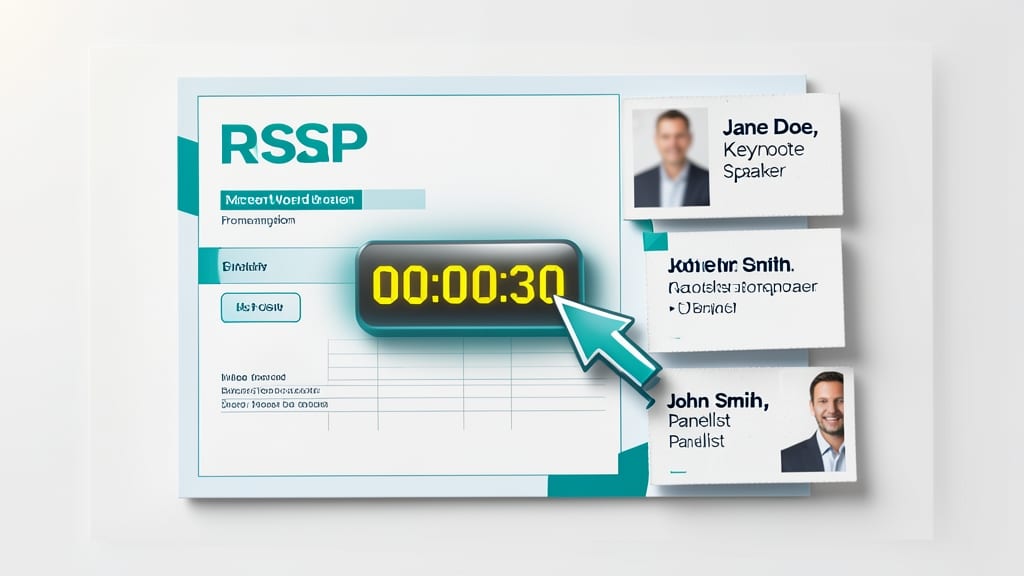
Turn event sign-ups into a breeze with this event promotion template, packed with built-in tools to boost attendance. The RSVP button and countdown timer sections make it easy for subscribers to register and track deadlines, while speaker highlight boxes keep key details front and center.
Designed for webinars, conferences, or product launches, this template includes pre-formatted sections for event dates, locations, and agenda snippets. The bold, high-contrast layout ensures your call-to-action stands out, while the drag-and-drop-friendly design lets you swap images and text in seconds.
Perfect for marketers and organizers who need to maximize engagement without design headaches. Just plug in your event details and watch registrations roll in! ✨
Health and Wellness Newsletter Layout
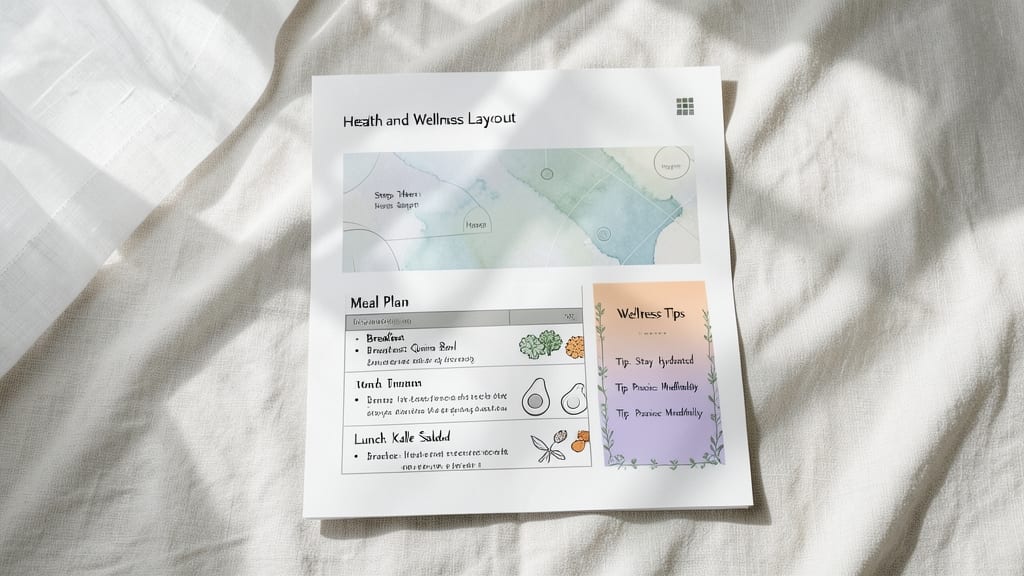
Looking to create a soothing, subscriber-friendly newsletter for your wellness brand? This Health and Wellness Layout is designed to make your content about fitness, nutrition, or mental health feel inviting and easy to digest.
With pre-built sections for infographics, meal plans, and wellness tips, you’ll save hours of design work. The calming color palette (soft greens, beiges, and blues) reduces visual stress, while readable typography ensures your audience stays engaged. The template also includes placeholder graphics for yoga poses, hydration trackers, and meditation guides—just swap in your own images.
Perfect for yoga studios, nutrition coaches, or mental health practitioners, this layout helps you share expert advice without overwhelming your readers. ⚡
Tech Product Launch Announcement
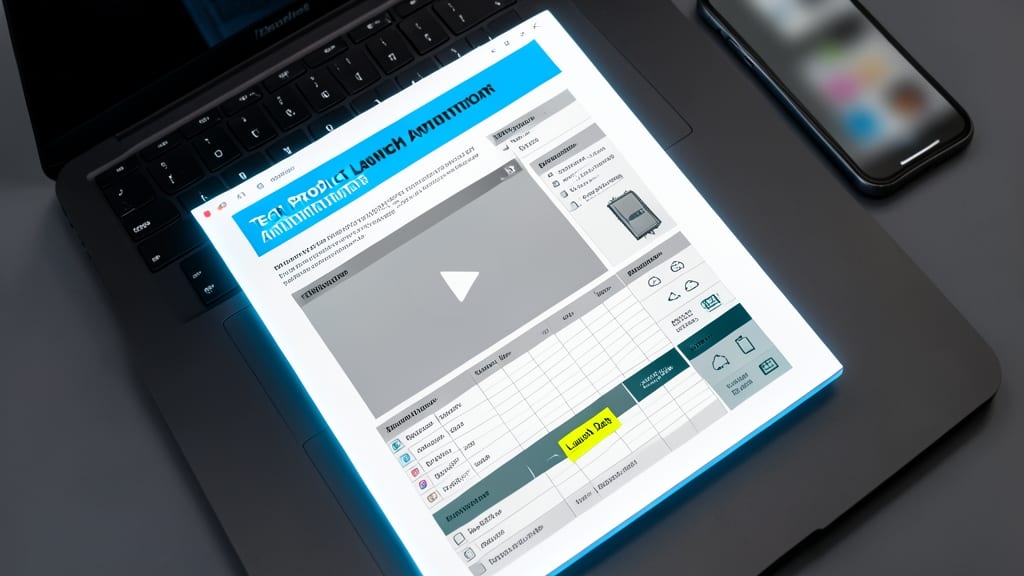
Launching a new tech product? This Tech Product Launch Announcement template turns your Microsoft Word document into a high-converting pitch deck. Designed specifically for SaaS companies, hardware startups, or app developers, it includes dedicated sections for product specs, demo video embeds, and feature highlights—all while keeping your branding front and center.
The template features interactive buttons for instant downloads or trial sign-ups, reducing friction in your sales funnel. You’ll also find placeholder sections for testimonials, comparison charts, and FAQs to address common objections upfront. The sleek, futuristic design with dark blue and silver accents ensures your product stands out, while the built-in responsive layout adapts to both desktop and mobile previews.
Perfect for startups, product managers, and marketing teams looking to streamline their launch campaigns. Just plug in your product details, hit "Send," and watch your subscriber list grow with engaged leads ready to convert. ✨
Seasonal Holiday Newsletter Design
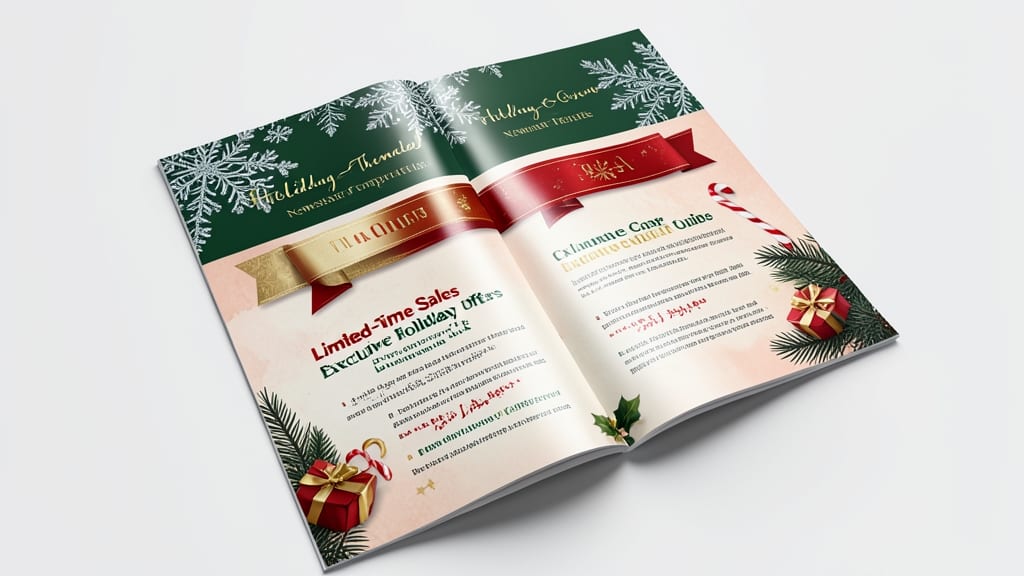
Make your seasonal promotions pop with this holiday-themed newsletter template, packed with festive flair and conversion-boosting features. Whether it’s Christmas sales, Thanksgiving deals, or summer clearance events, this design adapts effortlessly to any occasion with pre-loaded graphics, color schemes, and seasonal motifs.
Key highlights include discount code placeholders (ready for your promotions), countdown timers to create urgency, and drag-and-drop festive elements like snowflakes, pumpkins, or beach motifs. The layout also includes social media integration blocks to amplify your reach, ensuring subscribers share your deals with their networks. Best of all, it’s fully editable in Microsoft Word, so you can swap colors, fonts, and images in minutes.
Perfect for retailers, e-commerce brands, and small businesses looking to turn holiday traffic into sales. Just add your branding, promotions, and a personal touch—no design skills required! ✨
Personal Blogger Newsletter Format
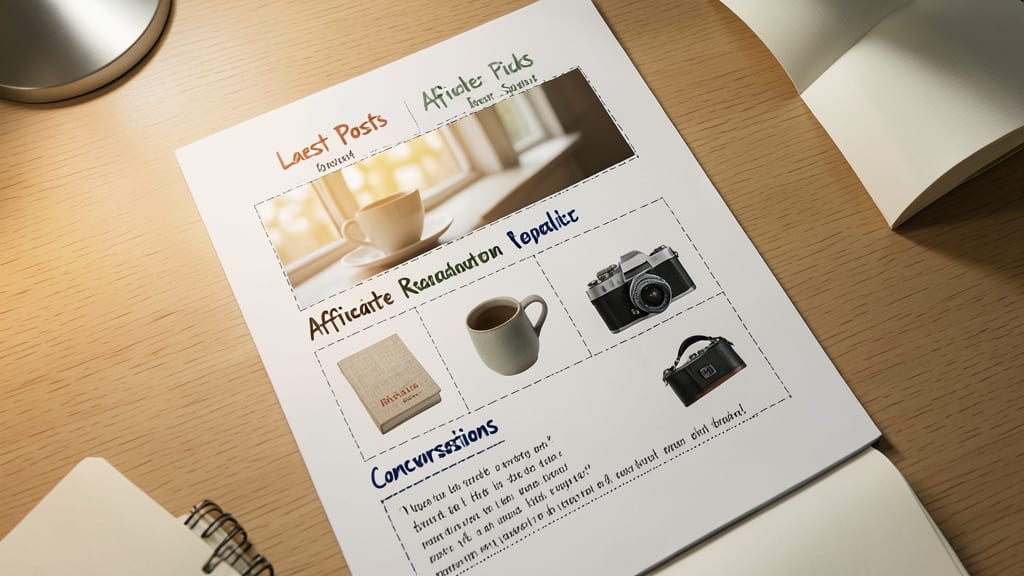
Turn your blog’s quiet moments into conversations with this Personal Blogger Newsletter Format, built for creators who want to turn readers into loyal fans. Unlike generic templates, this one prioritizes reader engagement with dedicated sections for your latest posts, affiliate recommendations, and social media prompts—all while keeping your brand voice front and center.
The template includes a Featured Post highlight box (perfect for your best-performing content), clickable social media icons for easy sharing, and pre-formatted affiliate link sections that comply with FTC guidelines. You’ll also find a "Reader Q&A" placeholder to boost interaction, plus a newsletter subscription footer that converts one-time readers into subscribers. Best of all, it’s designed to work seamlessly with Microsoft Word’s Mail Merge for bulk sends.
This is the go-to template for solopreneurs, travel bloggers, and niche content creators who want to grow their audience without hiring a designer. Just drop in your latest posts, tweak the colors, and hit send—your readers will thank you for the personal touch. ✨
Financial Report Newsletter Template

Turn financial jargon into clear, engaging updates with this Financial Report Newsletter Template, designed specifically for accountants and financial advisors. It transforms complex data into digestible insights with pre-built chart placeholders (pie, bar, and line graphs) and progress trackers that visually highlight client growth.
The template includes testimonial sections to showcase client success stories, reinforcing trust, and customizable ROI tables to simplify performance metrics. With a sleek, professional layout featuring dark green and gold accents, it ensures your reports look polished without requiring design expertise.
Perfect for quarterly reviews, investment updates, or client portfolios—this template helps you build credibility while saving hours of formatting time. ✨
Multilingual Newsletter Template
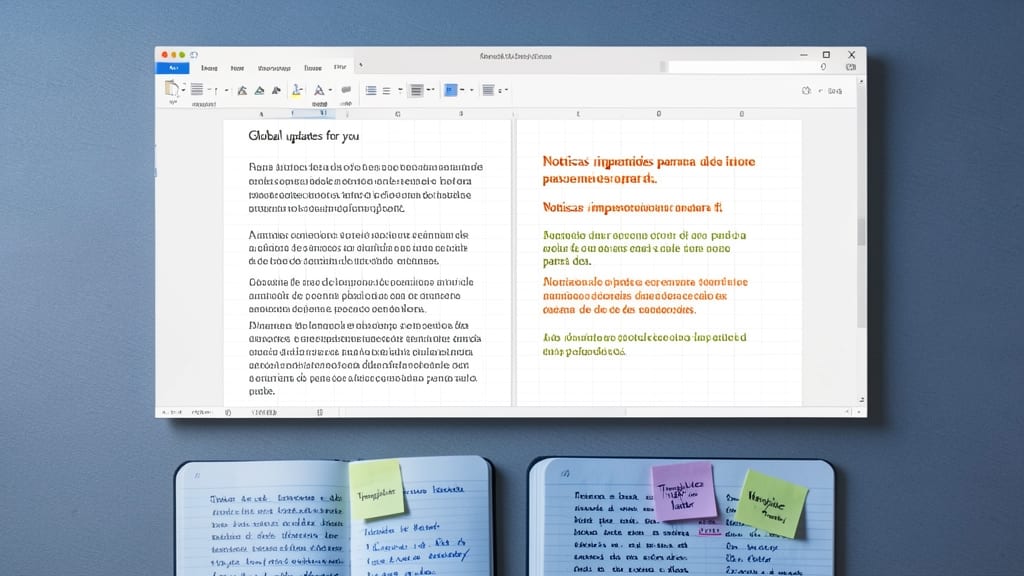
Breaking language barriers just got easier with this dual-column multilingual template, designed to let you publish in English and Spanish (or any two languages) side by side. No translation apps required—simply copy-paste your content into the pre-formatted columns, and your global audience stays engaged without missing a beat.
The template includes flag icons for visual clarity, adjustable column widths, and consistent styling to maintain brand cohesion. Whether you’re announcing a product launch in both markets or sharing community updates for a bilingual audience, this layout ensures clarity and professionalism. Built for Microsoft Word’s latest versions, it’s ready to customize with your logo and messaging in minutes.
Perfect for global startups, immigrant advocacy groups, or educators serving diverse classrooms, this template removes the guesswork from multilingual communication. 🌟