
Software
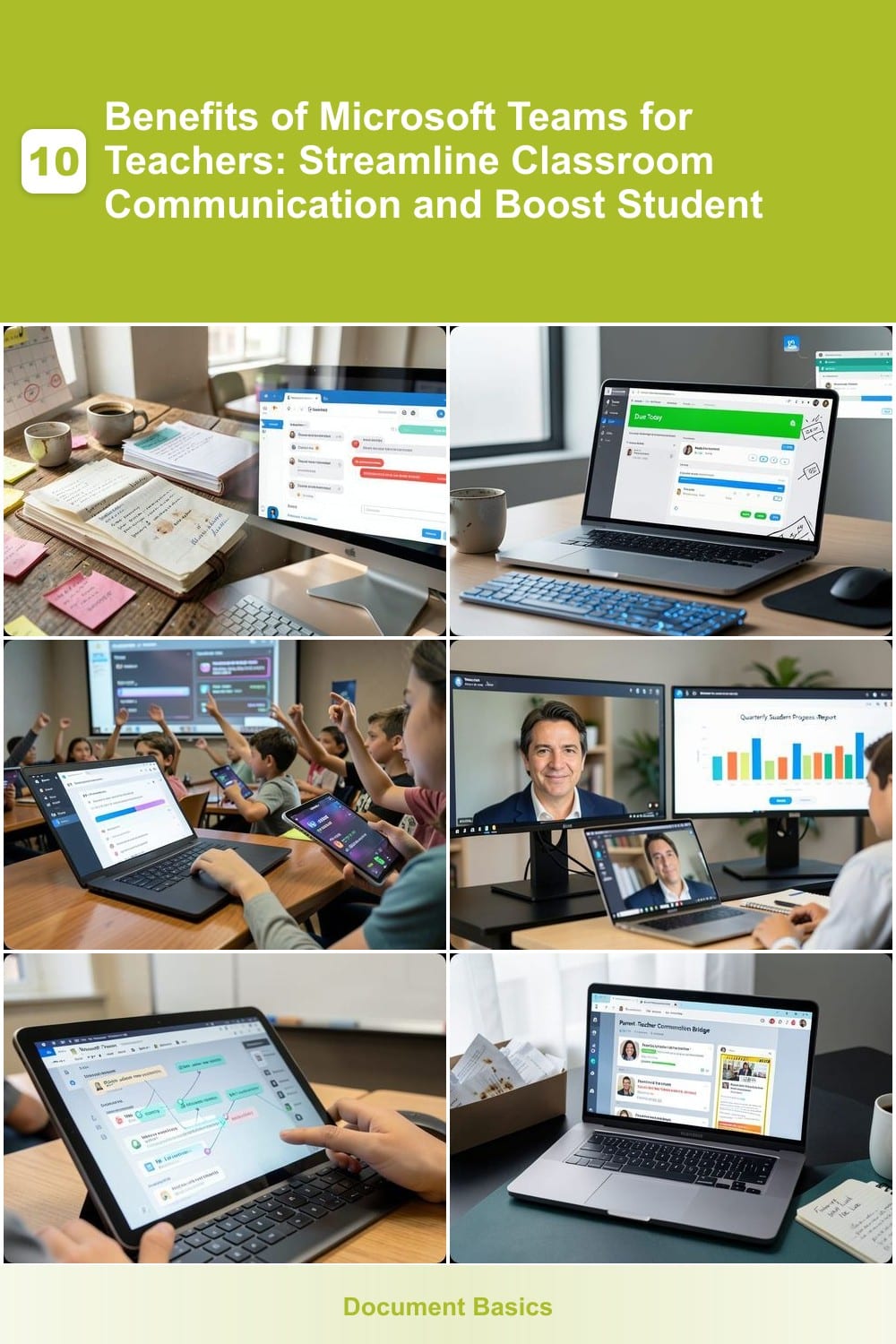
Microsoft Teams isn’t just for businesses—it’s a game-changer for educators. Discover how this powerful collaboration tool transforms classroom communication, engagement, and efficiency, making teaching smarter and learning more interactive.
Seamless Classroom Communication Hub

Drowning in a sea of emails, sticky notes, and forgotten reminders? Microsoft Teams transforms classroom communication with a single, organized hub that replaces the chaos with clarity. No more digging through inboxes or losing track of important updates—every announcement, reminder, and discussion lives in one searchable, structured space.
Create dedicated class channels for announcements, assignments, and discussions, where posts stay visible until completed. Use @mentions to tag students or parents directly, and pinned posts to highlight key deadlines or resources. The integrated calendar syncs with Outlook, so no one misses a test or field trip—ever. With real-time chat and threaded discussions, even shy students can contribute without raising their hands.
Perfect for teachers juggling multiple classes or hybrid schedules, this tool keeps everyone aligned—whether you’re sharing a last-minute sub plan or coordinating a group project. 💡
One-Stop Assignment Management System
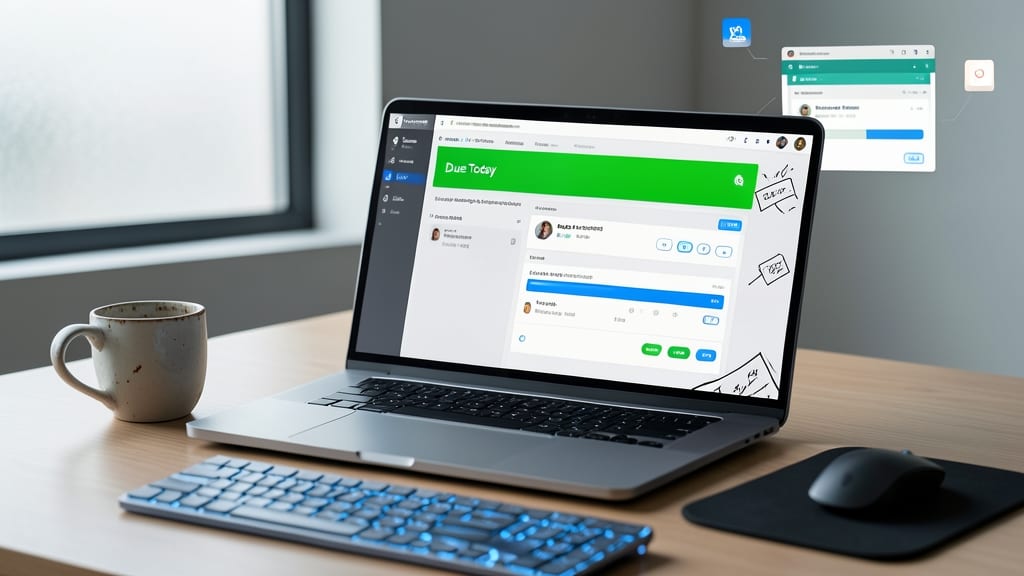
Forget the lost papers and last-minute panic over due dates—Microsoft Teams’ assignment management system turns chaos into clarity. With a single dashboard, you can create, distribute, and track assignments, all while students submit work directly through the platform. The rubric builder ensures grading criteria are crystal clear, and automated reminders keep students on track before deadlines hit.
Need to grade faster? Use Microsoft Forms integration for quick quizzes or OneNote rubrics for detailed feedback. The submission tracker shows who’s completed work and who’s falling behind, so you can intervene early. Plus, version control means no more confusing file attachments—just one clean, organized space for every assignment.
This is ideal for teachers drowning in paperwork or juggling large classes—save hours weekly while keeping students accountable. 💻
Interactive Class Discussions and Polls
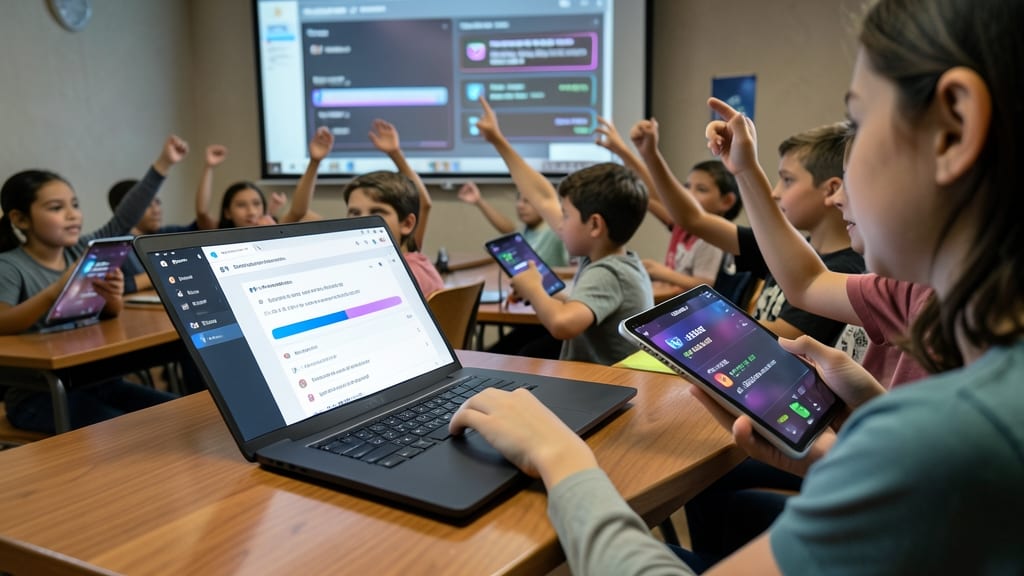
Turn passive learners into active participants with Microsoft Teams’ interactive discussion tools, designed to transform quiet classrooms into vibrant exchanges. The platform’s live polls, quizzes, and threaded discussions let you gauge understanding instantly—whether you’re asking a quick multiple-choice question or sparking a deeper debate in the chat.
Use real-time feedback to adjust lessons on the fly, with features like anonymous responses to encourage even the most reserved students to share their thoughts. The breakout rooms function turns group work into an immersive experience, while reaction buttons (👍/💡) let students signal agreement or confusion without interrupting the flow. Plus, recording discussions ensures no idea gets lost, and integrated rubrics make grading participation effortless.
This is perfect for social studies debates, science brainstorming sessions, or language practice—any class where engagement is key. Watch even the quietest voices join the conversation, all while keeping lessons dynamic and inclusive. ✨
Built-In Video Conferencing for Hybrid Learning

Struggling to keep hybrid classrooms connected without clunky third-party tools? Microsoft Teams’ built-in video conferencing turns split classrooms into unified learning spaces with zero extra setup. The platform’s 4K@30fps video and background blur ensure crystal-clear visuals, while screen sharing lets you display lessons, whiteboards, or student work instantly—no tech headaches for students or parents.
Need to split students into small groups? The breakout rooms feature (up to 50 rooms per call) lets you assign discussions, labs, or peer reviews with one click—ideal for language practice, group projects, or differentiated instruction. Live captions support multiple languages, and the teacher-only mode keeps virtual classrooms distraction-free. Even tech-savvy students appreciate the simple join links that work on any device.
Perfect for K-12 teachers juggling in-person and remote learners, or higher-ed instructors blending lectures with virtual labs. With 99.9% uptime and IT admin controls, it’s the battle-tested setup. ⚡
Collaborative Class Notebooks and Files
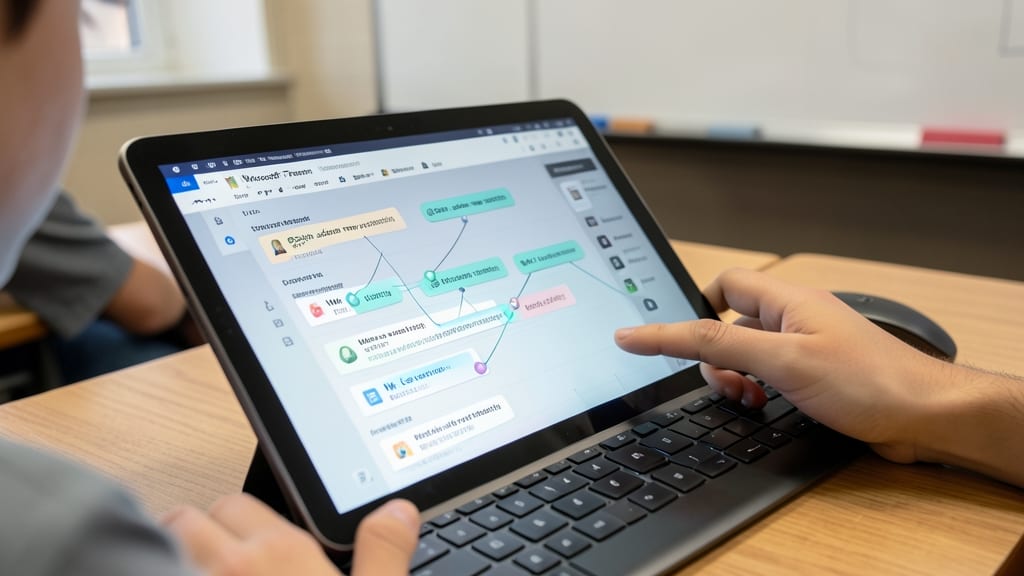
End the chaos of lost drafts and conflicting file versions with real-time collaborative notebooks—where every student and teacher edits the same document, presentation, or project simultaneously. No more "finalv3final_final.docx" headaches; Teams keeps everything synced in the cloud, so changes appear instantly for everyone in the class.
The co-authoring feature in Word, PowerPoint, and OneNote lets students contribute to group projects while teachers provide live feedback—all without emailing attachments. Version history tracks edits, comments stay threaded, and cloud storage ensures no work is lost, even if a student forgets to save. For STEM projects or creative writing assignments, this turns solo work into a seamless team effort.
Ideal for group research projects, peer editing sessions, or flipped classrooms, this tool cuts down on back-and-forth emails and keeps everyone aligned. No tech skills required—just open, edit, and collaborate. ✨
Parent-Teacher Communication Bridge

Tired of parent emails getting buried in your inbox? Microsoft Teams creates a dedicated Parent-Teacher Communication Bridge—a private, organized space where updates flow smoothly without the chaos.
Set up class-specific channels to share student progress, upcoming deadlines, and event reminders in one place. Use @mentions to tag parents directly, while file-sharing lets you send permission slips or project updates instantly. The translation feature even helps bridge language gaps, ensuring every family stays informed.
This is ideal for teachers managing large classes or diverse parent groups, keeping everyone aligned without the back-and-forth of emails. ✨
Integrated Microsoft 365 Tools
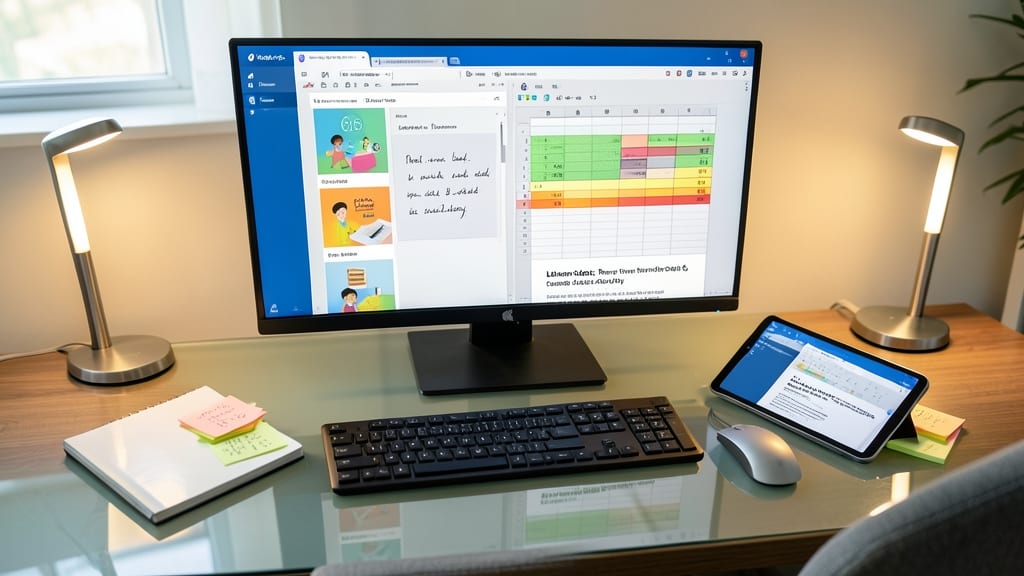
Tired of juggling separate apps for lesson plans, spreadsheets, and notes? Microsoft Teams integrates Word, Excel, PowerPoint, and OneNote directly into your workflow, so everything stays connected in one place.
Create a PowerPoint lesson in Teams, embed an Excel spreadsheet for real-time student data, and attach a OneNote class planner—all without leaving the platform. The co-authoring feature lets students edit documents simultaneously, while cloud syncing ensures no work is lost. Need to reference last year’s lesson? Search your Teams files instantly.
This is perfect for teachers who want zero app-switching while keeping lessons, data, and notes organized. ✨
Automated Attendance and Check-Ins
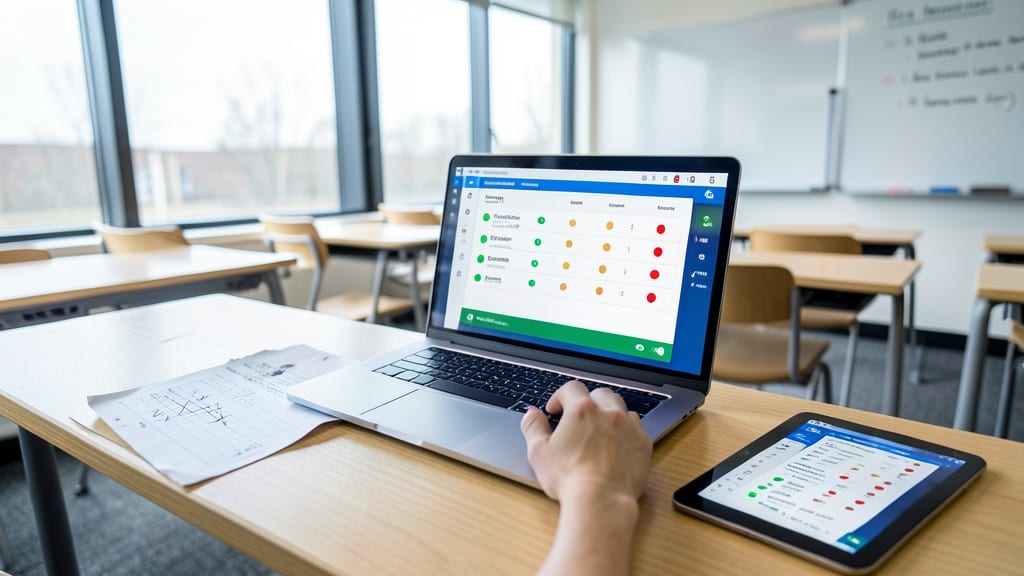
Say goodbye to manual attendance sheets and hello to effortless digital roll calls—Microsoft Teams automates check-ins with just a few clicks, tracking who’s present, who’s late, and who’s absent in real time.
The attendance dashboard integrates seamlessly with school records, so you never have to manually transfer data. Customizable status updates (e.g., "Present," "Late," "Excused") let you flag issues instantly, while automated reminders ensure no student slips through the cracks. Best of all, it syncs with Microsoft Forms for quick, paperless collection.
Perfect for teachers juggling hybrid classes or large rosters, this feature turns a tedious chore into a fully automated system—freeing up time for what matters most. ✨
Secure and Compliant Student Data
Worried about student privacy in a digital classroom? Microsoft Teams addresses this head-on with built-in compliance for FERPA and COPPA, the strictest U.S. education privacy laws. Your sensitive data—grades, attendance, and personal records—stays locked down with end-to-end encryption, meaning only authorized users can access it.
Beyond security, Teams simplifies role-based permissions, so you control who sees what. Need to share a student’s IEP with parents but keep it private from other teachers? No problem. The platform also integrates with Microsoft’s compliance tools, like eDiscovery, to track data access and retain records as required by law.
This is especially valuable for special education teams, administrators, and schools handling sensitive health records. With peace of mind, you can focus on teaching—not paperwork. ✨
Professional Development and Teacher Collaboration

Teaching doesn’t have to be a solo journey—Microsoft Teams’ educator-focused collaboration tools turn professional growth into a team sport. Private teacher channels let you connect with colleagues across departments, share best practices, and troubleshoot challenges in real time, all while keeping student discussions separate.
Dive into shared lesson plan libraries with built-in templates and rubrics, or join expert-led training sessions hosted directly in Teams. The Microsoft Educator Community integration brings curated resources, while customizable training modules help you upskill without leaving the platform. No more scattered emails or lost files—everything stays organized and searchable.
Perfect for new educators building their toolkit or veteran teachers refining their craft, this feature turns isolated classrooms into a supportive professional network. ✨