
Software
Struggling with group projects, missed deadlines, or disorganized study groups? Microsoft Teams transforms student life by streamlining collaboration, reducing tech overwhelm, and even improving academic performance—without requiring IT expertise. These 10 benefits prove it’s the ultimate tool for modern learners.
Real-Time Group Project Collaboration
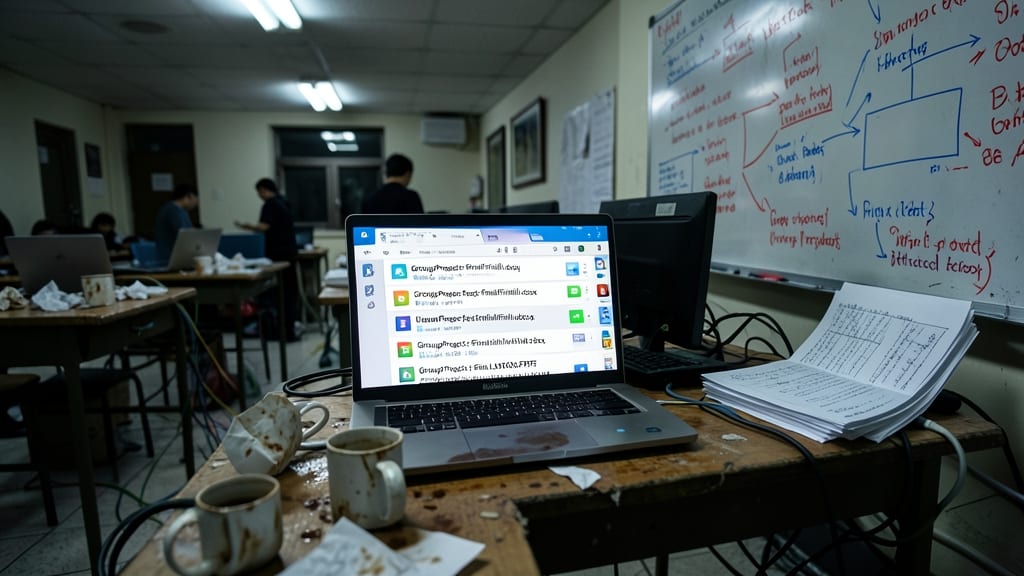
Drowning in endless email threads and conflicting file versions? Microsoft Teams’ real-time collaboration feature turns group projects into smooth, stress-free workflows—no more "finalfinalv3.docx" chaos.
With simultaneous document editing, your team can draft papers, design presentations, or analyze spreadsheets together in one live workspace. The @mentions and task assignments keep everyone accountable, while the change tracking tool shows exactly who contributed what—no more "I thought you fixed that!" arguments. Even professors can join to review progress mid-project, cutting feedback loops in half.
This is the ultimate lifesaver for tight-deadline group work, from senior theses to last-minute research papers. No more version control nightmares—just clean, organized teamwork that actually gets done. 💡
Seamless Integration with Office 365
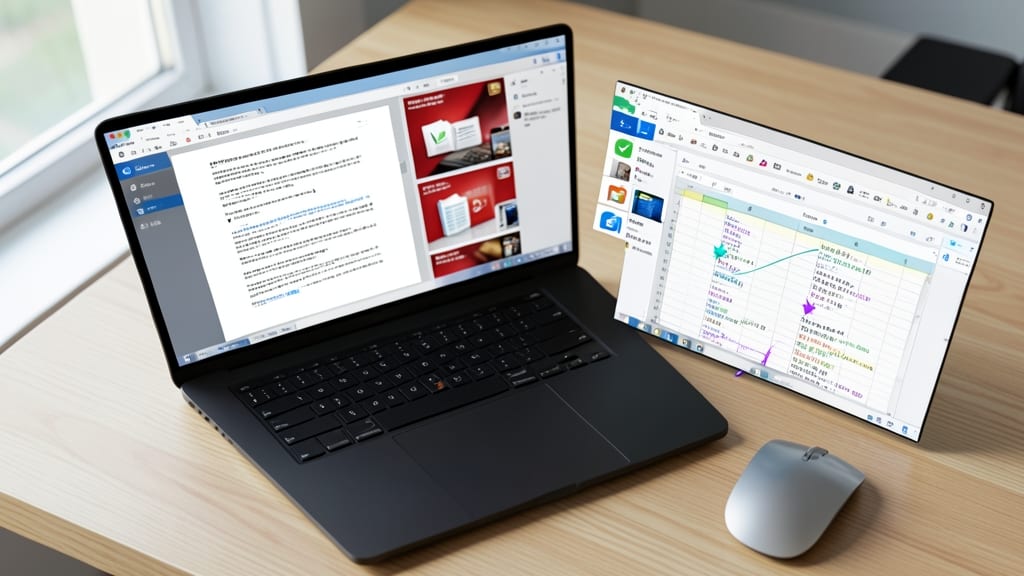
Say goodbye to the frustration of sending Word files back and forth—Microsoft Teams natively embeds Office 365 apps directly into chats and channels. That means you can edit a PowerPoint presentation together in real time, analyze an Excel spreadsheet with your group, or draft a Word document while discussing it in the same window.
No more compatibility issues or lost file versions—every change syncs instantly, and you can preview files without downloading. The @mention feature lets you tag teammates for feedback, while the commenting tool (available in all Office apps) keeps discussions organized. Even presentations can be rehearsed live with screen-sharing, so your group project shines during virtual meetings.
This is the ultimate tool for group presentations, research papers, or design projects—where seamless collaboration directly impacts your grade. No more tech headaches, just smooth workflows. ⚡
Virtual Study Hall Organization
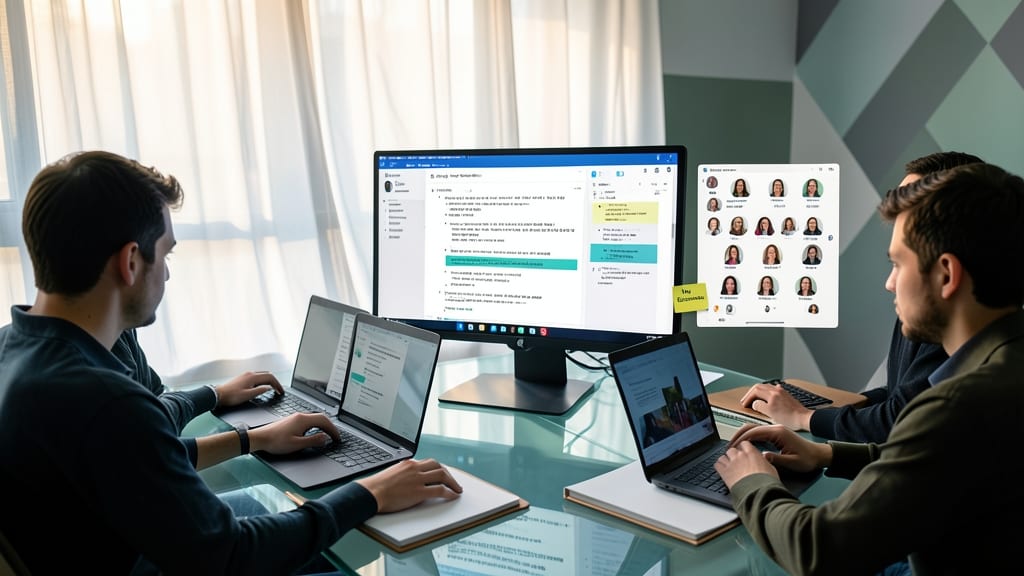
Tired of last-minute study sessions that devolve into chaos? Microsoft Teams turns disorganized group reviews into structured, productive virtual study halls—complete with scheduled meetings, shared digital whiteboards, and calendar sync.
Create a dedicated study team channel where you can pin key resources (like lecture slides or past exams), use the whiteboard tool to brainstorm answers, and even record video explanations for tricky concepts. The integrated calendar sends reminders for review sessions, so no one shows up late—or forgets to show up at all. Plus, the Notes tab lets your group compile shared study guides in one place, searchable and accessible anytime.
This is the perfect tool for exam prep groups, language study partners, or even solo learners who want accountability. No more scrambling to find notes or coordinating schedules—just a battle-tested setup that keeps everyone on track. ✨
Built-In Task and Deadline Tracker
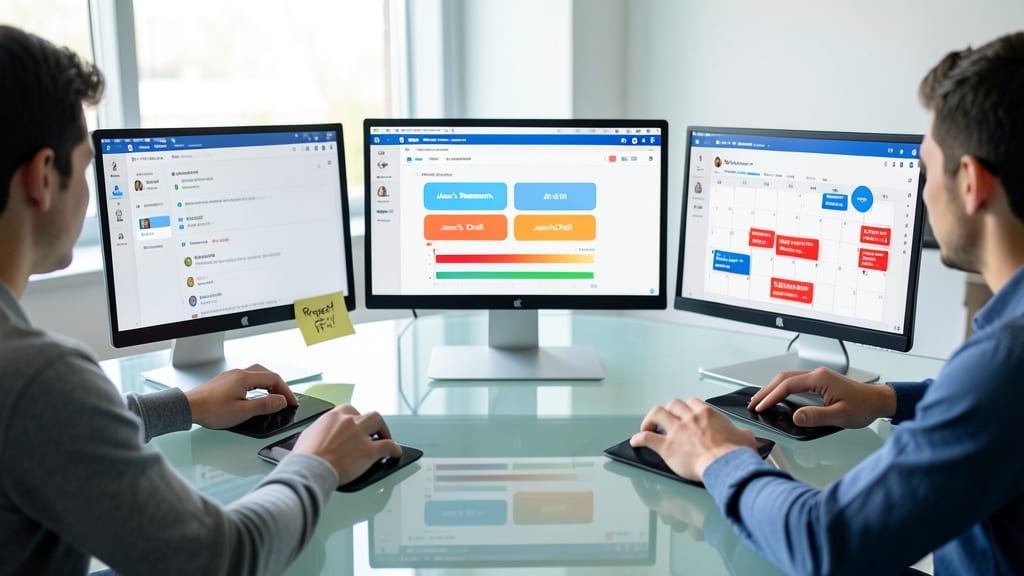
Forget scribbling deadlines on sticky notes—Microsoft Teams’ built-in task and deadline tracker turns chaotic group projects into crystal-clear to-do lists. Assign tasks directly to teammates, set due dates, and watch progress update in real time, all within the same platform where you’re already collaborating.
Each task includes reminders (customizable by frequency), progress bars, and even the ability to attach files or links. The Planner integration lets you visualize timelines with Kanban-style boards, so you’ll never miss a milestone again. Plus, it syncs with your school calendar, so deadlines appear alongside lectures and exams.
This is your secret weapon for group projects, research papers, or study groups—especially when deadlines feel overwhelming. No more last-minute panic over forgotten assignments. ✨
Secure File Sharing Without Email Limits
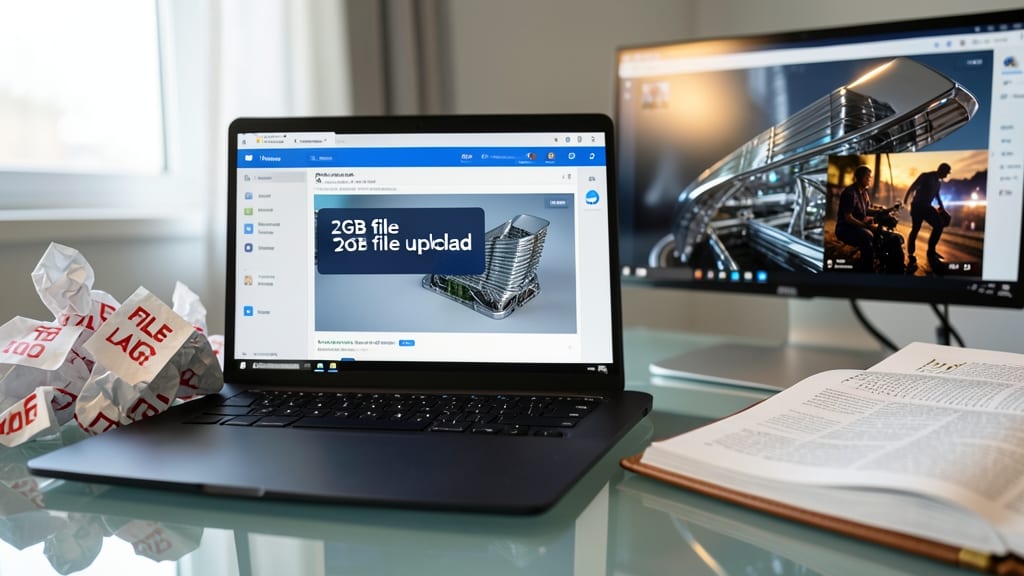
Forget the headache of oversized files getting rejected by school email servers—Microsoft Teams lets you share files up to 2GB in seconds, with no size limits or IT approvals. Whether it’s a high-res design project, a multi-page research paper, or a video portfolio, Teams handles it all without clunky workarounds.
The built-in file-sharing feature includes end-to-end encryption and version control, so your latest draft stays secure while your team always accesses the correct file. Plus, you can preview PDFs, images, and videos directly in the chat—no need to download first. The zero-config setup means you’re sharing in minutes, not hours.
This is a game-changer for art students, engineers, and researchers who deal with heavy files daily. No more splitting files into tiny chunks or begging IT for help—just seamless collaboration. ✨
Accessibility Features for All Learners
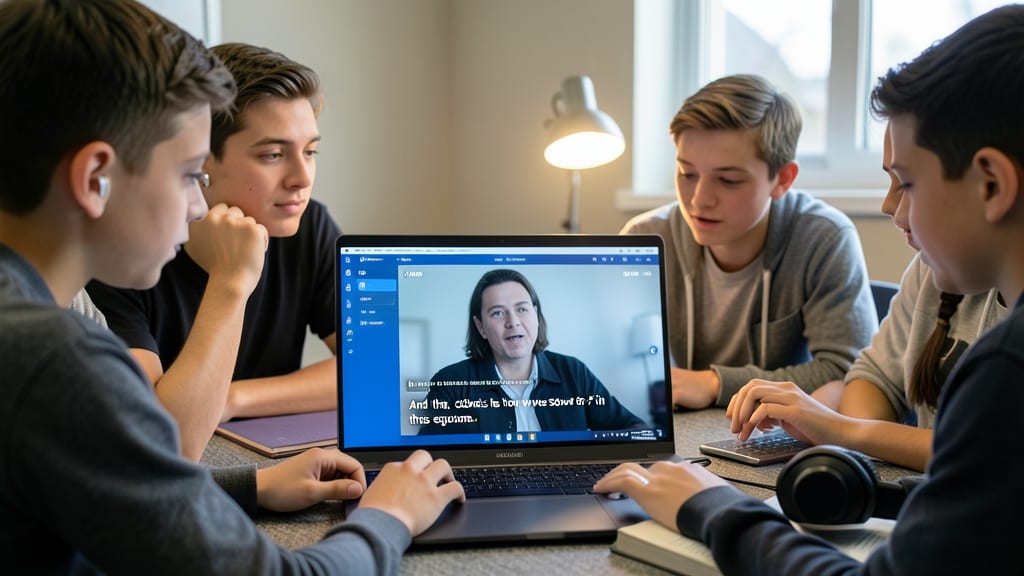
Not every student learns the same way—and Microsoft Teams recognizes that. With real-time live captions, you can follow lectures or discussions even if you’re in a noisy environment or have hearing difficulties. The screen reader support (compatible with JAWS and NVDA) ensures blind or low-vision students can navigate the platform effortlessly, while adjustable text sizes and high-contrast modes make reading comfortable for those with dyslexia or visual impairments.
For international students or those learning English as a second language, language translation tools in chats and meetings help bridge gaps. The platform also supports customizable keyboard shortcuts, reducing frustration for students with motor challenges. These features aren’t just add-ons—they’re built into the core experience, ensuring no learner gets left behind.
Whether you’re a professor adapting lectures or a student who thrives with visual aids, Teams’ accessibility tools level the playing field. No extra apps or workarounds needed—just a more inclusive way to learn. ✨
24/7 Virtual Office Hours with Professors

Forget cramming questions into a rushed office hour—Microsoft Teams lets you record video messages anytime, day or night, and professors respond when they can. This feature transforms traditional office hours into a flexible, stress-free way to get help, especially for night owls or students juggling work and school.
You can share assignments directly in the chat, tag professors for feedback, or join live Q&A sessions when your schedule aligns. The asynchronous recording tool (up to 10GB per message) ensures no question gets lost in the shuffle, while screen-sharing lets you walk through problems step-by-step—no awkward in-person explanations required.
Perfect for international students, shift workers, or anyone who’s ever missed office hours due to timing—this tool levels the playing field for all learners. 💡
Mobile-Friendly for On-the-Go Students
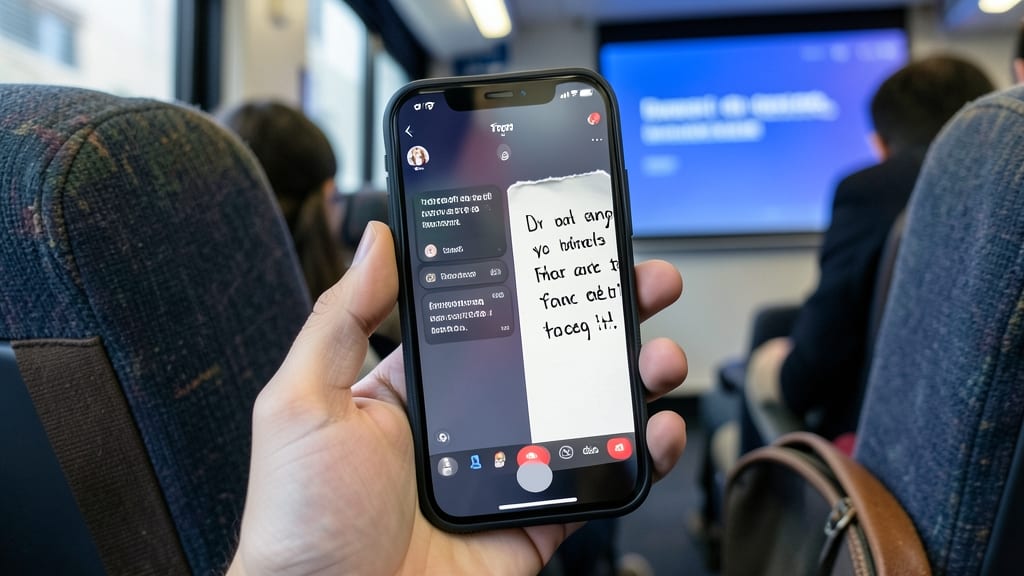
Forget lugging a laptop to every lecture—Microsoft Teams’ mobile app turns your phone into a full-featured classroom tool. Whether you’re jotting down notes during a lecture, submitting assignments on the bus, or joining a study group between classes, the iOS/Android app delivers the same power as the desktop version.
You get real-time video/audio calls, file sharing, and chat functionality—all optimized for touchscreens. The app even syncs with your school calendar and Office 365 files, so you’re never left scrambling for a laptop. Plus, the offline mode lets you review notes or draft messages when Wi-Fi is spotty.
Perfect for commuters, hybrid learners, or students who prefer typing on their phones—this feature turns your daily routine into a productivity powerhouse. 💻
Automated Grading and Feedback Tools
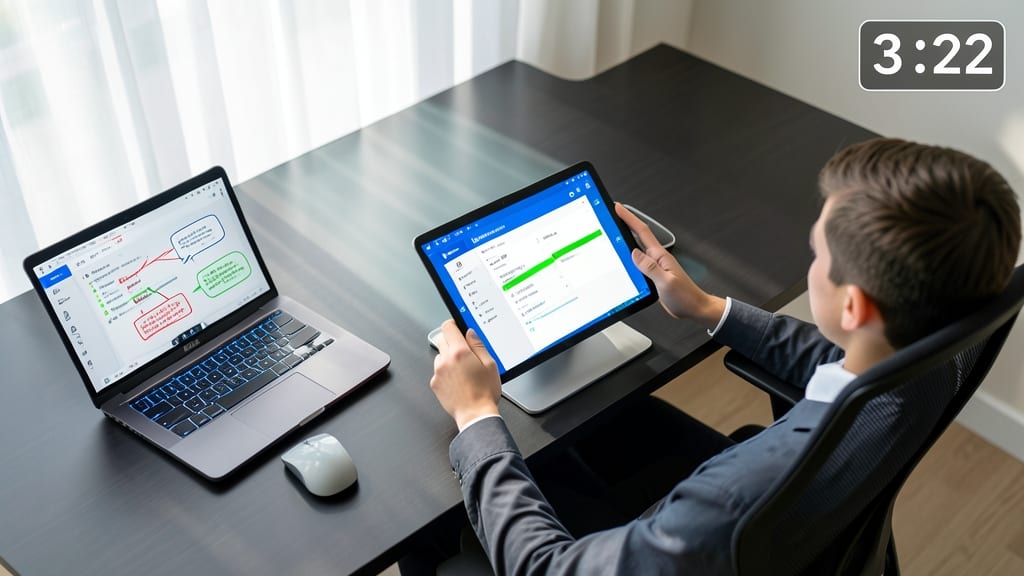
Tired of waiting days for quiz grades or vague feedback that doesn’t help you improve? Microsoft Teams’ automated grading tools—paired with Microsoft Forms—change the game by delivering instant results and actionable insights.
Professors can create quizzes with auto-scoring multiple-choice, true/false, and even short-answer questions (using AI-powered rubrics). You get real-time feedback on submissions, with explanations for correct/incorrect answers, while instructors save hours manually grading. The system also tracks progress trends over time, so you (and your professor) can spot patterns—like struggling with specific concepts—before finals.
This is a game-changer for online courses, hybrid learning, or large lecture halls where personalized feedback is rare. No more guessing what you missed—just clear, immediate clarity to help you learn faster. ✨
Free for Students with Education Accounts
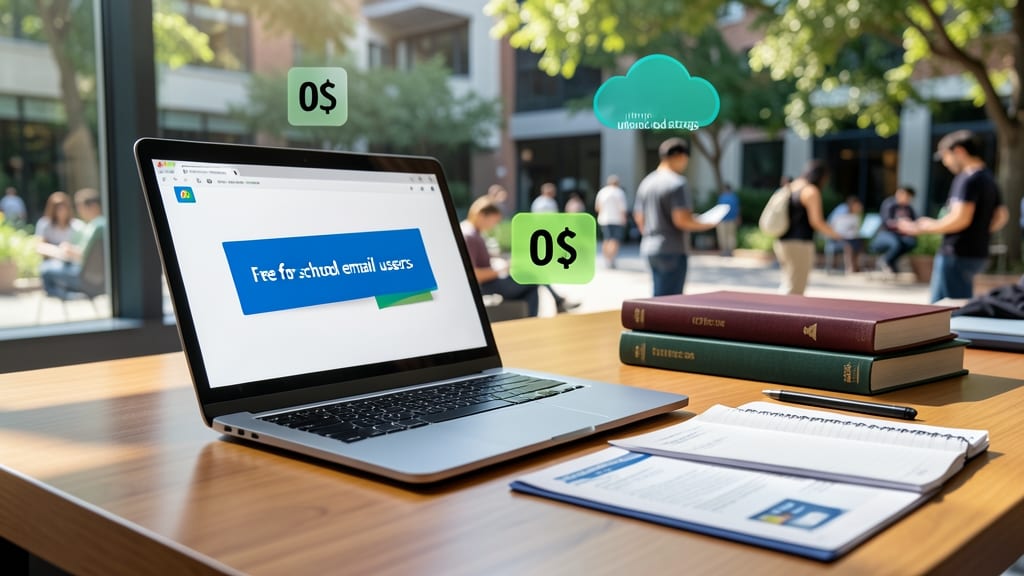
Worried about hidden subscription costs eating into your student budget? Microsoft Teams eliminates that stress entirely—zero fees for anyone with a school email address.
All premium features, including unlimited cloud storage, advanced security tools, and full Office 365 integration, come standard when you sign in with your education account. No credit card required, no trial expirations—just instant access to everything you need for group projects, virtual classes, and study groups. Microsoft even verifies your school affiliation automatically through your email domain.
This makes Teams the perfect solution for international students, part-time workers juggling jobs and classes, or anyone without IT support. No financial barriers mean you can focus on what matters: your grades. ✨