
Software
Working with dates and times across systems can be a headache if you don’t know the standardized formats. These 10 recognized date-time value formats are essential for developers, ensuring compatibility across programming languages, APIs, and databases.
ISO 8601 Standard Date Format

Tired of debugging date mismatches between your backend and frontend? The ISO 8601 format (YYYY-MM-DD) is the universal solution—adopted by APIs, databases, and international systems to eliminate timezone and formatting chaos. Unlike regional formats (MM/DD/YYYY vs. DD/MM/YYYY), ISO 8601’s strict structure (YYYY-MM-DDTHH:MM:SS±HH:MM) ensures machines parse dates consistently, whether in JSON payloads, SQL queries, or logs.
Most modern languages support it natively: Python’s datetime.isoformat(), JavaScript’s toISOString(), and even Excel’s ISOCELL function. The format’s inclusion of UTC timezone offsets (e.g., +00:00) prevents ambiguity, while its sortable string format (lexicographical order matches chronological order) simplifies database queries. For example, "2023-10-15T14:30:00Z" leaves no room for misinterpretation.
Ideal for global APIs, microservices, and data pipelines, ISO 8601 is the default choice when compatibility trumps readability. Whether you’re building a SaaS platform or integrating third-party services, this format keeps your timestamps reliable across borders. ⚡
Unix Timestamp Format
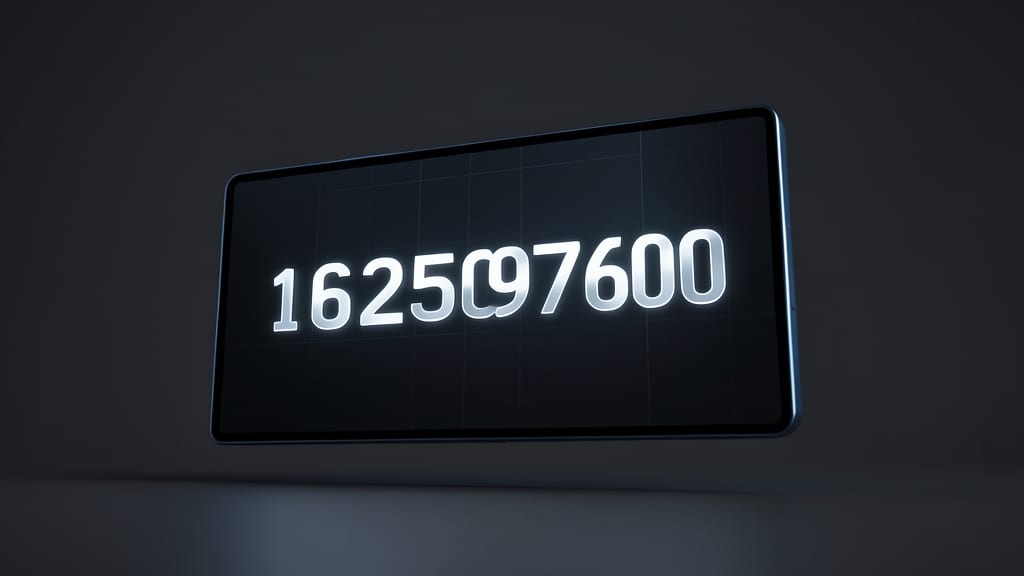
Need a date format that’s lightweight, precise, and universally understood by machines? Enter the Unix timestamp—a single integer counting seconds since January 1, 1970 (the Unix Epoch). Unlike human-readable formats, this compact number (e.g., 1625097600) eliminates parsing complexity, making it ideal for logs, performance benchmarks, and systems where storage efficiency matters.
Most programming languages support it natively: Python’s time.time(), JavaScript’s Date.now(), and even shell scripts (e.g., date +%s) can generate or convert timestamps with zero effort. Its millisecond precision (via fractional seconds) and UTC consistency ensure accuracy across timezones—critical for distributed systems or debugging latency issues.
Perfect for devops engineers, data analysts, and backend developers who prioritize speed over readability. Whether you’re tracking server uptime or optimizing queries, timestamps keep your data clean and your systems fast. ⚡
RFC 2822 Email Date Format

If you’ve ever parsed an email header or built an API that sends messages, you’ve likely encountered the RFC 2822 format—even if you didn’t realize it. This standard defines how dates appear in email headers, ensuring consistency across inboxes, servers, and clients.
The format follows a structured pattern like <Day>, <Date> <Month> <Year> <Time> <Timezone> (e.g., Wed, 21 Jun 2023 09:24:00 +0000). It includes timezone offsets (e.g., +0000, -0500) to avoid ambiguity, making it ideal for global communication. Libraries like Python’s email module or JavaMail automatically handle this format when parsing or sending emails.
Developers working with email APIs, IMAP protocols, or legacy systems rely on RFC 2822 to ensure dates render correctly across platforms. If your app processes emails, this is the standard you’ll need to support. ✨
SQL Date Format

When your application relies on MySQL, PostgreSQL, or SQL Server, using the wrong date format can turn stored procedures into a debugging nightmare. Unlike ISO 8601 or Unix timestamps, SQL databases handle dates with their own syntax—DATEFORMAT(), TOCHAR(), and CONVERT()—each with database-specific quirks.
For example, MySQL’s DATEFORMAT() lets you customize outputs like '%Y-%m-%d %H:%i:%s' (2023-10-15 14:30:00), while PostgreSQL uses TOCHAR() with placeholders like `'YYYY-MM-DD HH24:MI:SS'. SQL Server’s CONVERT() with style codes (e.g., style 120) ensures consistency across queries. These formats prevent ambiguity in joins, filters, and reports where precision matters.
Perfect for backend developers managing relational databases, this format ensures your queries work across systems without locale surprises. 💻
JavaScript Date Object Format

If you’re building web apps or server-side logic in JavaScript, the Date object is your go-to for handling time dynamically. Unlike static formats, it lets you create, manipulate, and display dates on the fly—whether you’re calculating deadlines, logging events, or syncing with APIs.
The JavaScript Date object supports millisecond precision and includes built-in methods like getFullYear(), toISOString(), and Date.now() for parsing and formatting. It’s lightweight, browser-native, and works seamlessly in Node.js for backend tasks like scheduling or time-based validations.
Perfect for developers who need real-time date logic without external libraries. Whether you’re building a dashboard or a chat app, this format keeps your code lean and functional. ✨
Excel Date Serial Number
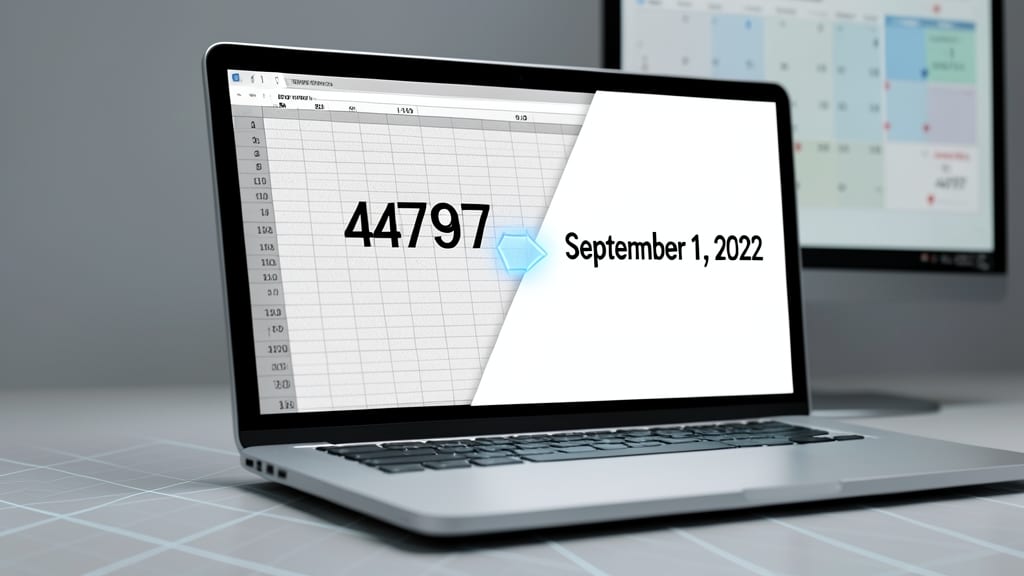
Ever wondered why Excel treats dates as numbers like 44797 instead of text? That’s the date serial number—Excel’s hidden system for storing dates as sequential integers, where 1 = January 1, 1900 and 44797 = September 1, 2022. This quirk isn’t just a curiosity; it’s the backbone of spreadsheet calculations, from financial projections to inventory tracking.
The magic happens because Excel stores dates as floating-point numbers, with the decimal representing time (e.g., 44797.5 = 12:00 PM). This allows seamless math operations—like calculating 30-day moving averages or year-over-year growth—without manual conversions. For developers, this means you can parse Excel files with libraries like Pandas or Apache POI and instantly work with dates as numbers, avoiding parsing headaches.
This format is a must-know for financial analysts, data scientists, and automation engineers who pull data from Excel into Python, R, or SQL. No more guessing—just reliable, machine-readable dates. ✨
JSON Date-Time Format

When your API needs to speak the same language as your frontend, JSON Date-Time Format is the bridge that keeps everything in sync. Unlike human-readable formats, this standardized approach ensures dates are transmitted cleanly between systems without ambiguity.
The format follows ISO 8601 principles (e.g., "2023-10-15T14:30:00Z") but adds machine-friendly features like UTC timezone support and optional precision (milliseconds). Libraries like Moment.js or native JavaScript’s toISOString() handle conversion automatically, making it a zero-config choice for modern web services.
Perfect for developers building RESTful APIs, microservices, or SPAs where consistent date handling is critical. 💻
AM/PM 12-Hour Time Format
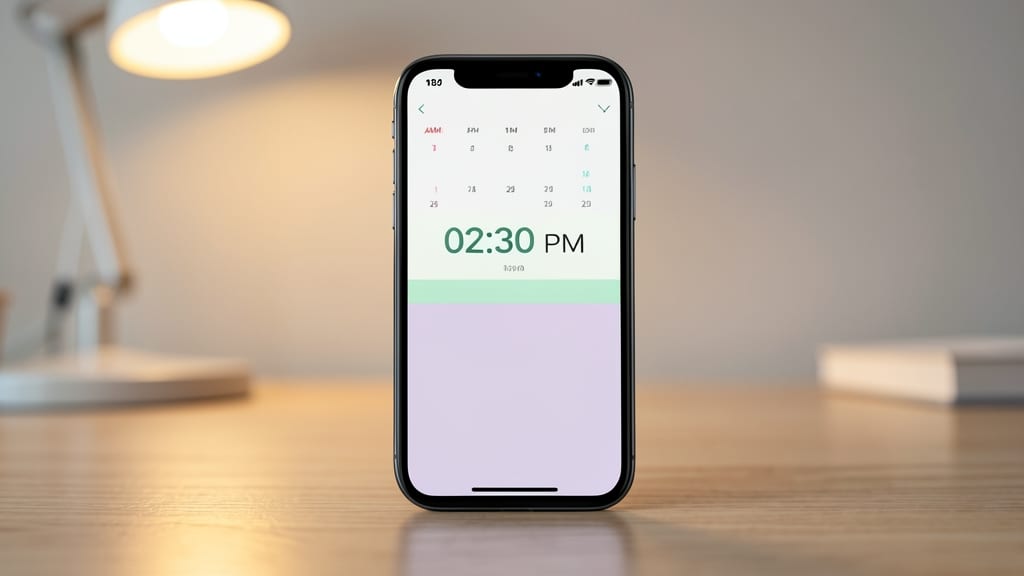
If you're building applications for regions where 24-hour time isn’t standard, the AM/PM 12-hour format (e.g., 02:30 PM) is your go-to for intuitive UX. Unlike machine-friendly formats, this human-readable style prioritizes clarity for end-users, making it ideal for consumer-facing apps, scheduling tools, and localized interfaces.
It’s widely supported in frameworks like JavaScript’s toLocaleTimeString(), Python’s strftime, and Android/iOS date pickers, ensuring consistency across platforms. The format’s simplicity also reduces cognitive load—users instantly grasp 2:30 PM without needing to translate hours. For global apps, pair it with ISO 8601 for backend storage while keeping UIs accessible.
Perfect for localized apps, healthcare software, or retail tools where time clarity matters most. 💡
Military 24-Hour Time Format

When seconds matter most—like during a flight or military operation—the military 24-hour time format (e.g., 14:30) eliminates ambiguity by removing AM/PM confusion. This format is the backbone of aviation logs, logistics scheduling, and defense systems, where miscommunication could have critical consequences.
Unlike civilian timekeeping, it uses HH:MM (00:00 to 23:59) for clarity, ensuring all stakeholders—from pilots to supply chain managers—interpret times identically. Many programming languages (like Python’s %H:%M or Java’s SimpleDateFormat) support it natively, making integration straightforward for compliance-heavy industries.
Perfect for developers building systems in transportation, defense, or global logistics, where precision trumps readability. ⚡
Custom Date Format Strings
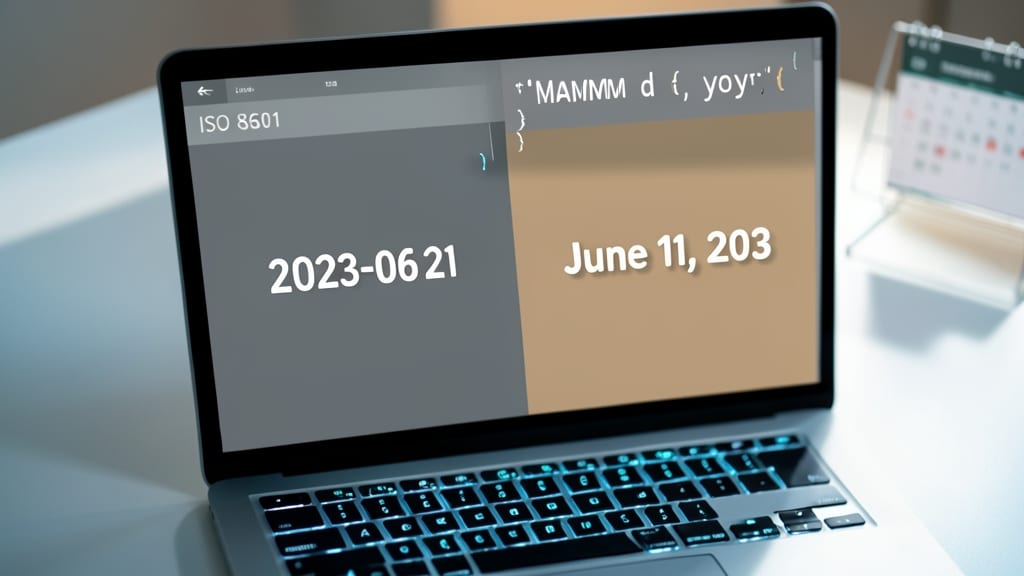
When your app needs to display dates in a way that feels local—like showing "June 21, 2023" instead of "2023-06-21"—custom date format strings are your secret weapon. Unlike rigid standards, these language-specific patterns let you fine-tune output while keeping backend data clean and consistent.
Python’s strftime lets you craft formats like "%A, %B %d, %Y" (e.g., "Monday, June 21, 2023"), while C#’s ToString("MMMM dd, yyyy") delivers the same result. Java’s SimpleDateFormat and JavaScript’s toLocaleDateString() offer similar flexibility. These tools parse backend timestamps (like ISO 8601) into user-friendly displays without sacrificing data integrity.
Perfect for localized apps where regional preferences matter—think e-commerce sites, travel platforms, or global dashboards. Now you can serve users in their preferred format while keeping your codebase clean. ✨