
Operating System
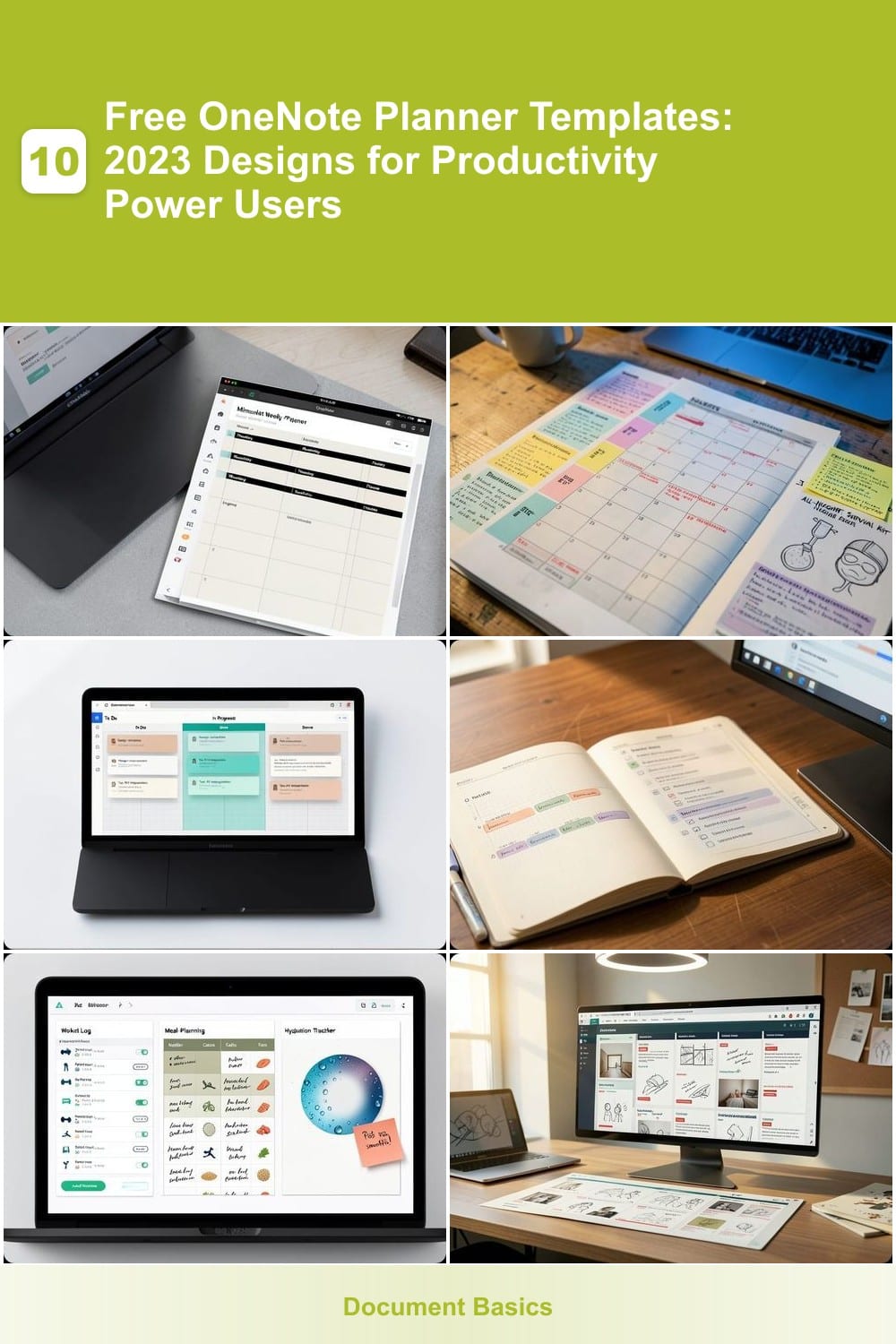
OneNote planner templates can transform your digital workspace into a productivity powerhouse. These 10 free 2023 designs cater to students, professionals, and creatives, offering customizable layouts that sync seamlessly across devices.
Minimalist Weekly Planner for Professionals
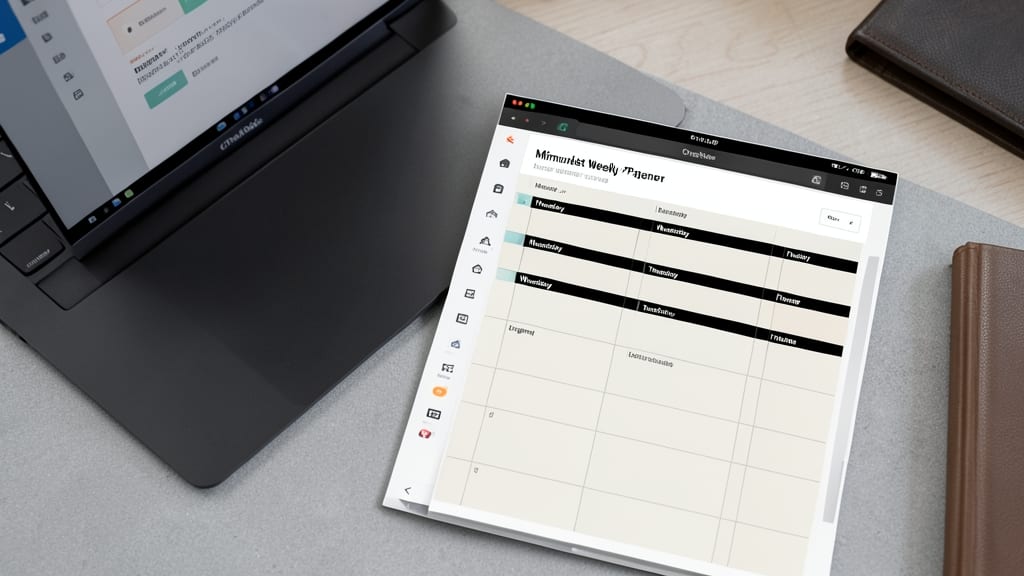
If you're drowning in cluttered to-do lists and endless tabs, the Minimalist Weekly Planner for OneNote is your digital escape. This template strips away distractions with a clean, distraction-free layout that keeps focus sharp while tracking deadlines and priorities.
Built for executives and freelancers, it features a 7-day grid with color-coded priority levels, integrated deadline alerts, and space for digital sticky notes. The modular design lets you expand sections for meetings, notes, or project updates without visual chaos. Best of all, it syncs across Windows, Mac, and mobile for seamless access.
Perfect for professionals who thrive on simplicity, this template turns overwhelming workloads into manageable, organized systems. 💻
Student Success Academic Planner
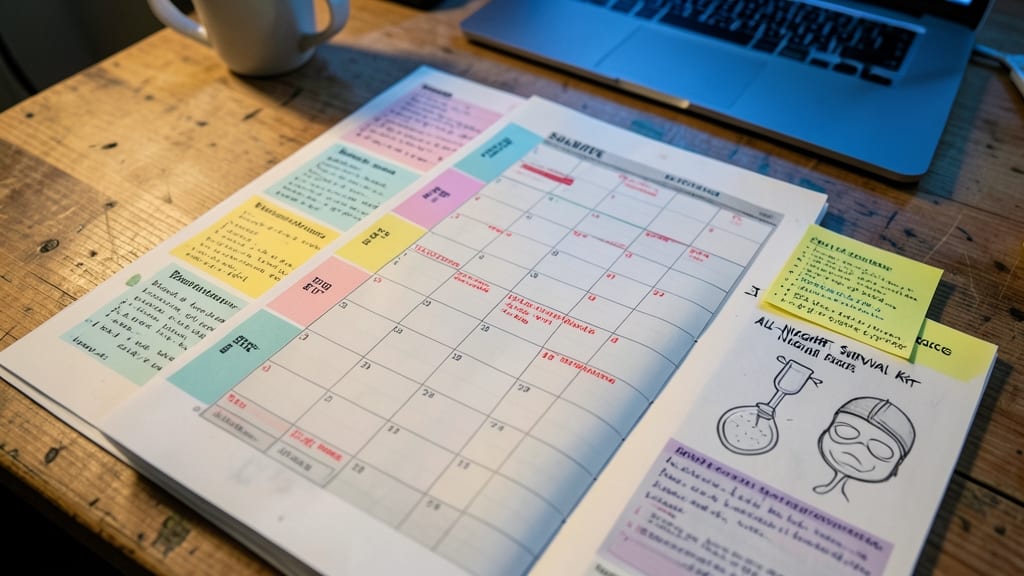
Drowning in syllabi, deadlines, and all-nighter study sessions? The Student Success Academic Planner turns chaos into structure with a dedicated space for every academic need. This template goes beyond basic calendars by embedding color-coded subject tabs (think pastel blues for math, warm yellows for history) that visually separate your workload while keeping everything searchable.
Key features include a built-in exam scheduler with countdown timers, a coursework tracker with priority flags, and study timeline sections that auto-populate with lecture dates and assignment deadlines. The drag-and-drop interface lets you rearrange sections as your schedule evolves, and OneNote’s handwriting support means you can scribble notes directly into your planner—perfect for visual learners.
This is the ultimate tool for undergrads juggling multiple classes, grad students prepping for comprehensive exams, or anyone who’s ever lost a paper due to misplaced deadlines. Sync it across your phone, tablet, and laptop to access study plans between classes or during library marathons. 💻
Project Management Kanban Board
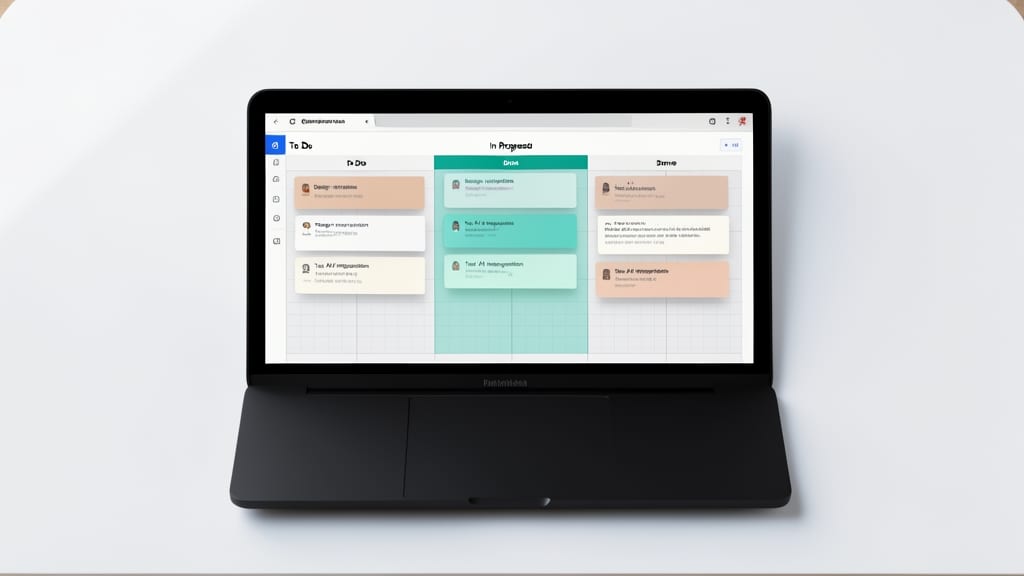
If your team thrives on Agile sprints but struggles with scattered tools, this OneNote Kanban Board template brings structure without the complexity. Designed specifically for Agile workflows, it replaces sticky notes with digital drag-and-drop task cards that visually track progress through three core columns: To Do, In Progress, and Completed.
The template includes customizable labels (like "Bug," "Feature," or "Blocked") to categorize tasks, and you can add due dates, assignees, or priority tags directly to each card. The clean, minimalist design ensures focus stays on workflows—not formatting—and integrates seamlessly with OneNote’s cross-device sync, so your team stays aligned whether they’re in the office or remote. ⚡
Bullet Journal Hybrid Planner
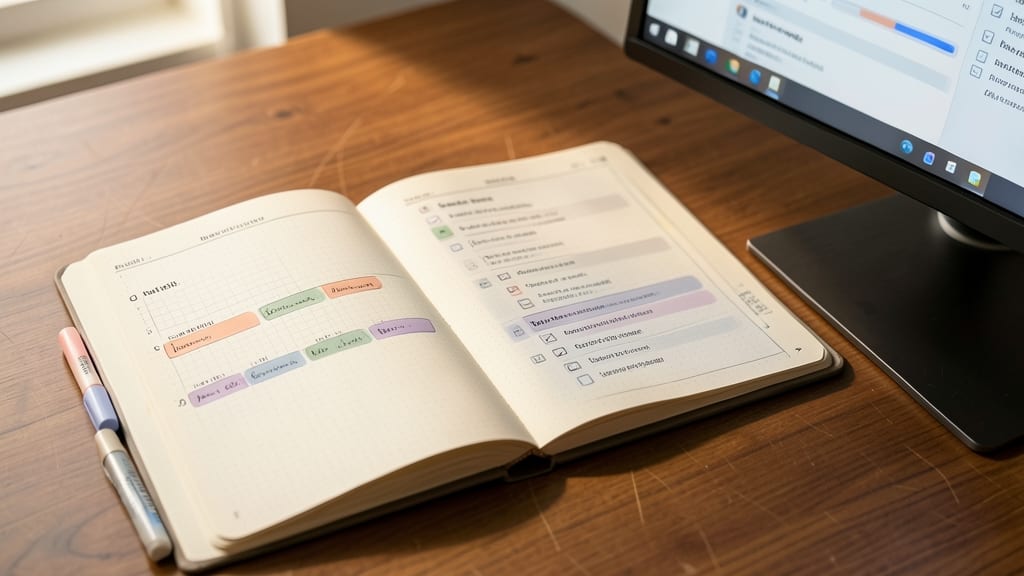
If you love the tactile feel of a bullet journal but crave digital flexibility, this Bullet Journal Hybrid Planner bridges the gap perfectly. Designed to mirror the rapid logging and habit-tracking systems of analog bullet journals, it integrates seamlessly into OneNote while keeping your workflow fluid.
Key features include pre-built rapid logging sections for quick note-taking, customizable habit trackers with checkboxes and progress bars, and monthly overview pages that sync across devices. The template uses ink-style fonts and vintage textures to evoke a notebook feel while leveraging OneNote’s searchability and cloud backup. You can even add tables, tags, and embedded files for deeper organization.
This is ideal for creatives, students, or professionals who want structure without sacrificing flexibility. Whether you’re tracking daily goals, planning projects, or journaling, the hybrid approach lets you start analog and transition digital effortlessly. ✨
Health and Wellness Tracker
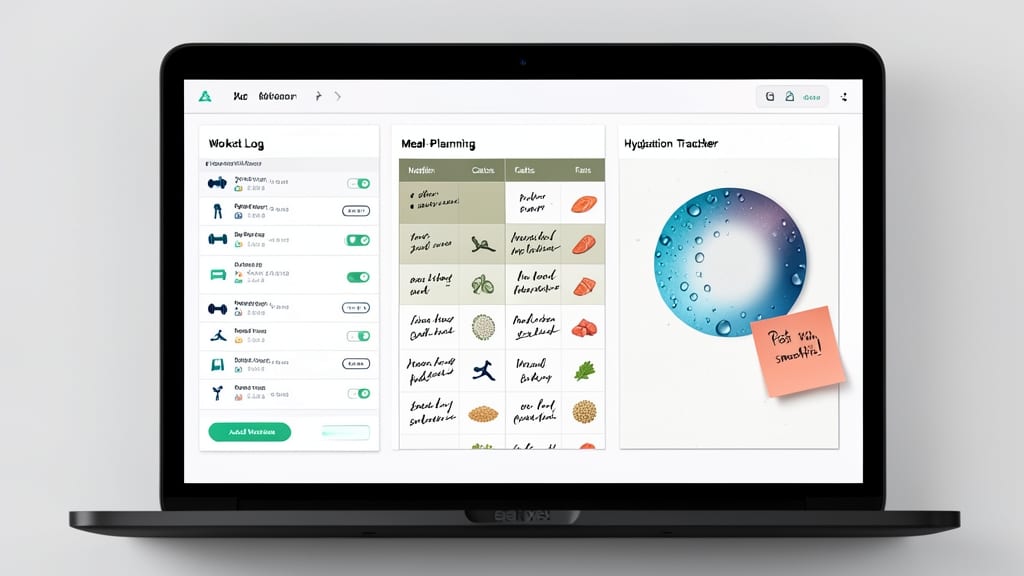
If you’re serious about fitness but hate the chaos of scattered notes and apps, this Health and Wellness Tracker brings everything into one sleek, digital space. Forget juggling spreadsheets and sticky notes—this template consolidates your workout logs, meal planning, and hydration tracking into a single, customizable hub.
You’ll find pre-built sections for logging exercises (with intensity ratings), a 7-day meal planner complete with nutritional breakdowns, and a hydration tracker that syncs with your daily goals. The mood journal adds a mental health layer, helping you spot patterns between stress levels and workout performance. Best of all, it’s fully editable—swap colors, resize tables, or add your own metrics like sleep tracking.
This is the perfect fit for gym-goers, yogis, and anyone who treats fitness as a lifestyle—not just a chore. Sync it across devices and watch your progress transform from scattered notes to a clear, actionable roadmap. 💪
Creative Portfolio Organizer
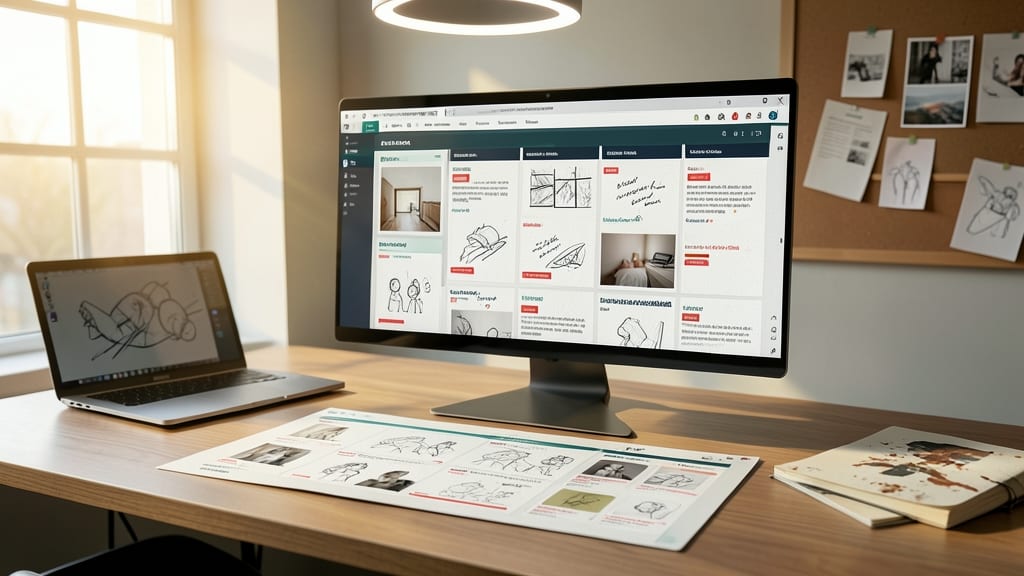
If you’re a designer, writer, or artist drowning in creative projects, this Creative Portfolio Organizer template is your digital sanctuary. It’s built specifically for professionals who juggle multiple projects, client deadlines, and endless inspiration—all while keeping their work visually organized and easily accessible.
The template includes dedicated mood boards for visual brainstorming, project timelines with milestone tracking, and client contact sections to store crucial details like deadlines, budgets, and feedback. The inspiration gallery lets you clip images, sketches, or color palettes from anywhere—perfect for when you’re struck by a burst of creativity. Plus, it’s fully customizable with OneNote’s tools, so you can tweak colors, fonts, and layouts to match your personal brand.
This is the ideal tool for freelancers, agencies, or solo creatives who want to showcase their work professionally while keeping everything in one place. Whether you’re pitching a new project or reviewing past work, this template turns chaos into clarity. ✨
Family Meal Planner with Grocery List
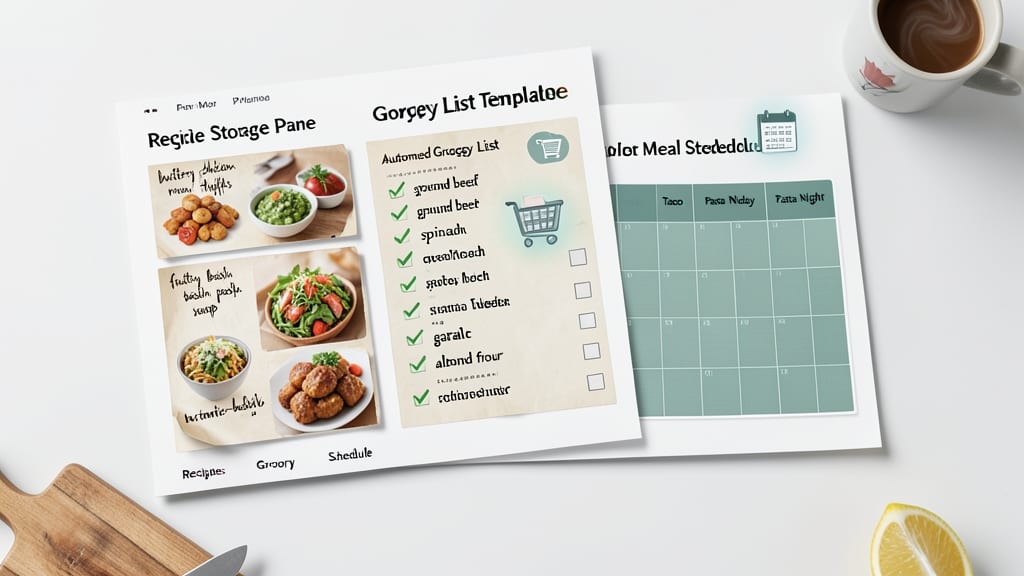
Tired of last-minute grocery runs and forgotten recipes? This Family Meal Planner with Grocery List template turns meal prep into a stress-free, digital breeze. With built-in sections for recipe storage, automated grocery lists, and rotating meal schedules, it eliminates the weekly "what's for dinner?" panic.
You’ll love the drag-and-drop recipe library (save family favorites in seconds) and smart grocery list generator that cross-references ingredients to avoid duplicates. The color-coded meal rotation system helps families cycle through breakfasts, lunches, and dinners without repetition, cutting food waste by up to 30%. Plus, it syncs across devices so everyone stays on the same page.
Perfect for busy parents, college students cooking for roommates, or anyone who wants to eat healthier without the daily decision fatigue. 💡
Travel Itinerary Organizer
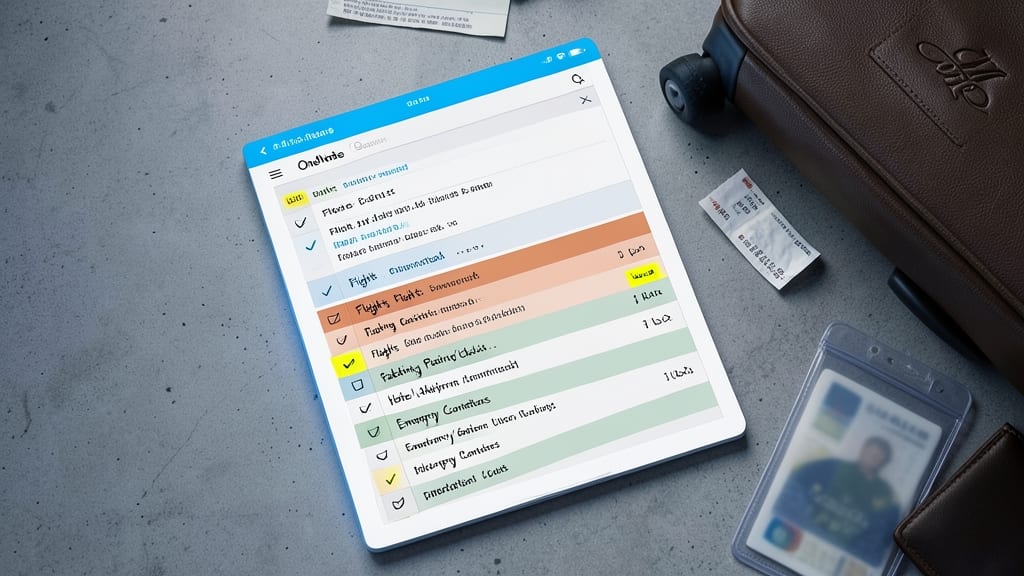
If airport chaos and last-minute packing stress sound familiar, this Travel Itinerary Organizer is your digital lifeline. Designed for road warriors, it consolidates all trip essentials into one searchable hub—no more digging through emails or scattered notes.
You’ll find dedicated sections for flight details (with gate numbers and boarding times), hotel confirmations (including Wi-Fi passwords), a smart packing list (with weather-based recommendations), and a sightseeing checklist that syncs across your devices. The template even includes a currency converter and emergency contact tab—because you never know when you’ll need it.
Perfect for digital nomads, business travelers, or anyone who’s ever forgotten their passport at home. Download it once, and your next trip will feel like a breeze. ✨
Habit Tracker with Gamification
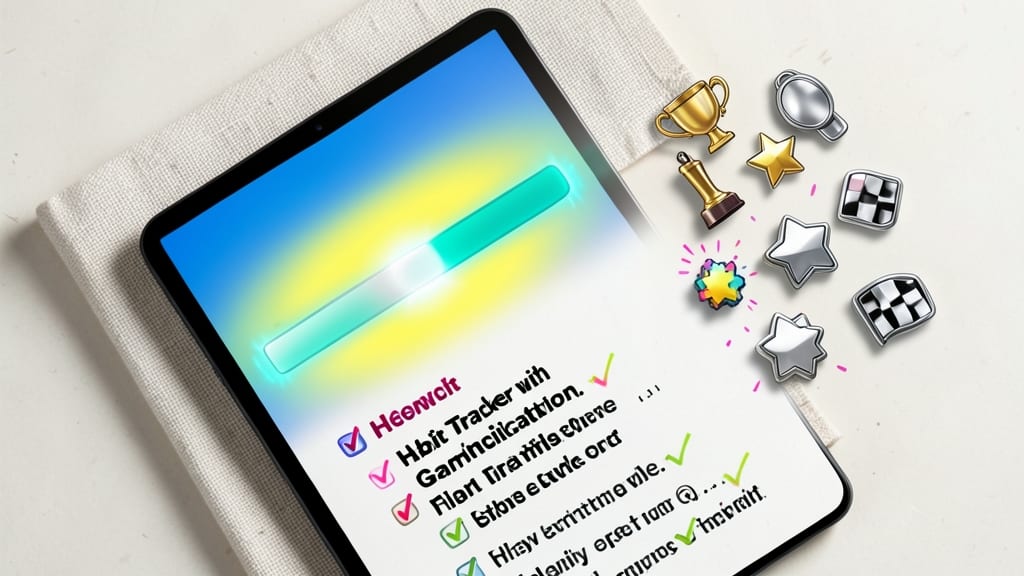
Tired of habit trackers that feel like homework? This Habit Tracker with Gamification turns consistency into a game—complete with colorful progress bars and achievement badges that unlock as you hit milestones. It’s like leveling up in real life, where every checked-off habit earns you rewards instead of just a dull checkbox.
The template includes customizable streaks, daily/weekly/monthly goals, and even a "Boss Level" section for long-term challenges. Visual feedback like animated progress bars and unlockable badges (e.g., "7-Day Streak Master") keeps motivation high. Plus, it syncs across devices, so your progress follows you from phone to tablet.
Perfect for students crushing study routines, professionals building morning rituals, or anyone who loves a challenge. Who says self-improvement can’t be fun? ✨
Financial Budget Planner with Expense Categories
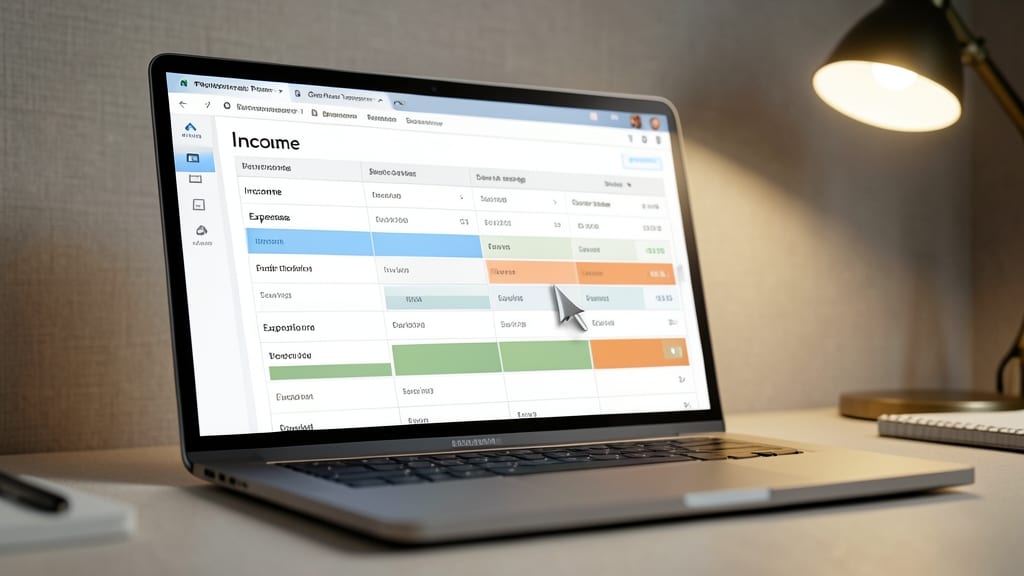
If spreadsheets and manual tracking leave you feeling overwhelmed, this Financial Budget Planner brings clarity to your finances with OneNote’s flexibility. It’s designed for both individuals and small business owners who need to monitor income, expenses, and savings—all in one place.
With customizable expense categories (like utilities, groceries, or business investments), you can categorize transactions effortlessly. The template also includes monthly budget summaries with visual progress bars, so you can track spending at a glance. Best of all, it syncs across devices, so your budget stays updated whether you're on your Windows PC or mobile.
Perfect for freelancers, entrepreneurs, or anyone looking to take control of their finances without the complexity of dedicated apps. 💻