
Operating System
Cyber threats evolve daily, but these 10 proven cybersecurity tactics can transform your defenses. Whether you're a home user or managing a business network, these strategies create multiple layers of protection against phishing, malware, and data breaches.
Implement Multi-Factor Authentication Everywhere

Think your password is enough to keep hackers out? Think again—99.9% of account compromises start with stolen credentials, and multi-factor authentication (MFA) is the only defense that stops them in their tracks. Unlike basic two-factor authentication (2FA), modern MFA combines multiple verification methods (biometrics, hardware keys, or push notifications) to create an impenetrable barrier.
Enable MFA across all critical accounts—emails, banking, cloud storage, and even smart home devices (like Alexa or Nest)—using tools like Microsoft Authenticator, Google Authenticator, or YubiKey. The best part? Most services now offer zero-config setup in under a minute. For example, enabling MFA in your Microsoft 365 account takes just three clicks and blocks 99.9% of automated attacks before they reach your inbox.
This isn’t just for tech experts—everyone should use MFA. Whether you’re a freelancer protecting client data or a parent securing a kid’s school account, MFA turns password theft from a guaranteed breach into a dead end. Start with your most sensitive accounts today. ⚡
Use Password Managers with Secure Vaults
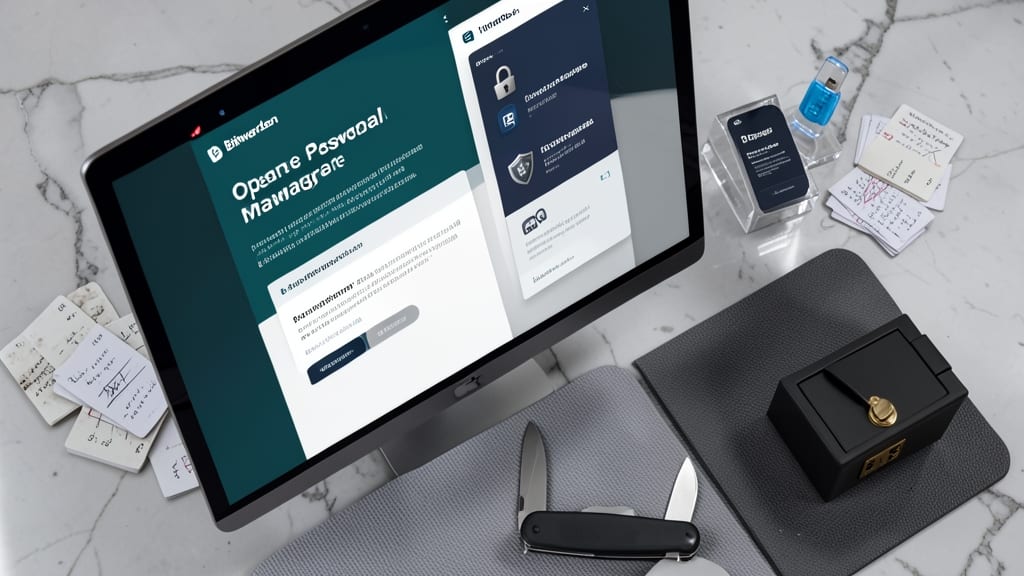
Tired of remembering 50+ passwords—or worse, reusing the same weak one everywhere? A password manager with a secure vault is your digital Swiss Army knife, eliminating guesswork and reducing breach risks by 80%. Tools like Bitwarden (open-source) or 1Password (enterprise-grade) store credentials in AES-256 encrypted vaults, meaning even the provider can’t access your data.
Look for zero-knowledge architecture (your master password never leaves your device) and biometric access controls (Face ID or fingerprint unlocks). These managers auto-fill logins, generate 20-character random passwords, and sync across devices—so you’ll never type another password manually again. They also flag reused or weak passwords in real-time, turning security into a hands-off habit.
Perfect for freelancers, small business owners, or anyone juggling personal and work accounts. Start with a free tier (like Bitwarden) to test the difference between peace of mind and password paralysis. 💡
Enable Endpoint Detection and Response Systems

If your business relies on Windows and Linux endpoints, Endpoint Detection and Response (EDR) systems are your first line of defense against silent, sophisticated attacks. Unlike traditional antivirus, EDR actively hunts for threats—like fileless malware or zero-day exploits—before they execute, giving you real-time visibility into every device on your network.
Solutions like CrowdStrike Falcon or Microsoft Defender for Endpoint integrate seamlessly with existing infrastructure, offering behavioral analytics to flag anomalies (e.g., unusual process injections) and automated containment to isolate compromised machines. They support Windows 10/11, Server 2019/2022, and Linux (RHEL/CentOS), making them ideal for mixed environments where legacy systems coexist with modern ones.
This is non-negotiable for SMBs and enterprises handling sensitive data—think healthcare records or financial transactions. The cost of a breach far outweighs the investment in proactive monitoring. 💻
Regularly Update All Software Systems

Forget waiting for that pesky "Update Available" pop-up—60% of cyberattacks exploit unpatched software. Automating updates for Windows, macOS, and third-party apps (like browsers and PDF readers) closes security gaps before hackers can exploit them.
Most operating systems now offer zero-config automation: Windows Update, macOS Software Update, and tools like Patch Management (for businesses) handle the heavy lifting. For third-party apps, Scoop (Windows) or Homebrew (macOS) let you script updates via command line—no more manual hunting for "Update" buttons.
This tactic is a must for small businesses, remote workers, and anyone running legacy software. Set it and forget it—your systems stay protected while you focus on what matters. ⚡
Deploy Network Segmentation for Critical Systems

When a breach occurs, the real damage happens when attackers move freely across your network. Network segmentation acts as a digital moat—isolating critical systems like patient records in healthcare or financial databases so compromised accounts can’t spread laterally.
Modern solutions like Palo Alto Networks VM-Series or Cisco Firepower create micro-segments between cloud workloads (AWS/Azure) and on-prem servers. You can enforce zero-trust policies where even internal traffic must authenticate, while micro-segmentation limits ransomware to just one department’s systems. Tools like Illumio automate this for dynamic cloud environments.
This is non-negotiable for HIPAA-compliant hospitals, PCI-DSS banks, or government agencies—but even small businesses with mixed IT environments see 70% fewer breach impacts when implementing segmentation. 💪
Train Employees with Phishing Simulation Tests
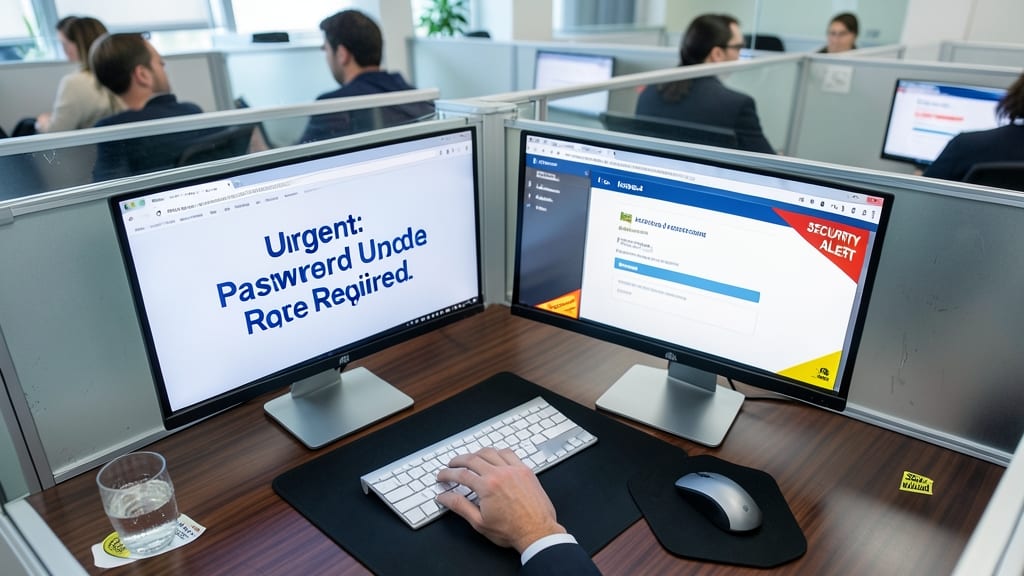
Your employees might be your biggest cybersecurity risk—90% of breaches start with a human error, often a clicked phishing link. The solution? Monthly phishing simulation tests that mimic real attacks, complete with personalized feedback to sharpen awareness.
Platforms like KnowBe4 or PhishMe deliver customizable campaigns (CEO fraud, fake invoices, or urgent login alerts) that adapt to your industry. Their analytics show that 75% fewer clicks occur within just three months of consistent training. The best tools even track progress per user, highlighting weak spots like urgent subject lines or spoofed sender names.
This isn’t just for corporations—small teams benefit too. Start with a free trial from providers offering tiered plans, and watch how quickly your team’s instincts improve. 💡
Encrypt Sensitive Data with Modern Protocols

If your work involves sensitive documents or frequent cloud file sharing, AES-256 encryption isn’t just a checkbox—it’s your digital vault’s secret sauce. This military-grade standard scrambles files so thoroughly that even supercomputers would take millennia to crack them, making it the gold standard for protecting data at rest.
For files in transit, TLS 1.3 (the latest email encryption protocol) ensures your messages stay private even if hackers intercept them. Most modern cloud services like Google Drive or Dropbox offer this as a default, but always verify before uploading contracts or payroll data. The best part? You don’t need a PhD in cybersecurity—most platforms handle the heavy lifting with just a few clicks.
This is especially critical for remote workers or freelancers storing client files in the cloud. Enable encryption in your storage settings today, and rest easy knowing your data stays yours—no matter where it travels. ✨
Implement Least Privilege Access Controls

If your IT environment feels like a digital Wild West—where every user has the keys to the kingdom—least privilege access controls are your sheriff’s badge. This principle ensures users only access what they absolutely need for their role, slashing the attack surface for cybercriminals.
In Windows Server or Active Directory, start by auditing current permissions with tools like Group Policy Management or Microsoft’s Access Reviews. Assign roles (e.g., Help Desk, Finance, DevOps) with granular controls—no more blanket Administrator access. For example, a developer shouldn’t need System Restore permissions, but a sysadmin should. Just-in-Time (JIT) elevation further tightens security by granting temporary admin rights only when needed.
This tactic is a game-changer for IT admins managing hybrid environments, but even home users can apply it by restricting app permissions on Windows 11 or macOS. Fewer permissions mean fewer breaches. 💪
Monitor with Security Information and Event Management

If your IT team spends hours chasing down security alerts across different systems, a Security Information and Event Management (SIEM) solution can unify your defenses. Tools like Splunk Enterprise Security or IBM QRadar aggregate logs from Windows, Linux, and network devices into a single dashboard, letting you spot threats faster than ever.
These platforms use machine learning to correlate events—like a sudden spike in failed login attempts or unusual data transfers—and flag anomalies in real-time. With customizable alerts and automated response workflows, you can contain breaches before they escalate. Many SIEMs also integrate with endpoint detection tools (covered earlier) for layered protection.
Perfect for mid-sized businesses or IT departments managing hybrid environments, SIEMs turn reactive security into proactive defense. 💻
Create and Test Incident Response Plans

When cyberattacks strike, every second counts—but 50% of businesses without incident response plans struggle to recover efficiently. The solution? Quarterly tabletop exercises that simulate ransomware attacks, data leaks, or DDoS scenarios, forcing teams to practice coordinated responses under pressure.
Start by documenting clear roles (e.g., who isolates systems, who contacts law enforcement) and communication protocols (e.g., escalation chains, PR messaging). Tools like NIST’s IR playbooks or MITRE ATT&CK frameworks provide structured templates. Test with realistic scenarios—like a fake phishing email triggering a ransomware demand—and measure how quickly teams detect, contain, and recover.
This isn’t just for enterprises: Small businesses with 10+ employees should run annual drills, while remote teams need cloud-based incident command tools like PingSafe or Cymulate. The goal? Turn panic into precision. ✨